Check the planned use before buying
A scientific animation commercial license should cover your intended audience, distribution channels, client delivery and future reuse. Before buying, check the software terms, every third-party asset and the rights attached to the finished film. Put the permitted uses and any conditions into the purchase record. Resolve gaps before production depends on an asset that your team cannot distribute as planned.
For a biotech communications team, the same film may appear in a conference presentation, a company website and a paid campaign. Write down each use. A practical license review follows the animation from its source models through the exported video and any editable files you expect to receive.
The checklist below uses published provider terms checked on November 13, 2026, plus a worked kinesin example. It helps you assemble a precise purchase question and an asset register. Your signed order and the applicable license text determine the permission for your particular project.
Write a one-paragraph usage specification
Start with a short description that a supplier can answer without guessing. For example, a biotech company plans a 30-second intracellular-transport explanation for its website, a conference booth and paid social advertising. Its agency will produce landscape and portrait versions, and the company wants to keep using the exported films after the production account closes.
Add the named purchasing organization, agency and final client. State whether partners may publish their own copies, which territories matter, and whether the use has an end date. Include the expected audience or view limit when the provider uses one. These details make a written permission useful to the people publishing the files later.
Record editable-project delivery as a separate requested output. Specify who will open it, which assets it contains and what changes they need to make. The related handoff guide supplies a practical acceptance checklist for the files themselves. Medical animation deliverables.
Compare the permission that each route provides
A software subscription, a stock clip and a licensed anatomical model solve different production jobs. Compare each route against the same usage specification. The table identifies the published permission to inspect and the question that remains for your order.
ChimeraX provides its software at no charge for non-commercial use and requires a separate written agreement for commercial use, with cost depending on user numbers. A researcher preparing a simple structure movie can use this route when the applicable agreement covers the work. UCSF ChimeraX licensing.
Science & Animation lists a Standard stock-footage tier for one end product with up to 500,000 views. Its Extended tier covers uses including paid advertising and multiple end products. An existing clip can be sufficient when its scientific content and framing already suit the explanation. Stock-footage license tiers.
SciePro distinguishes a Rendered Media license for commercial images and animations from a Real-Time 3D license for interactive applications. Its educational option is limited to non-commercial academic use. Match the purchased model permission to the format your audience actually receives. SciePro licensing terms.
| Production route | Published permission to inspect | Buyer decision |
|---|---|---|
| ChimeraX structure movie | Separate commercial software agreement | Confirm organization and users are covered |
| Science & Animation stock clip | Standard or Extended usage tier | Check paid media, end products and view limits |
| SciePro anatomical model | Rendered Media or Real-Time 3D | Choose the permission for video or an interactive application |
| Animiotics editable scene | Industry commercial animation license | Confirm output use and third-party asset conditions |
Keep an asset register for the whole scene

Give each reused element a row in an asset register. Include molecular coordinates, anatomical meshes, neuron reconstructions, stock clips, music, narration and externally supplied images. Store the asset name, source URL, creator, downloaded version, license, purchase evidence, edits and required credit. Assign a team member to each unresolved row.
Make the register specific enough that another editor can identify the file. A download date and file hash help when the provider changes its catalog or a local filename is shortened. Preserve the terms supplied with the purchase and the correspondence that clarifies your exact use. Link those records from the production folder.
Check the final project against the register before delivery. A late replacement model or new music track creates another permission to verify. Ask the editor to record substitutions when they happen, including assets that appear only in a brief close-up or a background shot.
Trace molecular data to its source
RCSB PDB states that data files in the Protein Data Bank archive are available under the CC0 public-domain dedication. It also distinguishes data originating from integrated external resources, whose provider restrictions apply. For structural work, retain the entry identifier and cite the original structure authors alongside the data source. RCSB PDB usage and citation policies.
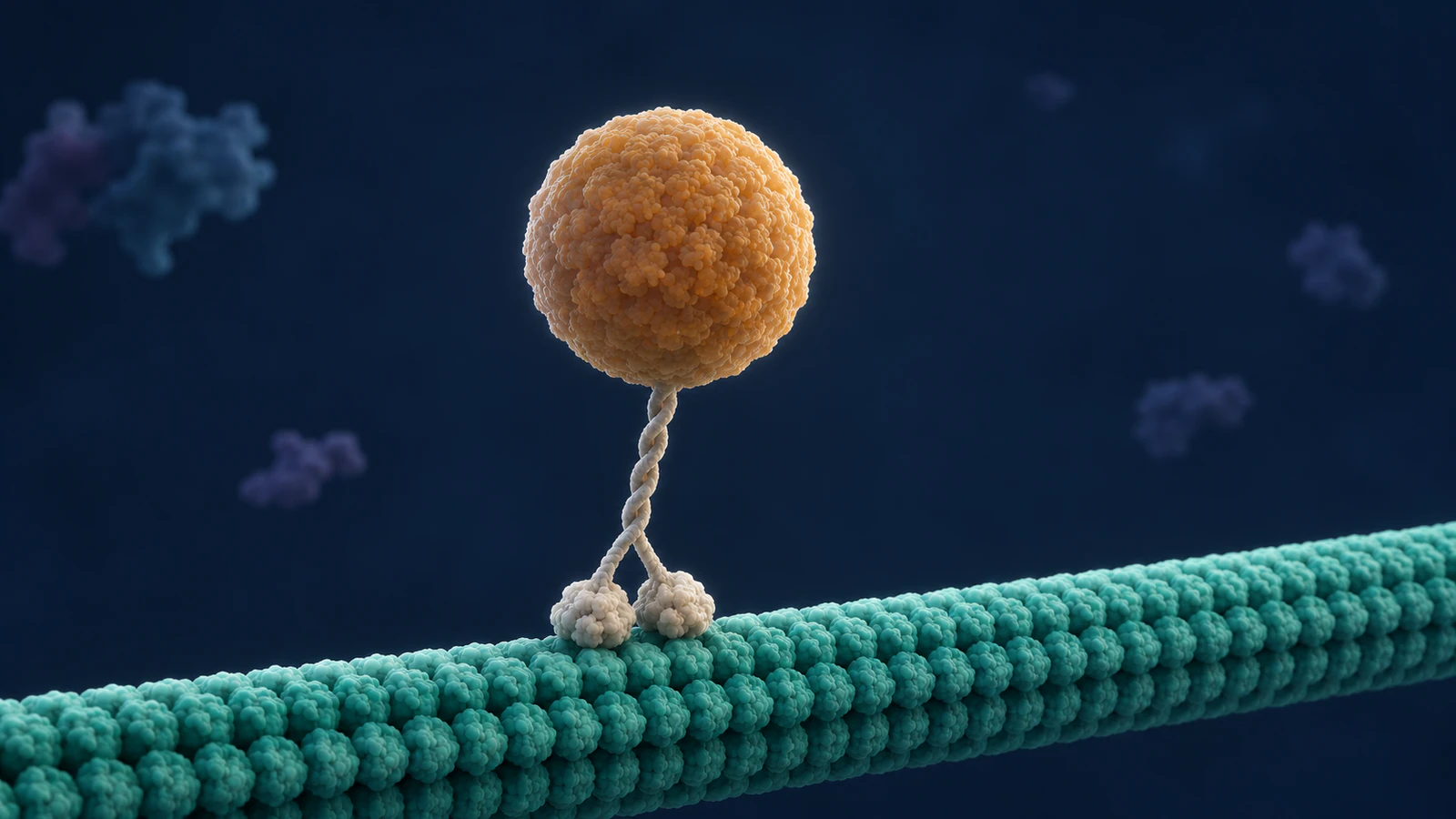
For example, entry 4HNA describes a kinesin motor domain in an ADP-Mg-AlFx state, complexed with tubulin and a DARPin, an engineered binding protein. Record that experimental context before using its coordinates in a motor-transport film. The entry represents a particular molecular complex and state, while the film requires additional choices about assembly, motion and surrounding cellular structures. RCSB PDB 4HNA.
In the register, give the downloaded coordinates and the artist’s resulting mesh separate file references. Record which components were retained and which were removed or rebuilt. This lets a scientific reviewer trace the visible model back to the structural source and lets the production team identify any additional materials used to create it.
Work through a kinesin film example
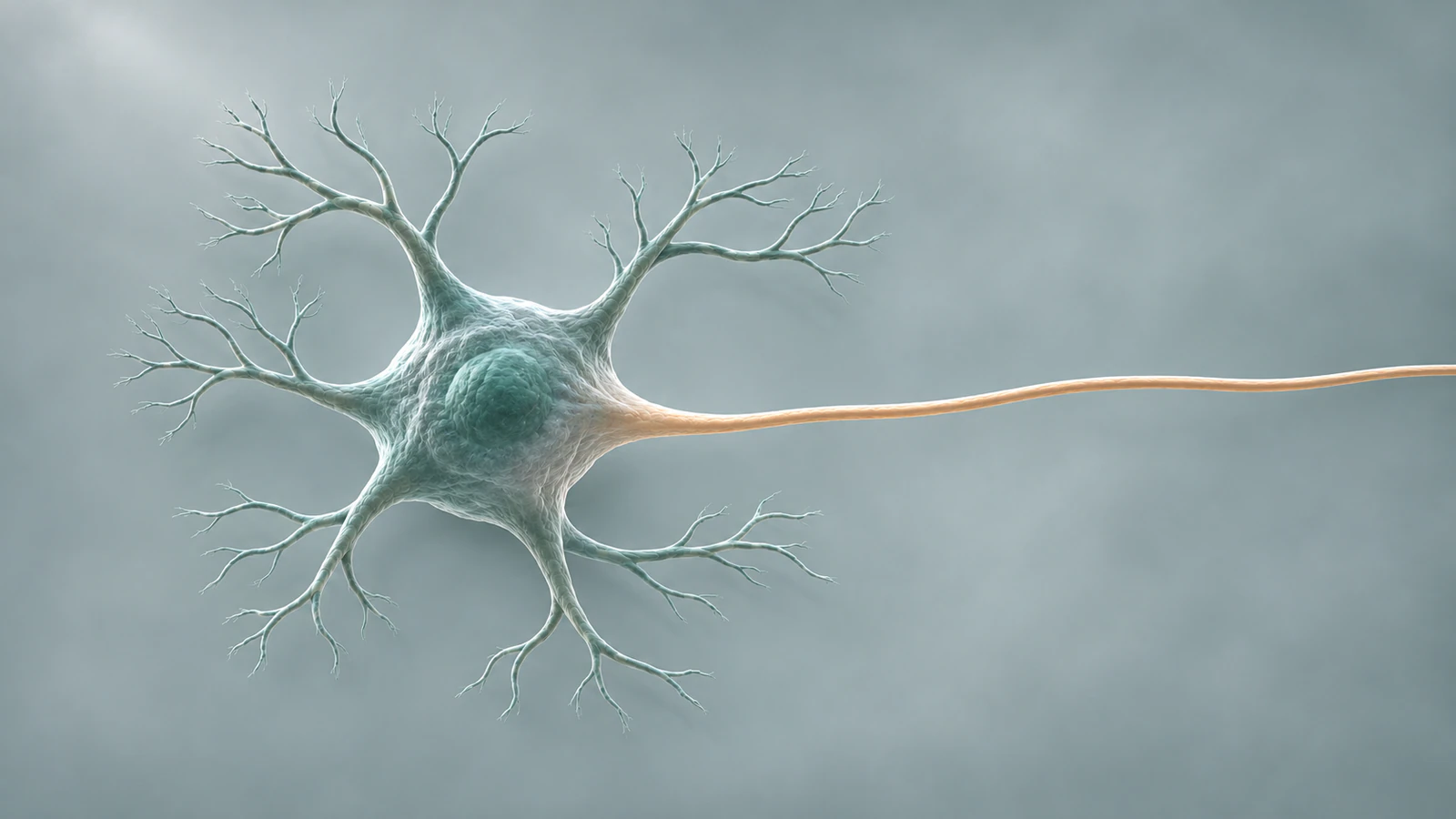
The Animiotics kinesin film shows a motor carrying cargo along a microtubule, followed by a pullback through a motor neuron toward a body-scale nerve view. Its source notes identify several PDB entries, a traced rat motoneuron and anatomical models. They also disclose illustrative timing and geometry choices. That makes it a concrete example of why one film needs several source records. Kinesin animation and source notes.
Use the following as a starting register for reviewing a proposed adaptation. The film page supplies provenance leads. Download records, the exact model versions and the intended adaptation still need to be checked for the new production. This worksheet is a proposed review exercise.
If the buyer needs only the molecular stepping shot, define that smaller deliverable in the brief and record the assets actually included. If the buyer adds the neuron and body pullback, expand the register to match. This gives the producer a clear scope for both the scientific work and the permissions review.
| Visible element | Provenance recorded on the film page | Record for the proposed adaptation |
|---|---|---|
| Motor heads and neck linkers | PDB 4HNA | Entry, selected components and structural modifications |
| Neck coiled coil and microtubule | PDB 3KIN and 6DPV | Assembly choices and rebuilt geometry |
| Motor neuron | NeuroMorpho.Org, Rotterman et al. 2014, CC BY 4.0 | Exact reconstruction, supplied credit and changes |
| Body anatomy | Z-Anatomy CC BY-SA 4.0, based on BodyParts3D | Exact model, upstream notices and adaptation obligations |
Plan attribution where the film will appear
CC BY 4.0 permits commercial sharing and adaptation subject to its conditions, including appropriate credit, a license link and an indication of changes. The supplied attribution information should travel with the asset record. Plan how the credit will appear in the film’s actual publishing context. Creative Commons Attribution 4.0.
CC BY-SA 4.0 adds a ShareAlike condition for adapted material. When a project includes such an asset, have the responsible reviewer determine how that condition applies to the proposed adaptation and distribution. Save that determination with the model and delivery records before promising exclusive rights to the client. Creative Commons Attribution-ShareAlike 4.0.
Create a credit record with fields for the work, creator, source, license and modifications. Test its placement in each requested output. A website description, a presentation end slide and a video credit frame offer different amounts of room. Confirm that the selected treatment meets the relevant terms and remains available when partners republish the film.
Check the current Animiotics commercial terms
Animiotics’ terms give Industry Solo, Team and Scale customers a non-exclusive commercial-use license for animations created under the plan. Listed uses include company websites, advertising, presentations, training and client deliverables. Exported-animation usage rights continue after the subscription ends. Paid features and new paid outputs require an active plan, and third-party materials keep their own conditions. Animiotics animation license.
On November 13, 2026, the monthly Industry selector viewed from Bulgaria displayed Team at €149 per seat and Scale at €349 per seat. With five seats selected, Team showed €745 per month and 100 generations, while Scale showed €1,745 and 250 generations. Enterprise is quoted separately. Check the currency, seat count and billing period shown for your order. Animiotics pricing.
For a team making and revising molecular scenes, the scientific-animation product page describes the editable workflow. Use a short representative scene to assess the review process and the amount of work your team will own. Keep the asset register beside that project as you evaluate it. Scientific animation software.
Confirm edits and delivery after purchase
Ask what happens when the original editor leaves, the subscription ends or another agency takes over. Identify who retains the project, who can access it and which paid services are needed for a new export. Request a written answer for the formats and account arrangement in your order.
Describe likely adaptations in advance. Replacing a logo, translating narration, changing a camera and distributing an interactive scene can involve different files and permissions. Have the supplier price and confirm the requests you actually need. The revision guide helps turn those requests into a reviewable change list. Medical animation revision rounds.
Add confirmed license fees and renewal obligations to the project estimate. Give unresolved costs an owner and a decision date so the budget can be approved with clear assumptions. A practical worksheet can keep these amounts alongside production and internal-review effort. Medical animation budget template.
Use a short purchase acceptance checklist
Before issuing the order, attach the intended-use paragraph, the asset register and the agreed delivery list. Ask the supplier to identify any exception against a specific row. A reply that names the asset, use and condition is easier to act on than a broad statement that everything is commercially licensed.
At handoff, open the delivered package and compare it with those records. Check that credits are present, purchased assets match the register and the final formats match the agreed distribution. Keep a dated copy with the approved film so a later campaign team can establish what was purchased.
- Named purchasing organization, producer and final client
- Website, presentation, paid advertising and partner uses specified
- Software and asset permissions recorded with their versions
- Credit text and adaptation conditions confirmed
- Editable files, access and future export requirements agreed
- Duration, territory, audience limits and renewal fees documented
Frequently asked questions
Can a commercial animation contain PDB structures?
RCSB PDB makes archive data files available under CC0. Keep the source entry and structure citation, and review the conditions for any additional models, images or other materials used in the film.
Can I use a purchased stock animation in paid advertising?
Check the purchased tier and the intended campaign. Science & Animation explicitly places paid advertising in its Extended tier. Other suppliers define their own permissions and limits.
Does a rendered-video license include an interactive 3D application?
Check the provider’s format-specific terms. SciePro offers distinct Rendered Media and Real-Time 3D permissions, so an interactive delivery needs its own review.
What happens to exported Animiotics films after cancellation?
The Industry terms preserve the stated usage rights for exported animations after the subscription ends. Access to paid features and creation of new paid outputs require an active plan.
Who should resolve an unclear license condition?
Send the exact asset and proposed use to the rights holder and your organization’s licensing or legal reviewer. Keep the written answer with the purchase record before relying on that permission.
Try a kinesin scene in Animiotics
Try adapting the kinesin starter to a single molecular stepping shot. Identify the assets in that shot, record their sources and review the motion with your scientific lead. Check the current paid generation and export terms when you are ready to produce the commercial version.