Structures in space
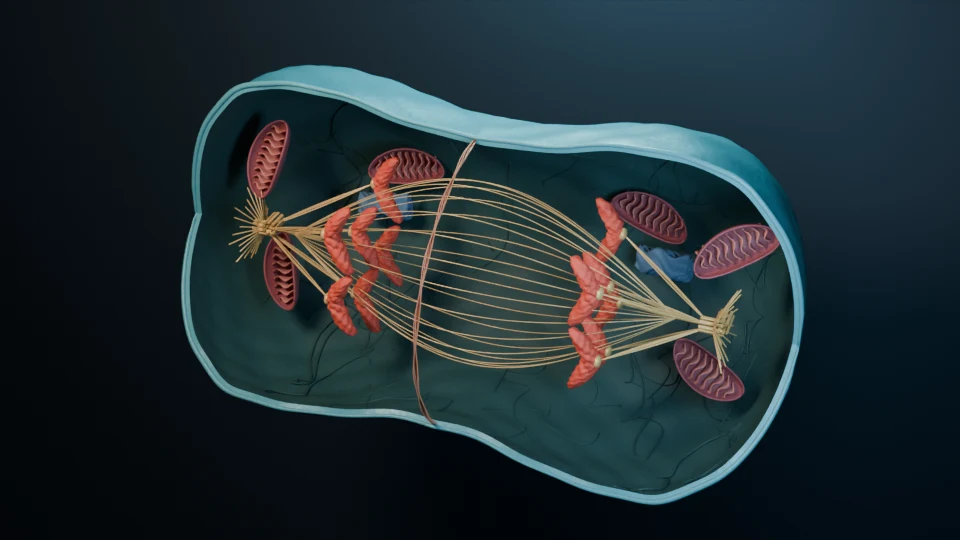
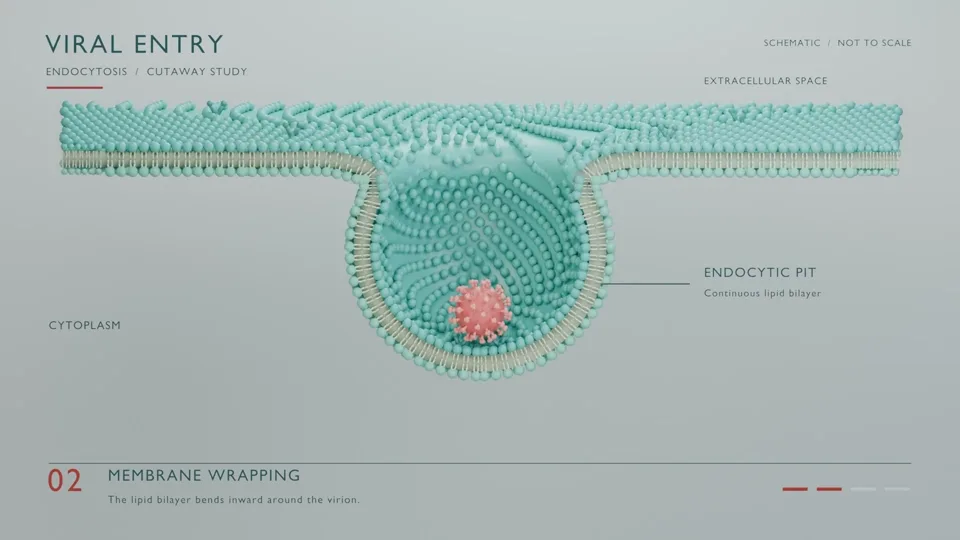
Students see which side of the membrane a receptor faces, how a chromosome is attached to the spindle and what binds where, instead of decoding arrows on a flat diagram.
For teachers and lecturers
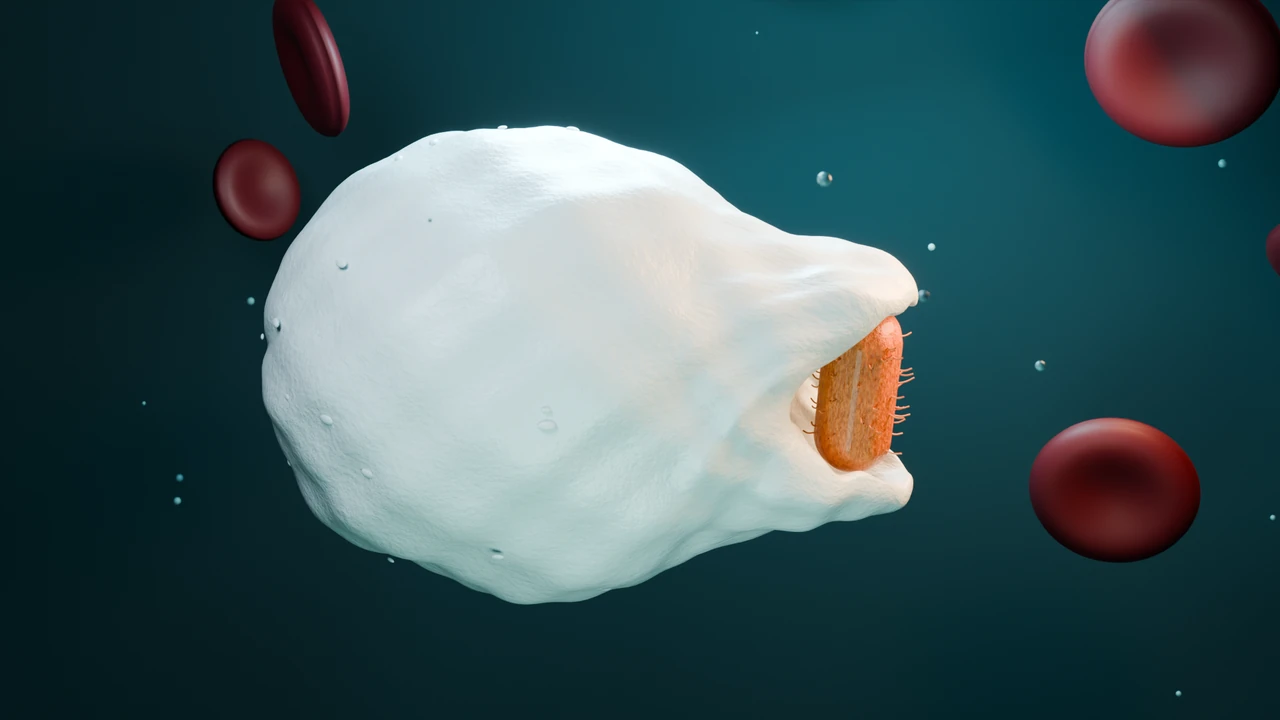
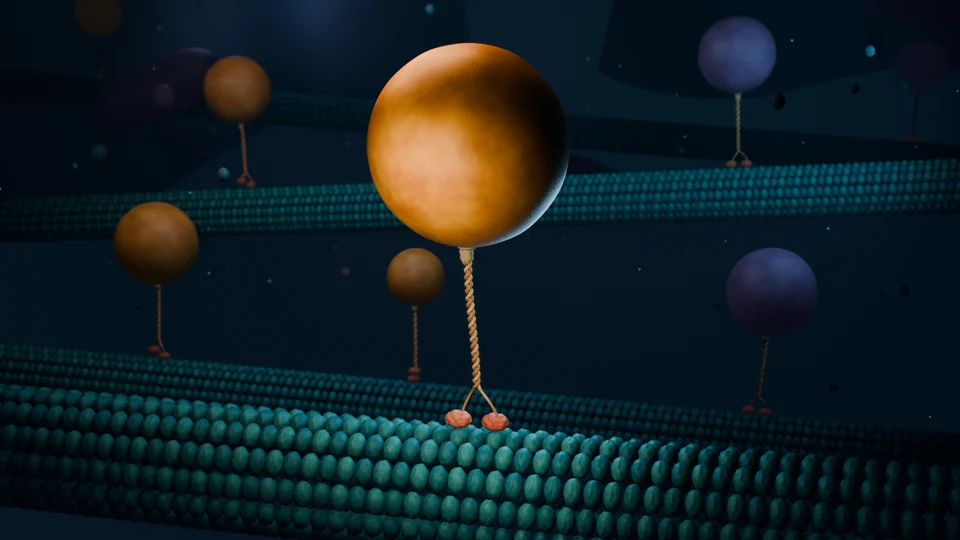
Show students what a textbook figure cannot: a cell dividing, a motor protein walking, an antibody finding its target. Describe the process and Animiotics builds a 3D animation you can play in class, pause and look at from any angle.
Students see which side of the membrane a receptor faces, how a chromosome is attached to the spindle and what binds where, instead of decoding arrows on a flat diagram.
A mechanism is a sequence. Animation shows each step following the last, at a pace you choose, so cause and effect are visible.
Share a link and students can turn the scene around in their own browser, with no account and no install. Pause on the moment that matters and look from another angle.
The animation stays an editable 3D scene. Change colors, labels or timing, or ask the AI for a version with one more step.
When we shared Animiotics with biology communities, teachers asked for muscle contraction and the sliding filament model first, because students struggle to picture them in 3D. That is the kind of topic Animiotics is for: a process that only makes sense once you see the parts moving together.
Write the description the way you would explain it on the board. Name the structures, the order of events and what the camera should focus on. You can attach a figure from your slides as a reference photo.
Copy one, adjust it to your syllabus and level, and start a new animation.
A new animation usually takes about an hour. Start it while you prepare the rest of the lesson.
Look around the scene and correct anything that does not match how you teach it, in words or in the editor.
Render an MP4 for your slides or learning platform, or share an interactive link students can open on school laptops.
Open the same scene next term and change the level of detail, the labels or the pace.
Single is $3.99 a month for one animation a month: enough for one new topic each month. Starter is $19 a month for 6 generations (about $3.17 each). Signing up and the manual 3D editor are free, so you can try the editor and the example scenes before you pay.
Departments that need invoices or several teachers can ask for an invoice or a team setup from the plans page.
No. A share link opens an interactive 3D viewer in the browser without sign-in. You can also render an MP4 and play it like any other video.
Yes. Render an MP4 and add it like any video file. Rendering and exports need a paid plan.
Animiotics works from real structures where they exist and checks its own frames, but scenes are illustrative and AI can make mistakes. Review each animation as you would any teaching material, and correct it in words or in the editor.
Yes for viewing and creating. The AI and the rendering run on our cloud computers, and the browser shows a lighter preview of the scene.
Yes, with their own account. The manual editor is free; AI generation needs a paid plan.
Describe it once and use it every term.