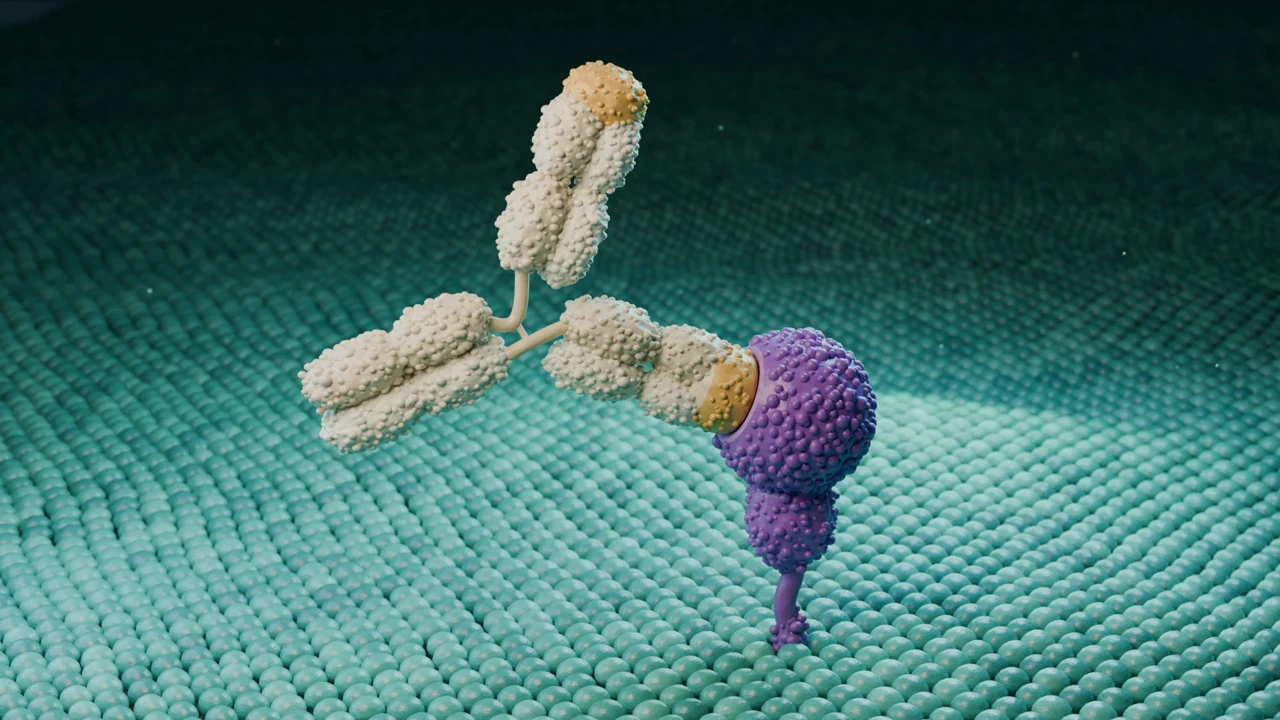
Structures
PDB, mmCIF, ENT and SDF uploads, plus search of the Protein Data Bank and AlphaFold from the editor.
Molecular animation software
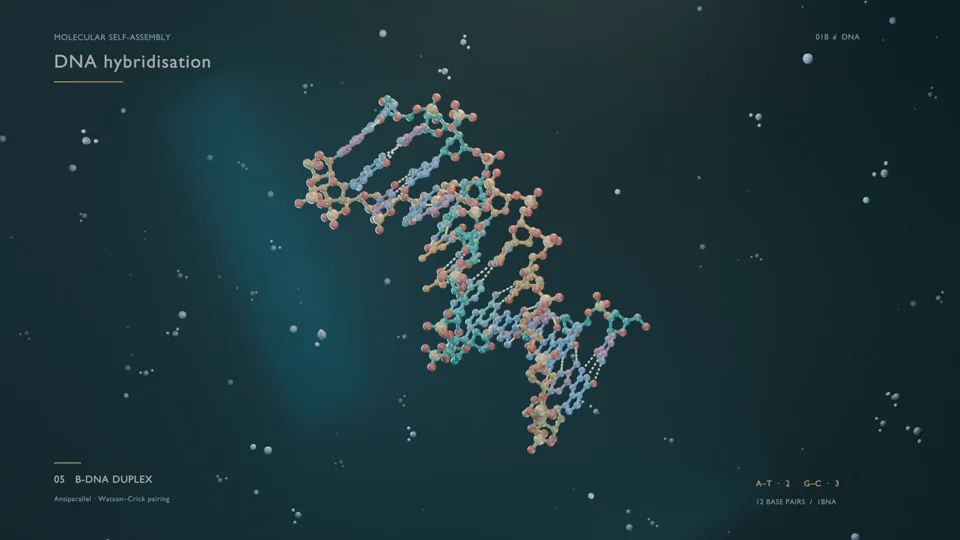
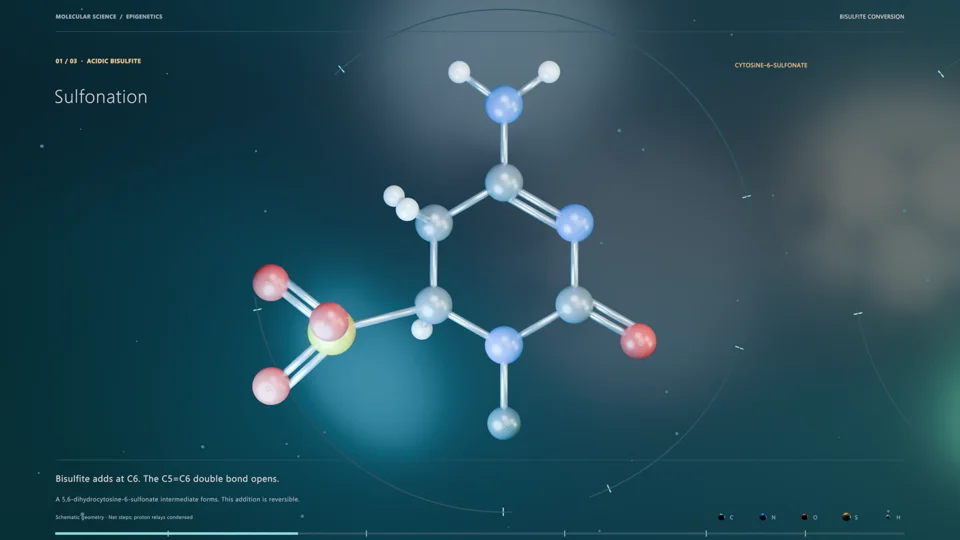
Animate proteins, nucleic acids and small molecules from their real coordinates. Describe the motion you want, or import a PDB entry and edit the scene yourself in the browser, then render it on cloud GPUs.
There are four common routes from a PDB entry to a moving image, and the right one depends on what you need to show.
ChimeraX and PyMOL are free for academic use and record movies with commands such as turn, rock and morph. They are the quickest way to show one structure rotating or two conformations morphing, and they read every common format. Blender with the Molecular Nodes add-on imports the same structures into a full film studio, where you can build cells, membranes and camera moves by hand, if you are ready to learn Blender. VMD is the standard for playing back molecular dynamics trajectories. Animiotics builds the scene for you from a description, keeps the real coordinates and lets you edit everything afterwards in the browser.
| Animiotics | ChimeraX or PyMOL | Blender with Molecular Nodes | VMD | |
|---|---|---|---|---|
| A structure turning in place | Yes | Best fit: one command | Yes | Yes |
| Morph between two states | Yes | Best fit: morph command | Yes | With scripts |
| Molecules inside a cell or membrane | Yes, from a description | Limited | Yes, by hand | Limited |
| Story with several shots | Yes | Hard | Yes, by hand | Hard |
| MD trajectory playback | Yes, in the editor | Yes | Yes | Best fit |
| Skills needed | Describe it in words | Command line basics | Blender modeling and animation | Command line and Tcl |
| Runs on | Any browser, phones included | Desktop | Desktop with a capable GPU | Desktop |
Checked October 2026. ChimeraX, PyMOL, Blender, Molecular Nodes and VMD are excellent free tools; Animiotics is for when you need the finished film without building it.
Mention the protein or PDB entry in your description, or attach your own PDB or mmCIF file up to 10 MB.
Say what binds, what changes shape and where the camera should be. The AI records which entries and assemblies it used.
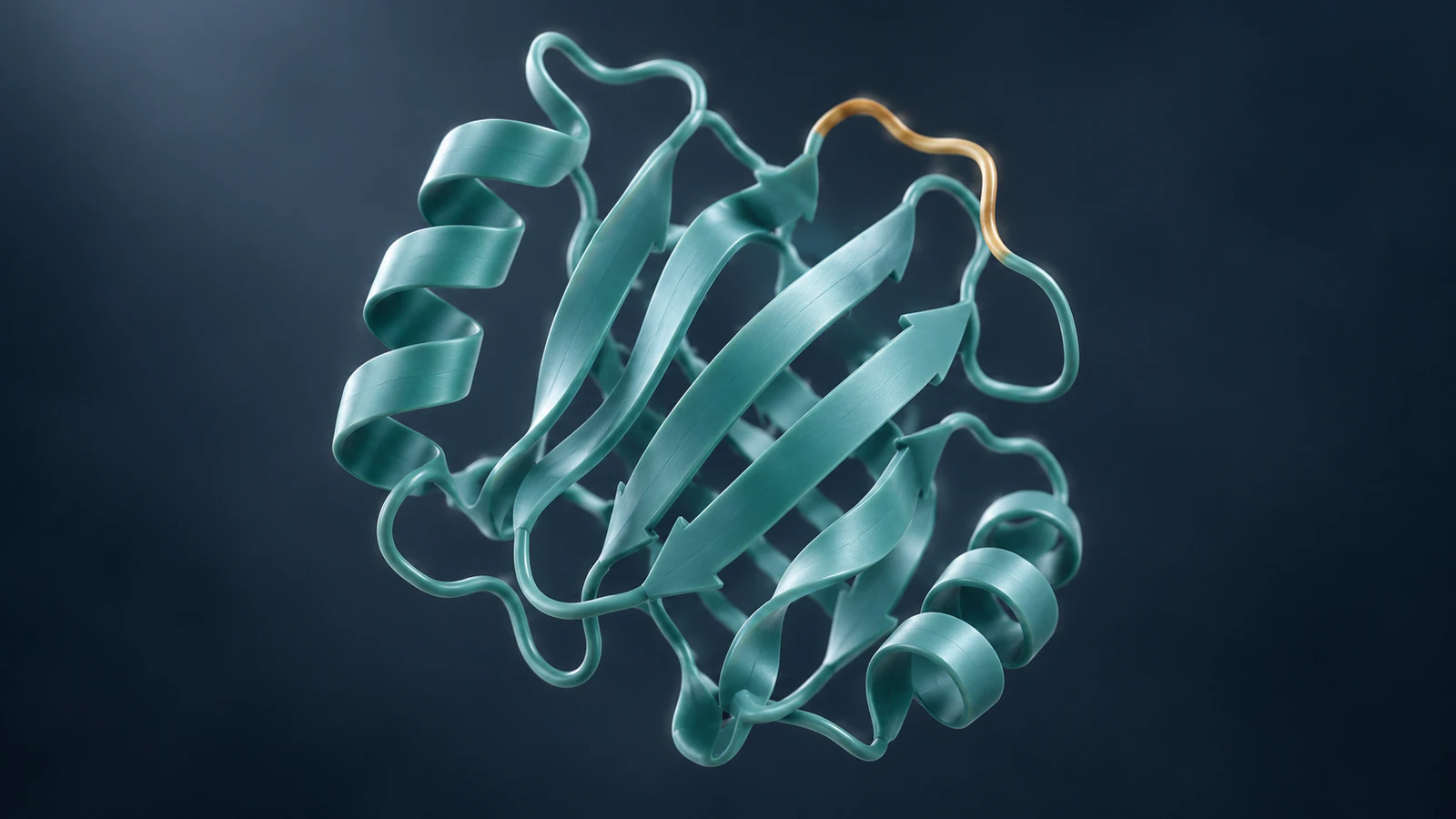
In the editor, show proteins as cartoon, ball-and-stick, stick or space-filling atoms, colored by element, chain or a single color.
Export an MP4 or PNG still, or share a link where viewers can turn the molecule themselves.
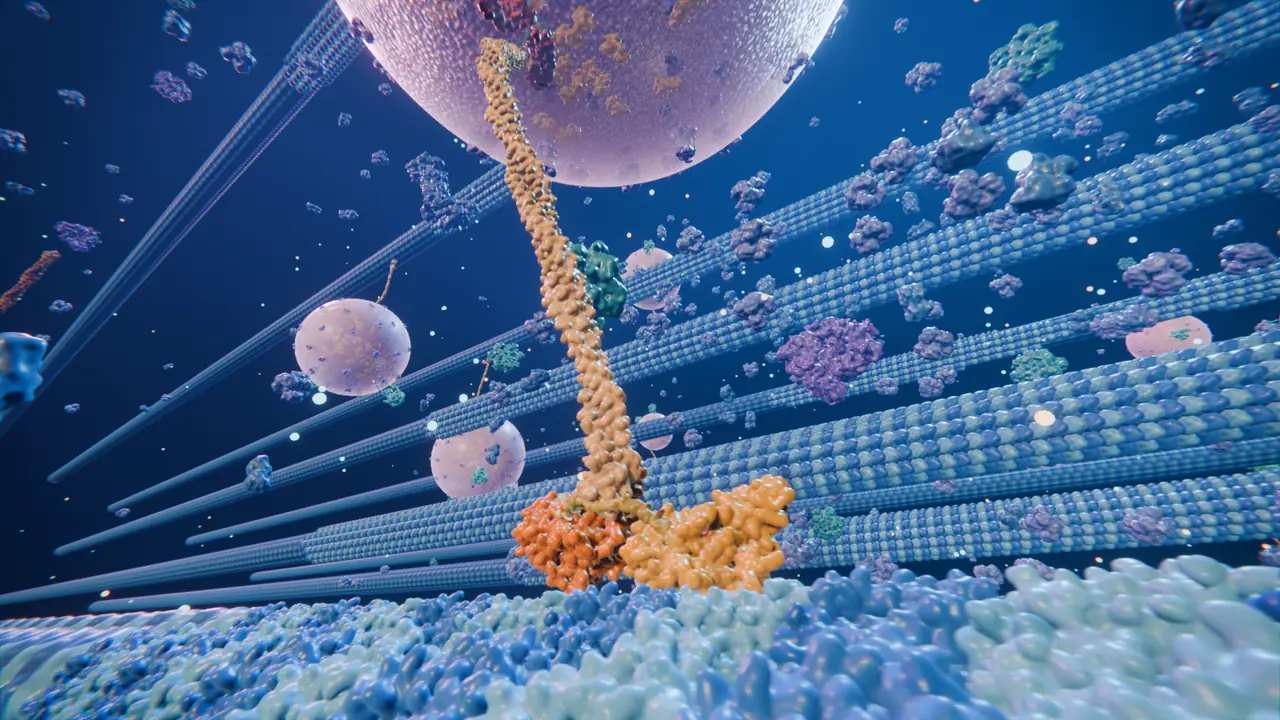
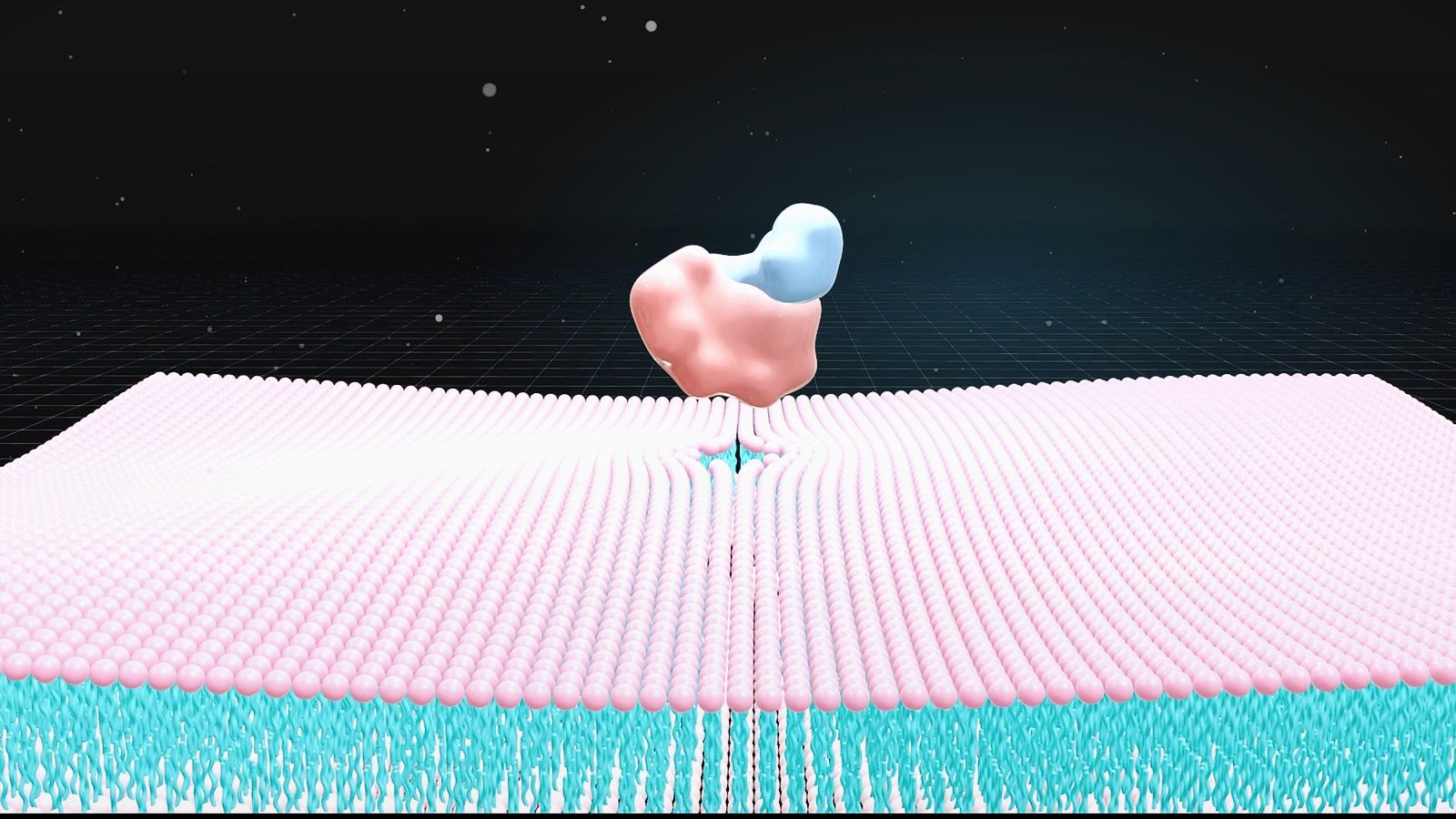
A structure viewer shows the molecule. A film also needs the place it works: a membrane, a crowded cytoplasm, a cell surface. Animiotics places the downloaded coordinates in that context, lights the scene and moves the camera so the important contact stays in view.
The structure stays the one you chose. Change its representation or color in the editor, or ask for a different camera path, and render again.
PDB, mmCIF, ENT and SDF uploads, plus search of the Protein Data Bank and AlphaFold from the editor.
Multi-model PDB, XTC with a PDB or mmCIF topology, XYZ and extended XYZ, ASE .traj, XDATCAR and H5, up to 500 MB and 2,000 frames.
Upload GLB or FBX models or search Sketchfab for cells, organelles and anatomy to place around your molecule.
MP4 up to 1920 px at up to 60 fps, lossless PNG, GLB scene export, and STL or 3MF for 3D printing.
If you prefer to build the movie yourself in a desktop tool, these guides walk through it.
It depends on the job. ChimeraX or PyMOL for a quick rotation or morph, VMD for trajectories, Blender with Molecular Nodes for full manual control, and Animiotics when you want a finished, editable film from a description without learning 3D software.
In ChimeraX, open the entry and record a movie with turn or morph commands. In Animiotics, attach the file or name the entry in your description and the AI builds the animated scene around those coordinates.
Yes. Where a molecule has an experimental structure, the generator downloads its coordinates from the RCSB Protein Data Bank and lists the entry and assembly it used in the scene's sources.
Yes. The editor plays back trajectories in several common formats, up to 500 MB and 2,000 frames, and you can render the result like any other scene.
Start your first animation from a description, a structure or a photo.