What the Animiotics plugin does
Animiotics is now a plugin in ChatGPT. You can find your Animiotics animations, watch their films in the conversation and ask for new ones without leaving the chat.
Every new animation is a real 3D scene, not a flat clip. When it is ready, open it in the Animiotics editor to move the camera, change colours, fix labels and export the final video.
It works with the animations you already have, so you can show a colleague a film in the middle of a conversation without hunting for a link.
The film at the top of this page is a screen recording of the plugin running in ChatGPT: the gallery of animations, a film playing in the chat and a new kinesin scene being built.
How to add Animiotics to ChatGPT
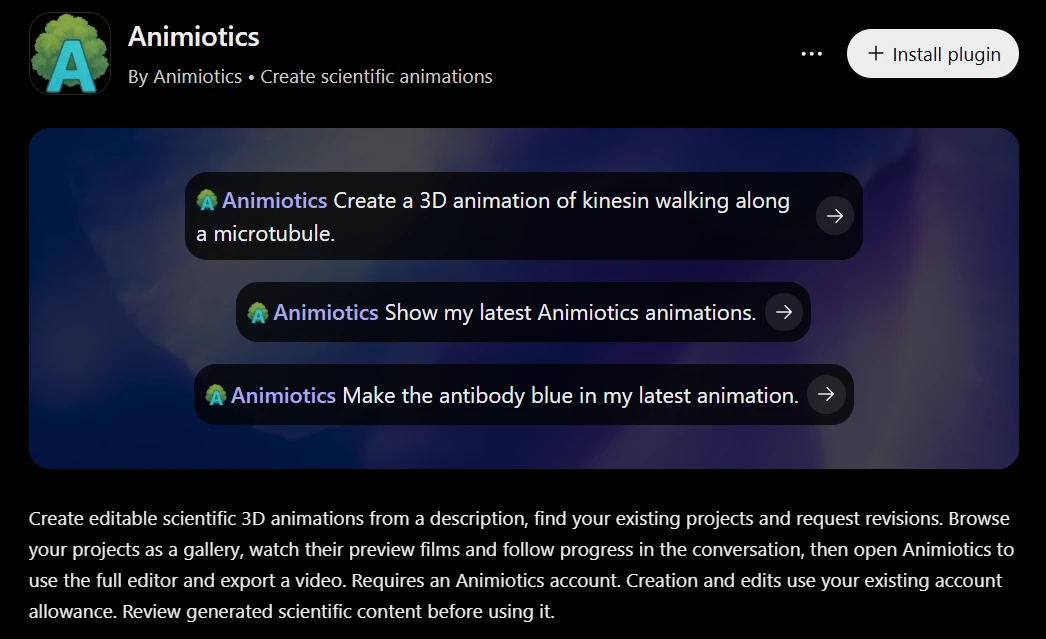
You need an Animiotics account. If you do not have one yet, sign up at animiotics.com first. Then:
- Open ChatGPT and choose Plugins in the left sidebar.
- Search for Animiotics and open it, or go straight to the Animiotics listing.
- Click Install plugin and sign in to your Animiotics account when ChatGPT asks.
- Start a chat, type @Animiotics and write what you want.
What you can ask
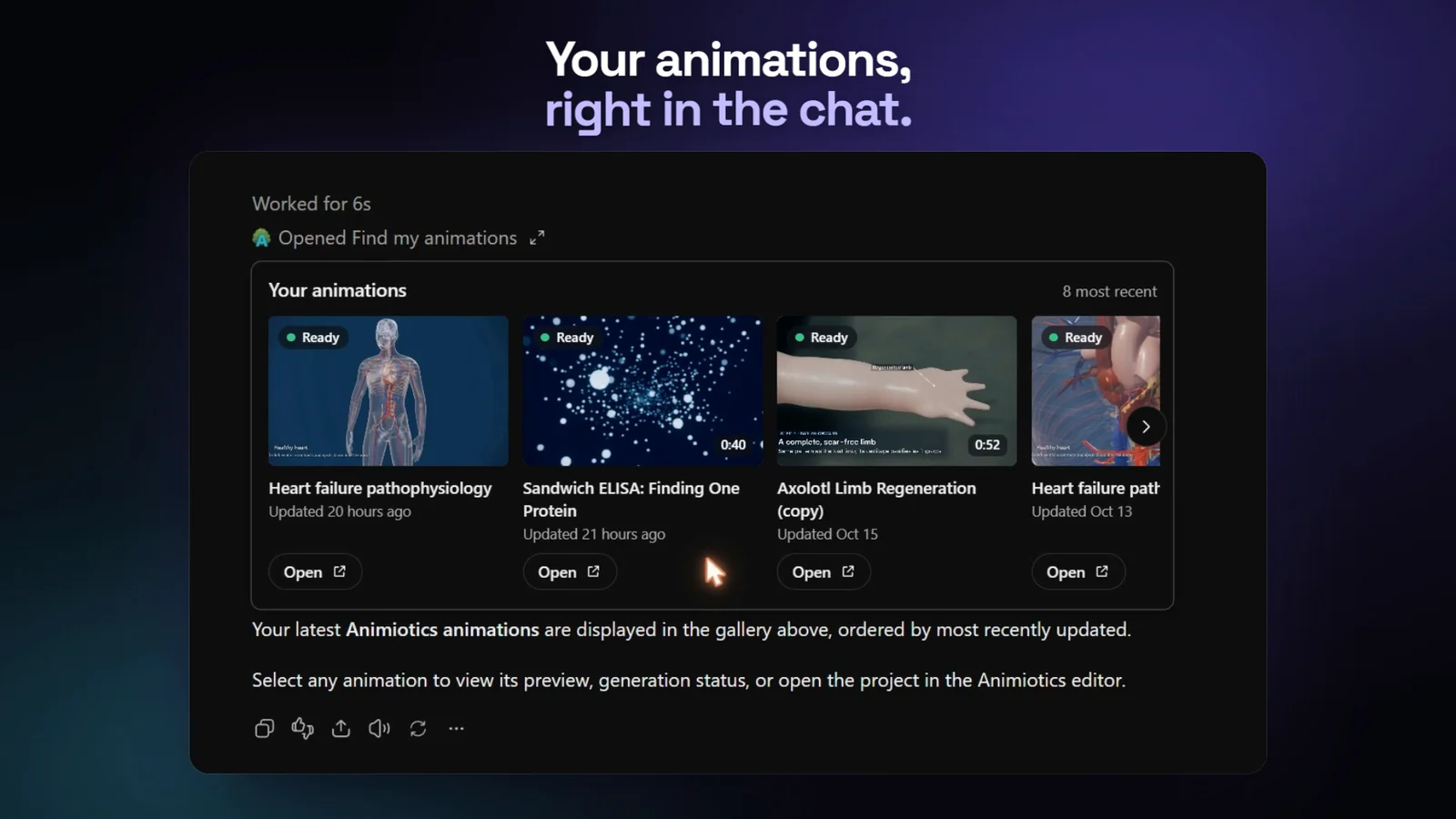
Write the way you would talk to a colleague. A few requests that work well:
- "Show my latest Animiotics animations." Your projects show up as a gallery in the chat.
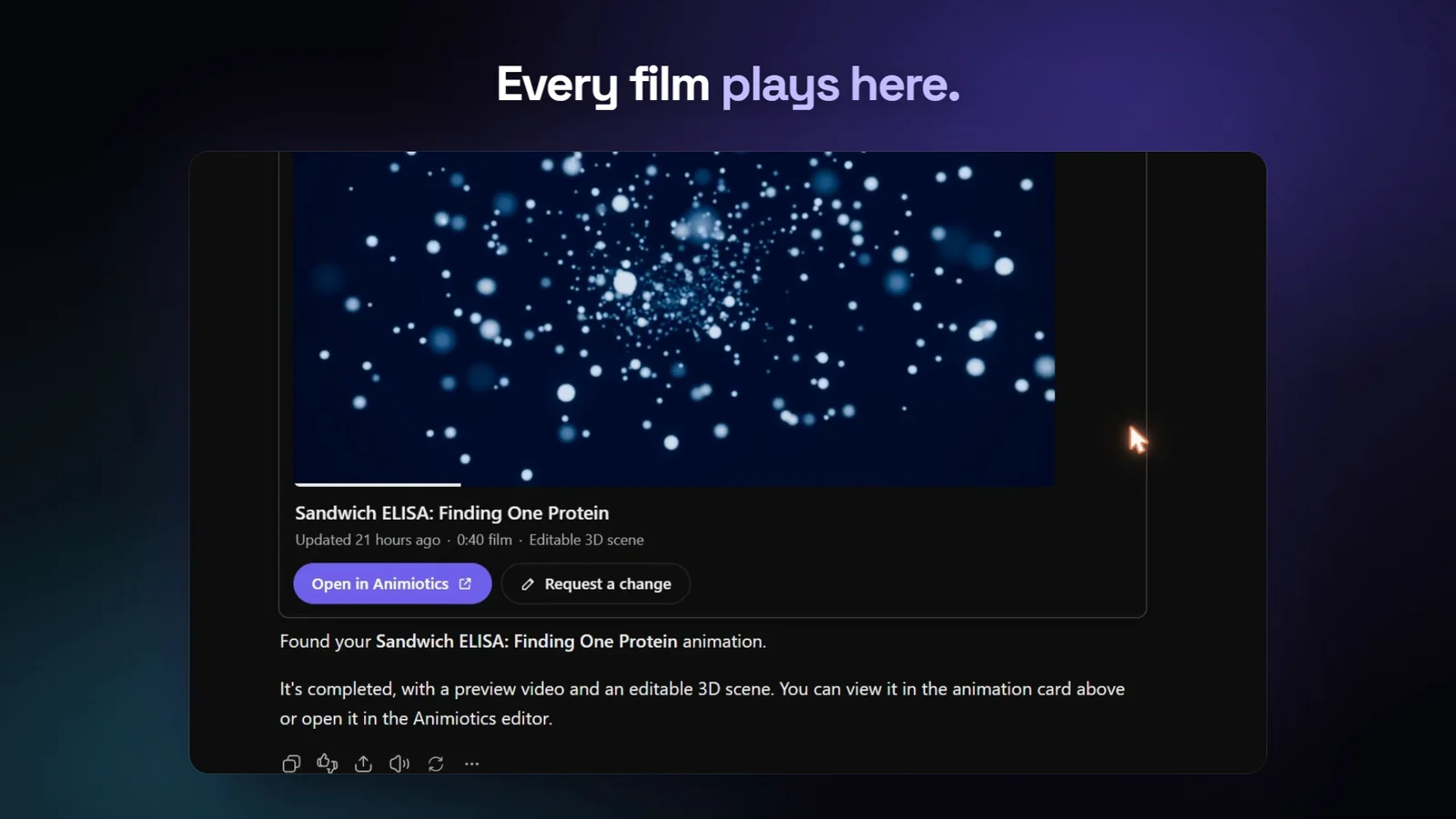
- "Open my antibody animation." Its film plays in the conversation, with a link to the full 3D editor.
- "Create a 3D animation of kinesin walking along a microtubule." Animiotics starts building a new scene.
- "Make the antibody blue in my latest animation." Animiotics changes the scene you already have.
- "Show me example films." Pick one you like and make your own version.
How to write a good request
You can fix details later in the editor, so the first request does not have to be perfect. A few habits still save time:
- Name the subject and what it does. "Kinesin walking along a microtubule while carrying a vesicle" gives a clearer film than "kinesin".
- Say who will watch it. A lecture, a conference talk and a short social clip need different pacing and labels.
- Mention what must be right, such as which protein binds where or the order of the steps.
- Keep one idea per film. A short film about one process is easier to check and to edit.
- Change instead of starting over. "Make the antibody blue in my latest animation" edits the scene you already have.
What happens after you ask for a new animation
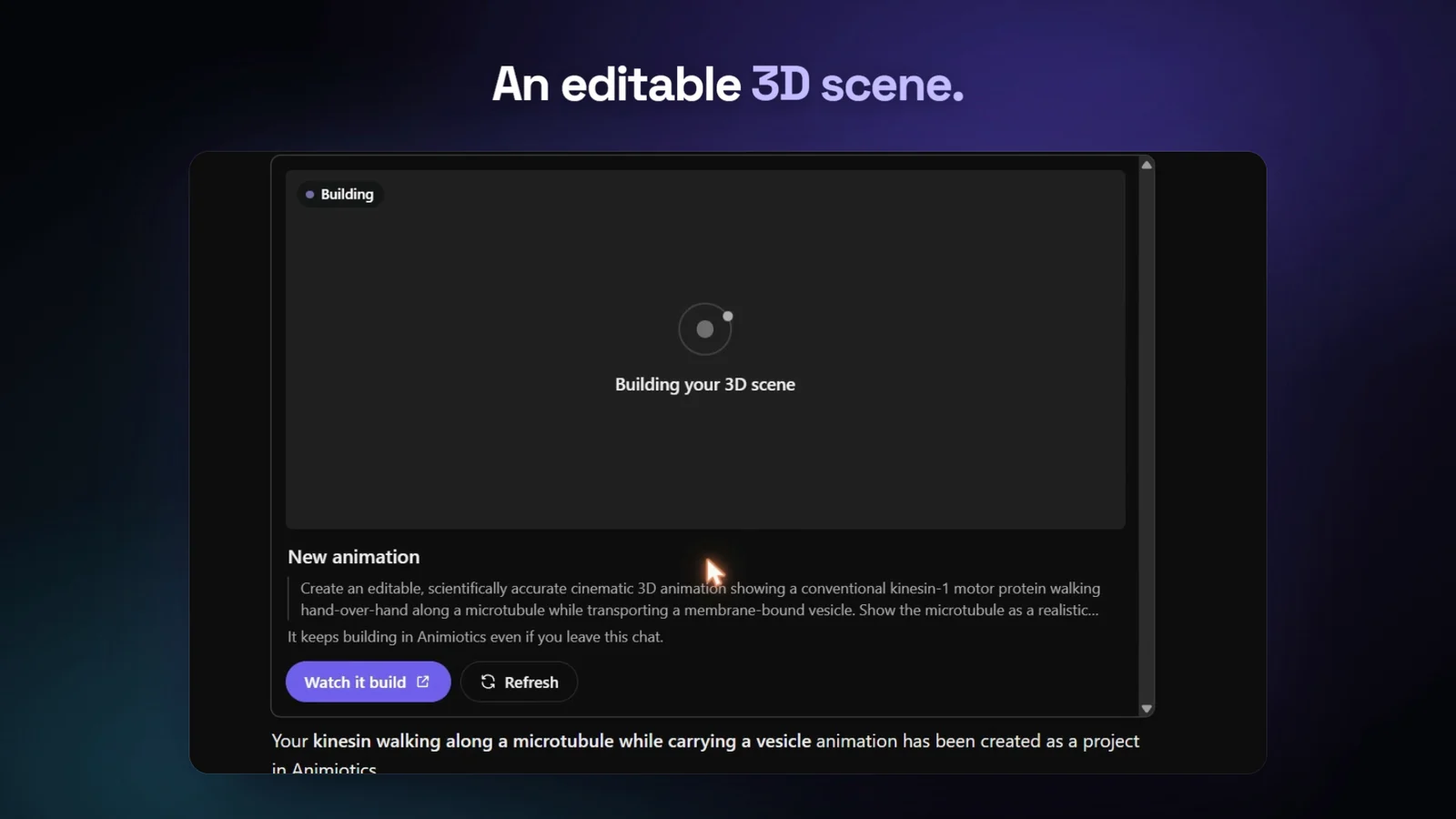
A new animation usually takes about an hour, longer for long or busy scenes. It keeps building in Animiotics even if you close the chat, so you can come back later and ask ChatGPT for your latest animations.
ChatGPT shows a progress card while the scene is being built. When it is done, the film plays in the chat. Open it in Animiotics to change anything and export the video in the size you need. The Animiotics docs explain the editor step by step.
Check the science before you use a film in a talk, a paper or a course, the same as you would with any figure.
Plans and accounts
The plugin uses your normal Animiotics account. New animations and edits come out of the same plan you use on the website. Looking through your animations and watching their films in ChatGPT does not use your allowance.
If your plan does not include new animations, ChatGPT tells you so and links to Animiotics. You can compare plans on the pricing page.
Frequently asked questions
Do I need an Animiotics account?
Yes. The plugin connects ChatGPT to your Animiotics account, so your animations and your plan stay in one place.
Where do my animations live?
In your Animiotics account. What you make in ChatGPT shows up in your projects on animiotics.com, and what you made on the website shows up in ChatGPT.
Can I edit what the plugin makes?
Yes. Every animation opens in the Animiotics 3D editor, where you can change the camera, colours, labels and timing, then export a video.
Does closing the chat stop my animation?
No. The animation keeps building in Animiotics. Ask ChatGPT for your latest animations later, or open your projects on animiotics.com.
Does ChatGPT draw the animation?
No. ChatGPT passes your request to Animiotics, and Animiotics builds the 3D scene you then edit.
Try Animiotics in ChatGPT
Search for Animiotics in ChatGPT's plugins or open the listing. New to Animiotics? Start at animiotics.com and make your first animation.