Choose the interaction your question needs
Interactive science animations let learners control a view, a sequence or a model parameter. For ready-made investigations, start with PhET; for chemistry structures and reactions, use ChemTube3D; for a particular protein, open its RCSB PDB structure in Mol*. Use Animiotics when you need to author a scientific scene and share it for exploration. Choose the control that helps students answer a specific question, then ask them to record evidence.
This guide works through one example: can students establish that a hemoglobin structure contains four protein chains even when a viewpoint hides part of the assembly? You can run the activity in a browser without generating an animation. A separate scene brief shows how to adapt the teaching task in Animiotics.
Match the resource to the evidence
An animation, a structure viewer and a simulation can all respond to a mouse. They answer different questions. A structure viewer changes how existing coordinates are displayed. An authored animation plays a designed sequence. A simulation calculates behavior under specified rules and assumptions.
PhET describes controls such as parameter sliders and measuring instruments. ChemTube3D provides interactive structures and chemistry animations. Inspect the individual activity before assigning it: an interface that moves is not automatically a physical experiment.
For the hemoglobin lesson, start with the deposited structure. You need chain identities and a movable viewpoint, not a new molecular-dynamics calculation. The task-specific choices below keep the software decision tied to the evidence students must produce.
| Learner task | Useful starting point | Evidence to request |
|---|---|---|
| Change one parameter and inspect a calculated response | A suitable PhET simulation | Settings, observed response and model assumptions |
| Inspect a chemistry structure or reaction example | A relevant ChemTube3D activity | Feature identified from another view; activity-specific explanation |
| Count chains in a deposited protein structure | RCSB PDB with Mol* | Entry, assembly and chain identifiers |
| Explain a custom sequence and invite spatial exploration | Animiotics scene and share link | Reviewed scene, observation prompt and limits |
Define a result you can check
Write the desired answer before choosing a visual effect: “The displayed assembly contains four globin chains. Changing the viewpoint can hide or reveal them, but does not change their number.” Students should support that statement using the chain list and at least two views.
Avoid an instruction such as “explore hemoglobin.” It leaves the learner to guess whether to investigate oxygen binding, amino-acid sequence or overall shape. For this activity, keep the question to chain count and occlusion, meaning one object blocking another from view.
Give each pair a short record with five fields: structure identifier, assembly, chain identifiers, observations before and after turning the view, and one unsupported conclusion. This creates something you can assess. The timing and worksheet are proposed teaching choices, not a classroom intervention with measured learning results.
Prepare the real hemoglobin example
Open RCSB entry 4HHB, human deoxyhemoglobin determined by X-ray diffraction at 1.74 angstrom resolution. “Deoxy” identifies the unoxygenated form in this entry. Its static coordinates are suitable for inspecting an assembly; they do not provide a recorded oxygen-binding sequence.
The entry has two alpha chains, A and C, and two beta chains, B and D. That is two protein types and four chain copies. An independent check of the downloaded coordinate file found those four protein chains and four HEM groups, the heme cofactors. Heme is not a fifth kind of protein chain.
Record the entry and assembly before students start. A count of unique protein types is different from a count of subunits in the displayed complex. Our biological assembly guide explains why that distinction matters for other structures too.
Run the browser inspection
These controls were checked in the RCSB Mol* viewer, version 2.14.7, on 26 October 2026. Open the 4HHB 3D view and wait for the molecular representation and sequence panel to load. A briefly empty canvas during loading is not evidence that the entry lacks coordinates.
In the Structure panel, check that Type is Assembly and Asm Id is “1: Author And Software Defined Assembly.” Above the canvas, leave the sequence mode on Chain. Choose the alpha entity and read the chain choices A and C; choose the beta entity and read B and D. The entity menu lists protein types, while the chain menu distinguishes their copies.
Drag in the molecular canvas to turn the view. Stop at a different angle and identify which parts were previously hidden. Use Reset Zoom if the structure leaves the frame. The Mol* documentation describes the camera, sequence and display controls; labels can differ between integrations.
Keep the same assembly throughout the comparison. Selecting another chain in the sequence panel is not the same as deleting other chains. Ask students to compare the list with the complete displayed model instead of treating a highlighted fragment as the whole protein.
Use a predict, inspect and explain activity
Start with a fixed view and ask students to predict the number of chains. Let them say “uncertain” if part of the complex is obscured. That is a better starting answer than a confident count based only on a silhouette.
Then allow a short inspection period. One learner controls the view while another records chain identifiers and what becomes visible. Swap roles before the second view. Require both students to explain why a different picture does not necessarily mean a different molecular state.
Finish by asking for a revised answer that names its evidence. A strong response says: “The chain selectors list A, B, C and D. Turning the same assembly reveals regions hidden in the first view. We did not change the structure or model an oxygen-binding event.”
| Suggested stage | Learner action | Teacher check |
|---|---|---|
| 1 minute: predict | Estimate the chain count from one view | Is uncertainty allowed? |
| 3 minutes: inspect | Read identifiers and turn the view | Is the same assembly retained? |
| 2 minutes: explain | Compare prediction with chain evidence | Are visibility and chain number separated? |
| 1 minute: transfer | Explain a differently oriented view | Can the claim survive a new camera angle? |
Separate visibility from molecular change
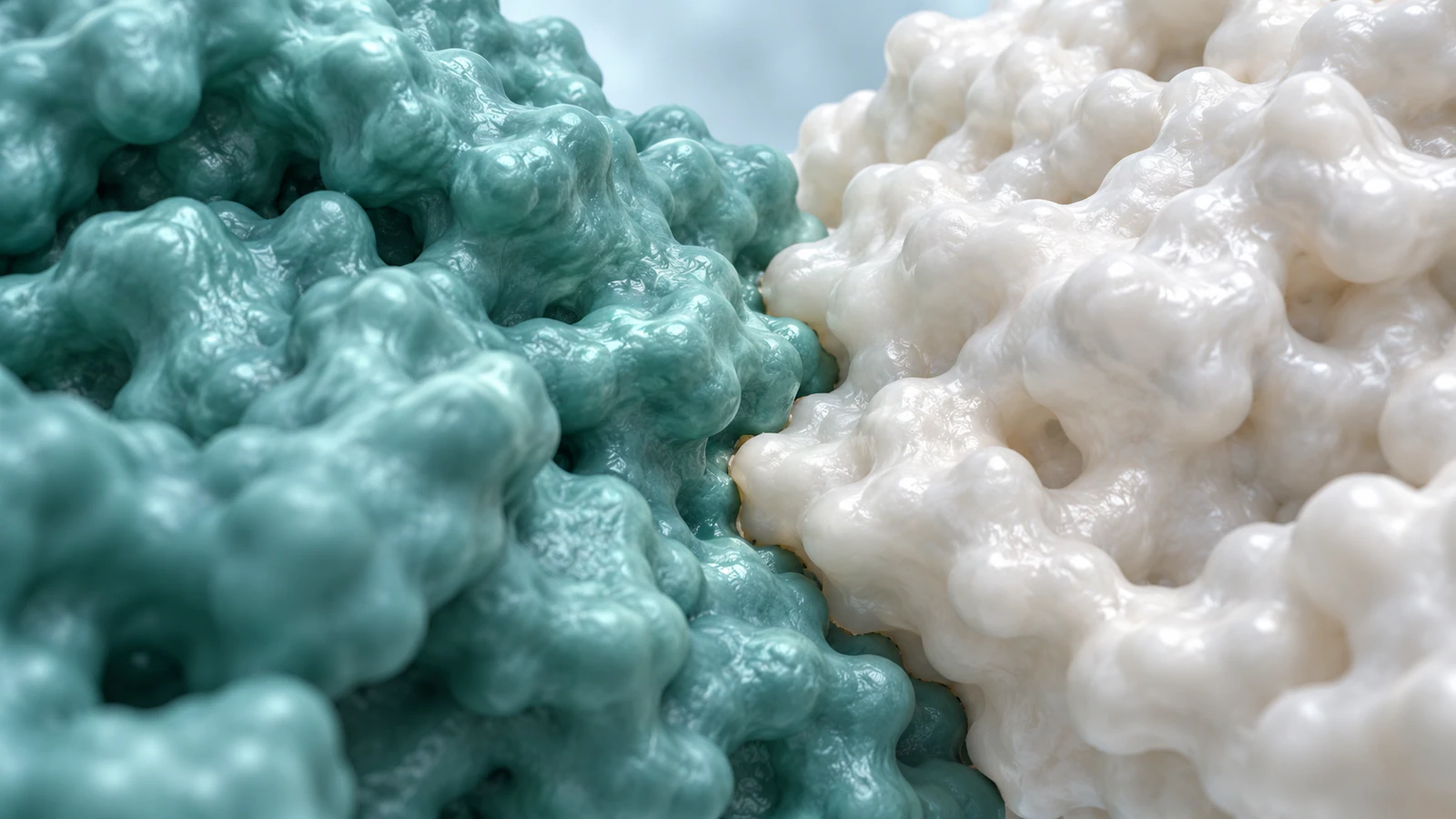
A camera move changes the projection of the model on the screen. It does not by itself change the relative positions of atoms. A surface can hide an interface, and a ribbon can make overlapping chains hard to follow, even when both representations come from the same coordinates.
Use a stable representation for the first comparison. Change the representation only in a later question so that students can identify which display choice changed. Our surface-versus-ribbon guide helps choose an appropriate view without confusing visibility with physical boundaries.
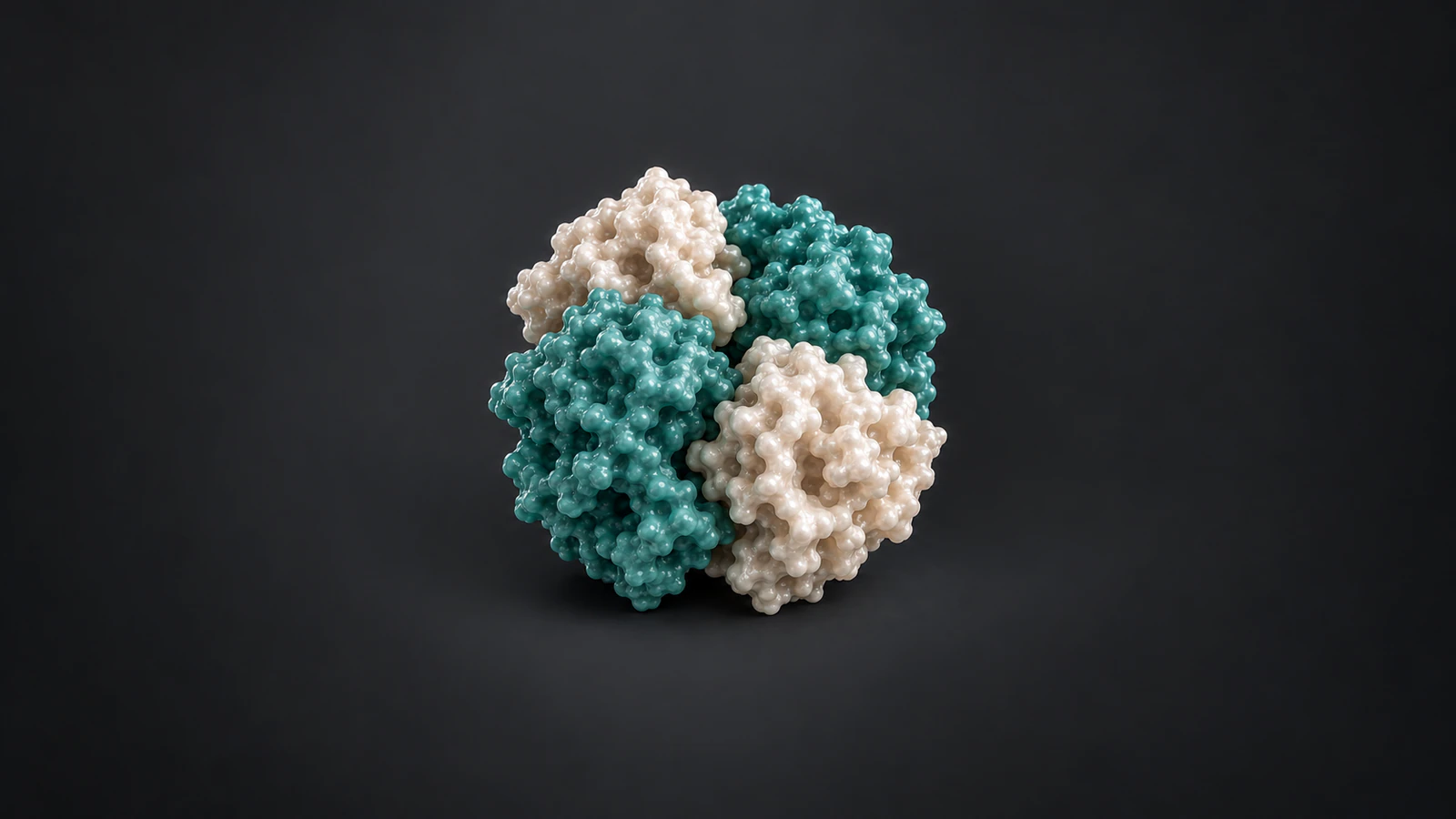
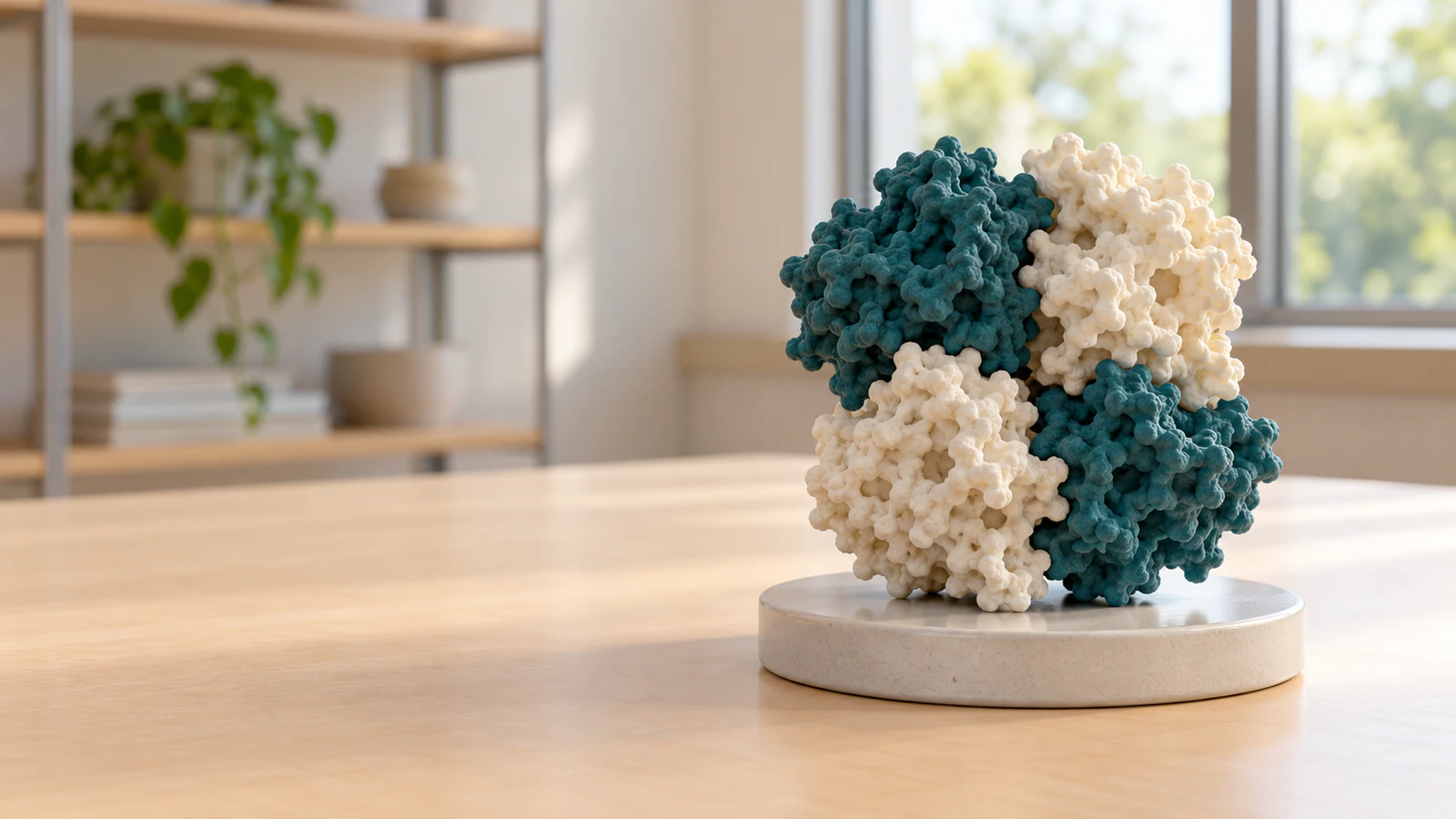
Do not attach a biological timescale to the speed of a drag or a turntable. Neither establishes how quickly hemoglobin changes conformation. Likewise, the realistic illustrations accompanying this article are conceptual teaching images, not renderings of 4HHB coordinates or experimental evidence.
Adapt the task into an Animiotics scene
For a custom lesson, use Animiotics for educators to prepare a scene whose parts and sequence match your learning objective. Keep the deposited structure as the reference for any structural claim. Review the resulting geometry before presenting it as a specific protein.
A starting brief is: “Create a short teaching scene showing one compact protein assembly with four subunits. Keep the subunits fixed relative to one another. Begin from a view that partly hides a rear subunit, then move the camera to reveal it. Preserve each subunit’s identity. Do not show binding, dissociation or a conformational transition.” This is a proposed conceptual scene brief, not a tested generation or a promise of exact hemoglobin reconstruction.
The current documentation distinguishes Your video, which follows the shot camera, from Look around, which allows spatial inspection. Use the latter to review occlusion and interfaces. Share creates a read-only scene link showing the scene as shared; check that link before distributing it.
For the teaching handoff, put the question beside the link in your learning platform. The question and response sheet are teacher-provided materials. Our storyboard guide helps separate the scene, narration and evidence before authoring.
Compare a fixed film with an exploratory view
Use the Animiotics kinesin film as a separate example of an authored camera sequence. It shows a motor carrying cargo along a microtubule and then pulls back to a larger biological context. Its film page explains the source structures and the scene.
Ask which relationship the camera makes easy to see and which might need another angle. This is a visual communication question, not a test of the film as a quantitative transport model. Do not infer a speed or molecular distance by measuring screen pixels.
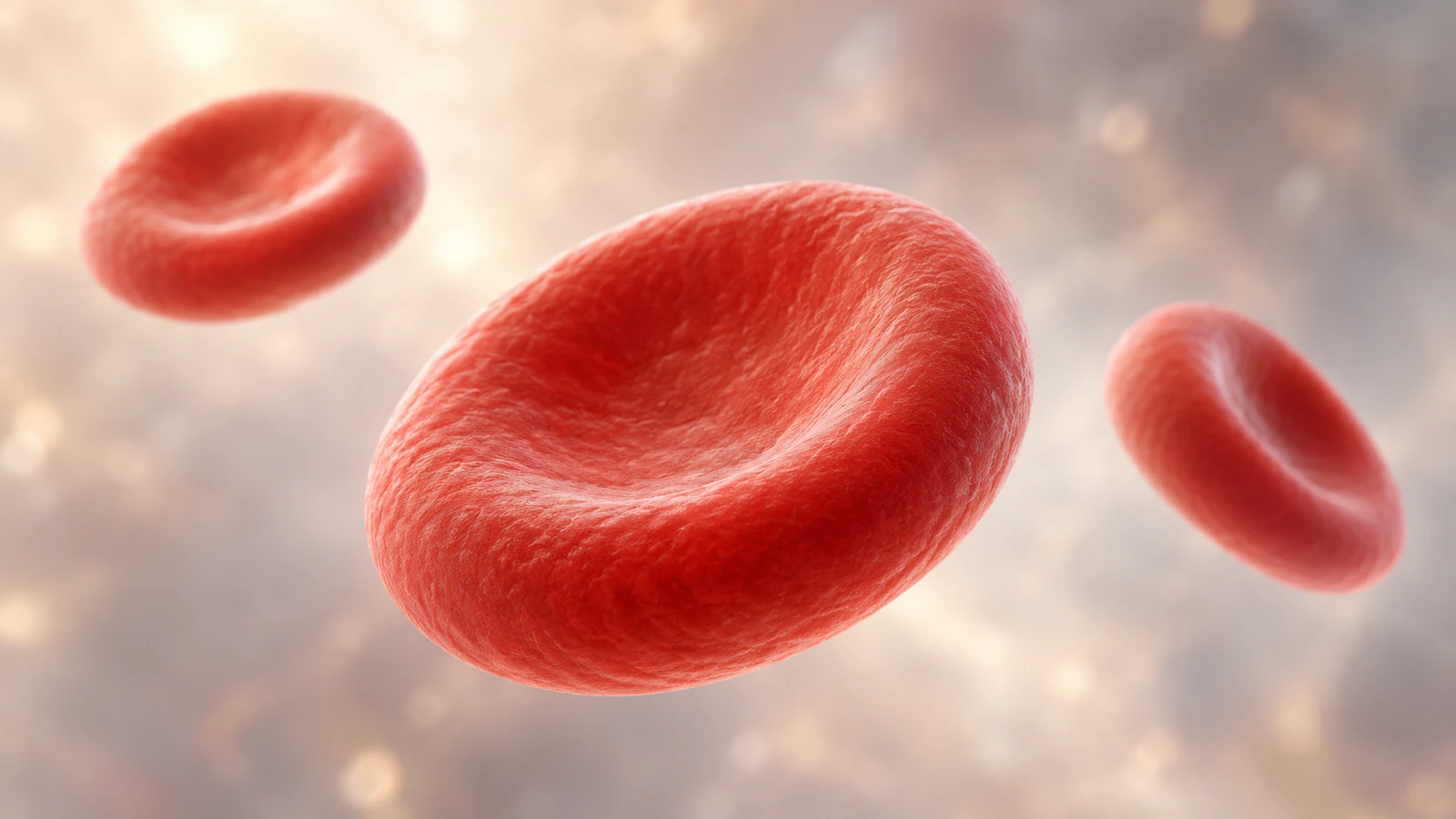
Keep the hemoglobin activity similarly bounded. The structure lesson examines protein chains; a red-blood-cell image supplies cellular context. Seeing a whole cell does not establish how many hemoglobin molecules it contains. Changes of scale need an explicit explanation rather than a seamless zoom that implies measurement.
Check access and prepare a fallback
Open the actual resource on the devices students will use. For an Animiotics share link, verify it outside the authoring session, inspect the starting view and try the viewer controls. The current desktop viewer supports dragging to orbit, scrolling to zoom and right-dragging to move the view. These are documented controls, not a claim that this article created and tested a new shared scene.
Keep a fixed video or two clearly described still views available for learners who cannot use the interactive view. Provide the chain list in text as well. A response about molecular evidence should not depend entirely on precise mouse control, color discrimination or access to a powerful graphics device.
| Problem | First check | Practical response |
|---|---|---|
| Blank or slow molecular view | Loading state, connection and browser graphics support | Wait for assets; use the prepared still views if unavailable |
| Only two apparent subunits | Occlusion and protein-type versus chain-copy count | Read A/C and B/D and inspect another angle |
| Different starting views | Assembly and camera settings | Return to the same assembly and reset framing |
| Shared scene differs from intended lesson | The actual shared snapshot and its starting state | Review a corrected share before assigning it |
| Learners only describe colors | Whether identifiers and the question were supplied | Require chain evidence in words |
Frequently asked questions
Where can I find interactive science animations?
Start with a resource that matches the task: PhET for suitable parameter-based simulations, ChemTube3D for chemistry examples, RCSB PDB for deposited structures and Animiotics for creating a custom scientific scene. Inspect each activity before assigning it.
Is rotating a protein a molecular simulation?
No. Turning the view changes how coordinates appear on the screen. A simulation calculates changes under a model. The 4HHB activity uses a static structure and does not simulate oxygen binding.
Why does hemoglobin have two types but four chains?
This 4HHB assembly contains two alpha copies, A and C, and two beta copies, B and D. Count chain identifiers rather than assuming each entity type or color represents one chain.
Can students explore an Animiotics scene without editing it?
Animiotics provides read-only share links for spatial exploration. Check the actual link and viewer before a lesson, and provide the question and response worksheet separately.
Does this activity prove better learning than a video?
No comparison study was performed for this activity. Assess the written explanation and whether students can use the same reasoning on a new view; do not treat interaction time as evidence of understanding.
Make a viewpoint lesson in Animiotics
Create one short scene in which a camera move reveals a previously hidden part of a fixed assembly. Check the science, give learners a prediction question and review their explanation after exploration. Keep the reference structure and the conceptual scene clearly identified.
Signing up and using the manual editor are free. New customers can try Starter for $2.99 for seven days with their first animation; check the current offer and renewal terms before choosing it. Use the first scene to test whether the extra viewpoint answers your teaching question.