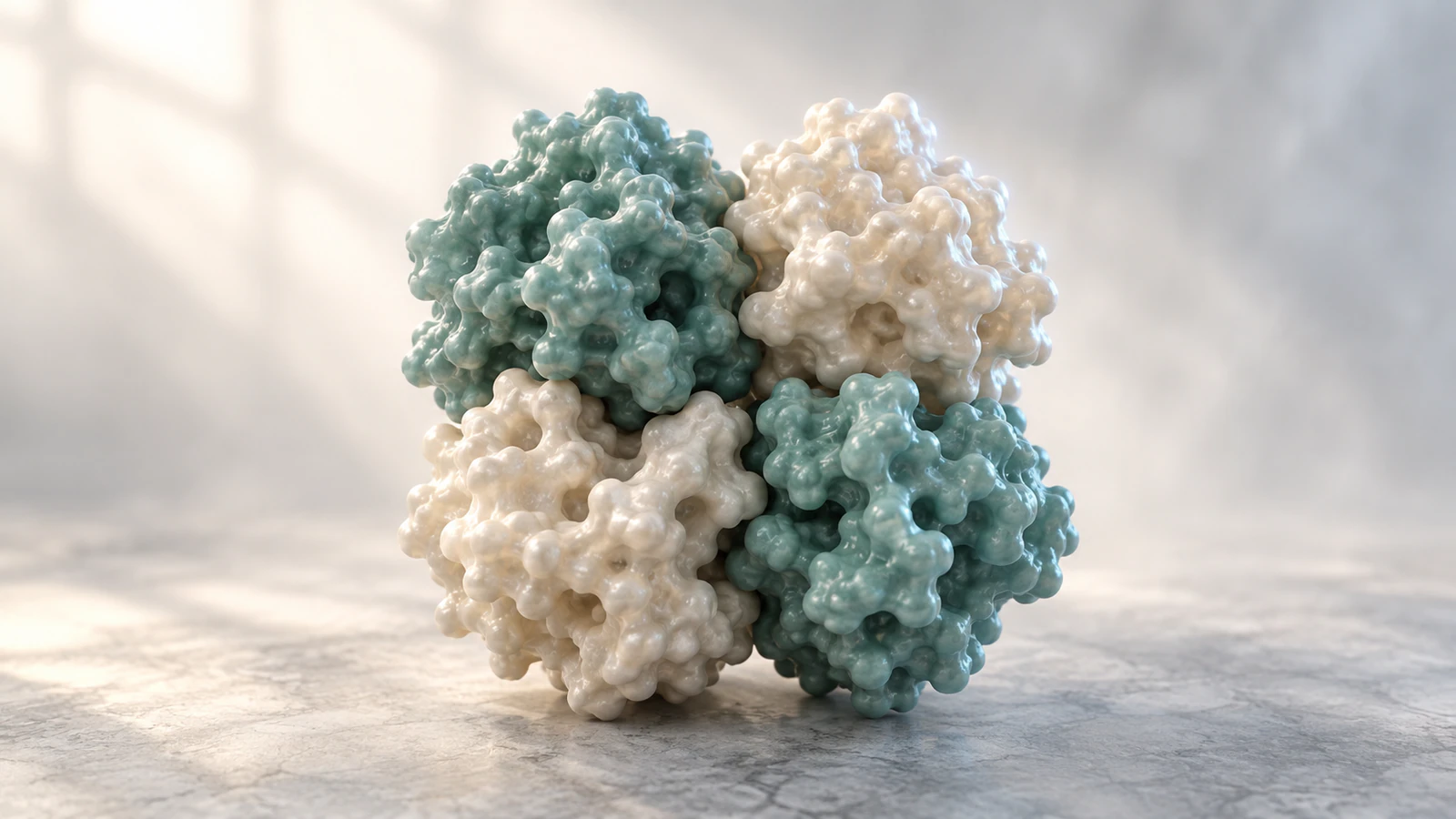
Choose the complex before the camera
For a figure of a functional protein complex, start by checking the PDB biological assembly rather than assuming the first downloaded structure contains the right number of subunits. Compare the entry’s asymmetric unit with its assembly description, choose the relevant assembly identifier and verify the displayed chain instances before styling. The asymmetric unit may contain part of a complex, one complete complex or several complexes. A beautiful render can therefore communicate the wrong molecular object even when every displayed atom came from an experimental structure.
This guide uses trout hemoglobin entry 1OUT to make that check concrete. Its deposited protein coordinates contain two chains, whereas biological assembly 1 is a four-subunit complex. You will learn a documented ChimeraX procedure and a short audit to attach to a figure or movie. The procedure was checked against current official documentation, but it was not executed locally in ChimeraX. The editorial images are conceptual illustrations, not coordinate-derived renders of 1OUT.
Prepare a small, traceable example
Use UCSF ChimeraX, an internet connection for fetching the structure and a writable folder for your session. The official release news lists version 1.12 as the current production release on October 7, 2026. Save any existing work and start a fresh session so the first structure receives model number #1. Keep the Log and Models tools available; their records are more useful than judging a complex by its silhouette.
Open the RCSB entry for 1OUT before opening the structure. It is trout hemoglobin I from Oncorhynchus mykiss, studied by X-ray diffraction. RCSB lists assembly 1 as author assigned with A2B2 stoichiometry: two copies of each of two protein types. This is a trout example, so do not caption its coordinates as human hemoglobin. The entry currently reports version 1.5, revised in August 2026; record the downloaded version or retrieval date with your project.
Write the planned figure claim first: “This view shows the deposited model’s assigned four-subunit assembly.” That narrow claim makes the expected result explicit without turning the picture into evidence for an association pathway or a physiological state you have not checked.
Separate assembly from crystal packing
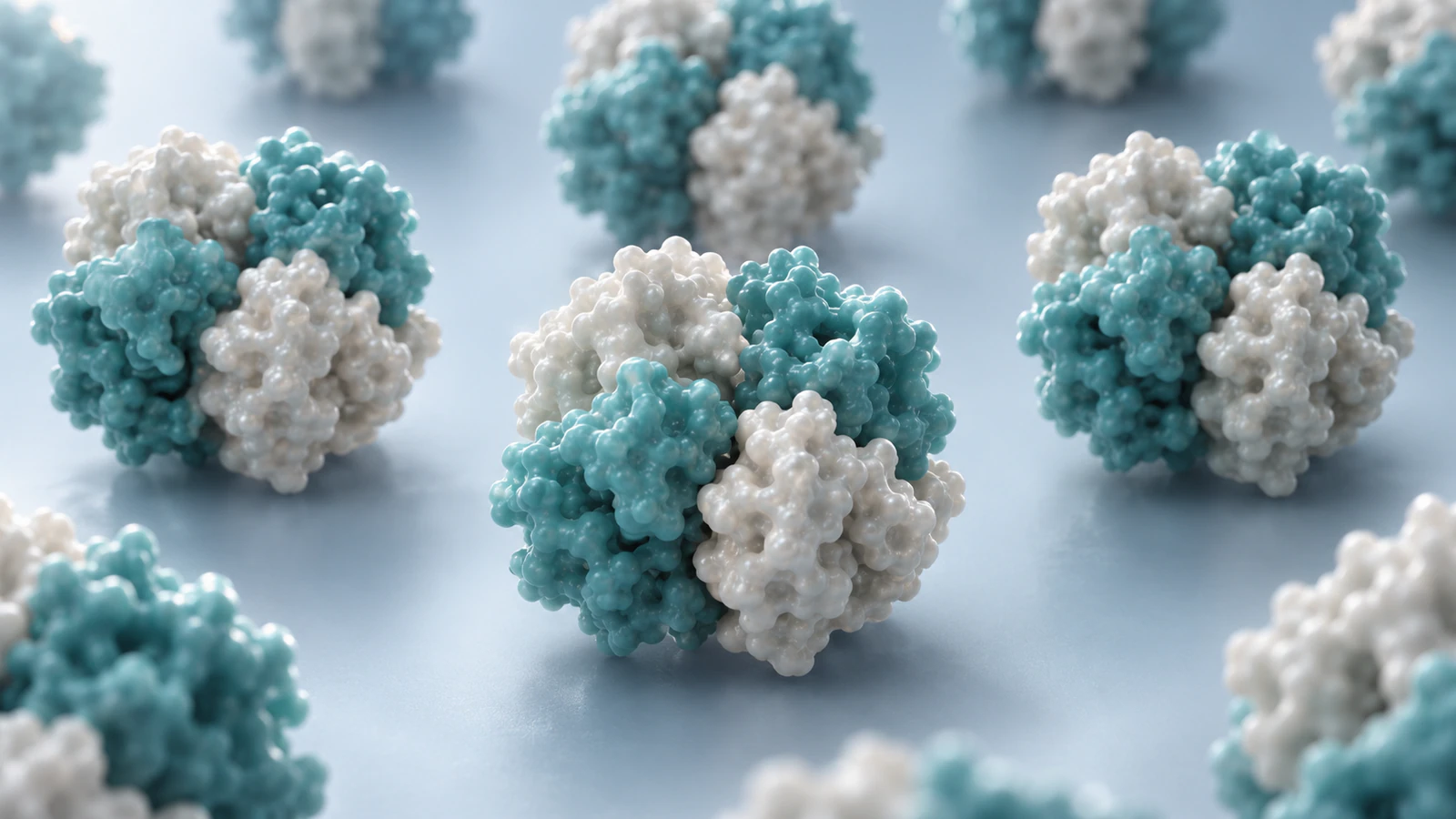
The asymmetric unit is the distinct part of a crystal structure from which crystallographic symmetry generates the repeating crystal. The biological assembly is the proposed or established functional grouping. These concepts answer different questions. The PDB-101 assembly guide illustrates 1OUT as a case where symmetry supplies the other half of the complex; it also shows examples where an asymmetric unit already contains a complete assembly or contains multiple assemblies.
Do not repair every small-looking structure by duplicating it. A monomer can be the relevant biological assembly, and two neighboring molecules in a crystal need not form a functional dimer. Inspect the assigned assembly and its supporting context before deciding that a larger object is more biologically useful.
For a teaching slide, use one compact complex as the main subject and describe crystal neighbors separately. A repeated packing view can explain how coordinates are organized, but should not visually imply that all nearby proteins are one active machine. The choice is about the claim your picture carries, not about making the scene fuller.
| Object | Question it answers | Figure risk |
|---|---|---|
| Asymmetric unit | What distinct coordinates were deposited for this crystal? | May show only part of the chosen functional complex |
| Biological assembly | Which grouping is assigned as biologically relevant? | Requires an explicit identifier and evidence context |
| Crystal neighbors | How do molecules repeat in the crystal? | Proximity can be mistaken for functional membership |
Read the entry before importing
Record the entry identifier, assembly identifier, organism and intended state in a small project note. Then inspect the assembly’s protein composition and whether its assignment comes from the authors, software or both. An assembly number identifies an entry-specific choice; it is not a universal confidence score or a ranking of physiological importance.
Use the entry’s literature and experimental context when the biological claim matters. If alternative assemblies are listed, write why you selected one and what remains uncertain. A single image should not silently settle a disputed oligomeric state. For an exploratory illustration, identifying the displayed assembly as an assigned model is often more accurate than calling it the only functional form.
Keep the original downloaded file alongside the saved visualization session. Give derivatives descriptive filenames that include the entry and assembly choice. This prevents a colleague from reopening an asymmetric-unit file and assuming it is the same object as the complex in your figure. A screenshot alone does not preserve enough information to recover that distinction.
Generate assembly 1 in ChimeraX
The open documentation describes identifier fetching; the sym documentation describes assemblies stored in mmCIF. In a fresh session, enter the commands below one at a time. Inspect the Log after sym #1 before continuing. The first command uses ChimeraX’s default mmCIF fetch, which carries the assembly information.
The assembly operation creates a new model and hides the original rather than closing it. Identify that new model in Models before further selections. The display commands provide a simple overview; they do not establish chain identity. The expected protein result for 1OUT assembly 1 is four subunits, representing two copies of each protein entity.
An alternative is open 1out from rcsb_bio maxAssemblies 1, which fetches the first available assembly directly. Use this as a separate route in a fresh session, not an additional step after generating the complex. On entries with alternatives, inspect the identifier you actually fetched; limiting the number of downloaded assemblies does not evaluate their biological relevance.
- open 1out
- sym #1
- sym #1 assembly 1 copies true
- hide atoms
- cartoon
- color bychain
- view
Count instances, not colors
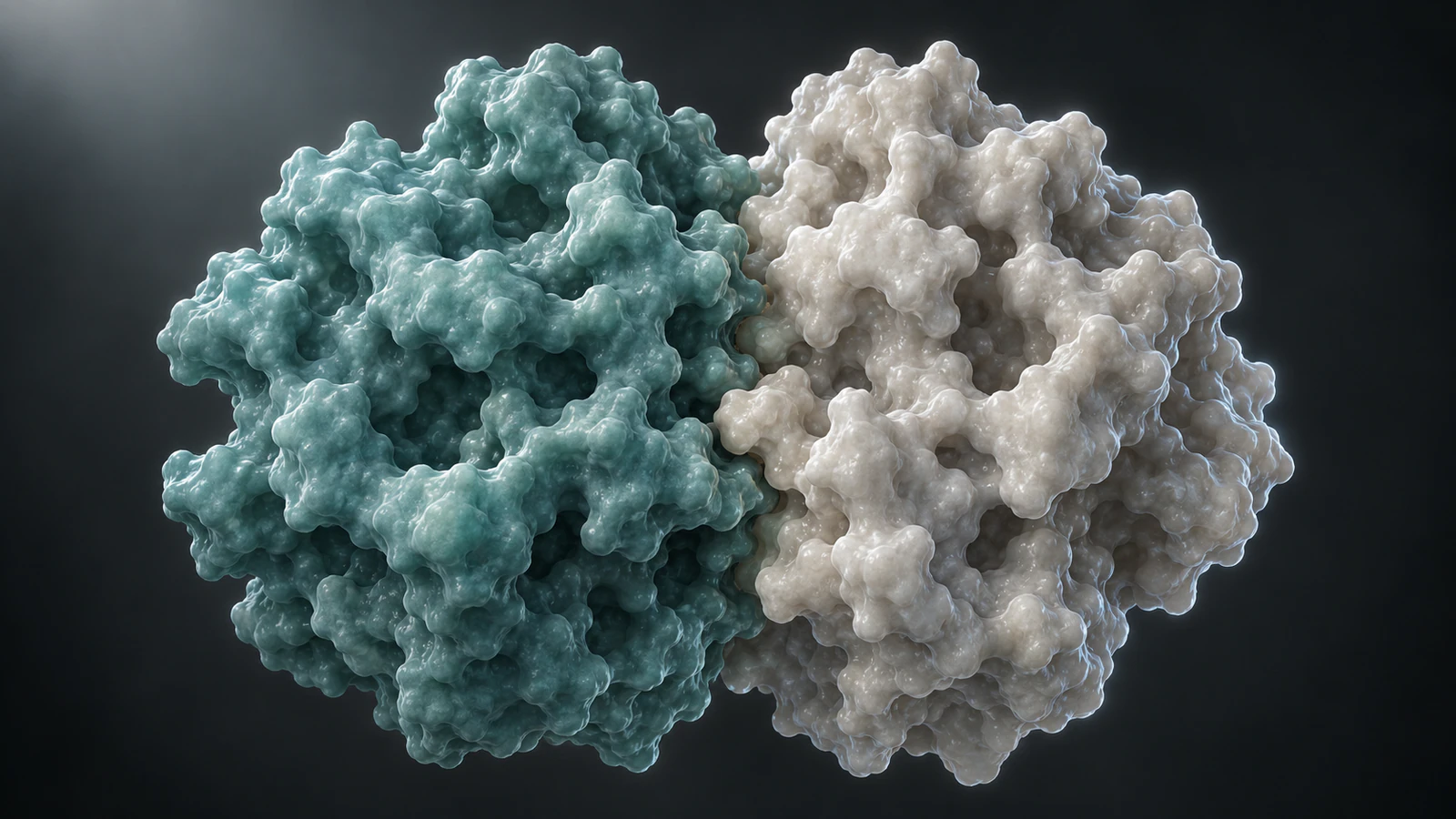
Stoichiometry means the number of each component in a complex. For this worked example, the audit target is A2B2. Two protein entities describe two distinct component types; four chain instances describe their copies in the selected assembly. The RCSB identifier guide distinguishes entities from instances and explains author-assigned versus archive-assigned chain identifiers.
Inspect the assembled model in Models and the available chain information. Match its protein components to the entry’s composition, keeping copied instances distinguishable even when they share a sequence. Do not count visible lobes as a substitute for chain records: occlusion can hide one subunit, and one chain can have several domains. Likewise, color bychain is an inspection aid, not a certificate that the composition is right.
Treat cofactors, solvent and non-protein components separately from the protein-subunit count. If you hide them for clarity, record that choice without calling them absent from the deposited structure. Once the count and identity are settled, choose a representation for the question. Our surface-versus-ribbon guide explains what each view emphasizes.
Fix the common assembly failures
When a displayed complex does not match the entry, first inspect what is open and visible. Repeating a command can leave more than one generated model in the session. Close the redundant derivative after identifying it, or return to a fresh saved starting point. Do not delete chains from your only original file to make the count look right.
If sym #1 lists no assembly, confirm that #1 is the intended model and that the input retained assembly metadata. Fetch the entry again in a fresh session using the default mmCIF route. A stripped coordinate file may not contain the instructions you expected. Compare the downloaded file with the entry record before inventing your own arrangement.
For large assemblies, distinguish graphical copies from full atomic copies. ChimeraX uses graphical clones for efficient display of sufficiently large assemblies; analyses requiring atomic coordinates need full copies. That distinction matters when a scene looks complete but the analysis tools do not have the equivalent coordinate objects. Follow the current sym documentation for the intended operation.
| Symptom | First check | Correction |
|---|---|---|
| Only half the expected complex | Asymmetric unit versus assigned assembly | Generate the specified assembly and audit instances |
| Too many overlapping subunits | Original and derivative models both displayed | Display one audited derivative |
| Missing assembly list | Model number and retained mmCIF metadata | Refetch a traceable input |
| Complete-looking scene but unavailable measurements | Graphical clones versus atomic copies | Choose the documented coordinate-copy option |
Keep spatial evidence separate from motion
Assembly coordinates support a spatial illustration of the chosen model. A camera orbit makes that spatial relationship easier to inspect, but it does not show proteins assembling in real time. Moving subunits together creates an association story that requires additional evidence about the process, even when the final arrangement matches the structural model.
For a paper or lab meeting, keep the audited coordinates fixed while changing the view. If you make an exploded explanation, describe the separation as a display operation and return to the unchanged reference arrangement. Do not attach kinetic units to presentation timing or use a smooth transition to imply a measured route.
This boundary is useful when briefing an animator. Supply the coordinate-based reference view, the assembly record and a sentence describing which movements are explanatory choices. A reviewer can then check the endpoint independently of the animation’s pacing. The broader PDB-to-animation guide provides context for building a story around a structure.
Plan a four-shot teaching sequence
A short assembly explanation can use four shots without inventing a binding trajectory. Keep the scientific object unchanged through the sequence and reserve camera movement for revealing information. The shot plan below is an editorial example, with no measured durations or inferred molecular motion.
Use the actual entry identifier and a clear caption in a coordinate-based movie. If a separate animation uses simplified surfaces, introduce it as a conceptual teaching view. Keep two component types visually distinguishable and check that copies remain present through every transition. A useful learner task is to count the copies before reading the caption, then explain why two distinct types do not mean only two subunits.
For documented ChimeraX recording and export steps, use the existing movie tutorial. Prepare the assembly audit first so that recording captures the intended complex from the start.
| Shot | Visible change | Reader task |
|---|---|---|
| Whole assembly | Start with a stable wide view | Count the four protein subunits |
| Component types | Emphasize the two identity groups | Distinguish types from copies |
| Interface | Move the camera closer without moving chains | Inspect how neighboring subunits meet |
| Return to whole | Restore the reference overview | Check that no component disappeared |
Attach an assembly note to the deliverable
Save a ChimeraX session with a descriptive .cxs filename using the save command. Retain the original coordinate file and your project note with it. A session records the visualization context; the note explains the biological choice to someone who does not use your software.
For this example, a concise note can read: “Trout hemoglobin I, PDB 1OUT, biological assembly 1, retrieved October 7, 2026. Protein composition A2B2. Assembly generated from the entry’s mmCIF instructions. Camera movement is for inspection; no association pathway is represented.” Add any hidden components, clipping or representation changes that matter to interpreting your actual figure.
Before handoff, review the final output rather than only the working viewport. Check that all expected subunits remain visible, the caption names the correct organism and assembly, and color has not become the sole identity cue. Ask a colleague to describe the grouping without your explanation. If their answer differs from the intended claim, revise the framing or caption before adding visual detail.
- Entry and assembly identifiers match the saved project.
- Protein types and copy counts match the chosen assembly.
- Original coordinates and retrieval date remain available.
- Hidden components and illustrative movements are disclosed.
- The final crop preserves the whole complex when a whole-complex claim is made.
FAQ
Is the asymmetric unit always the biological assembly?
No. It can contain part of an assembly, one assembly or several assemblies. Check the specific entry and assembly assignment instead of using the first displayed object as the functional complex.
Does assembly 1 mean the best biological model?
No. It is an entry-specific identifier. Read the assignment and experimental context, especially when more than one assembly is available.
Why does 1OUT list two protein entities but show four subunits?
Entities describe component types, while the assembly includes their copies. The assigned A2B2 complex contains two copies of each of the two protein types.
Can a rotating protein movie demonstrate assembly kinetics?
No. A camera rotation reveals structure. It does not measure the order, speed or pathway by which subunits associate.
Were the ChimeraX commands and illustrations locally rendered from 1OUT?
The commands were checked against official documentation but were not executed locally in ChimeraX. The four editorial images are conceptual illustrations, not renders generated from 1OUT coordinates.
Try a conceptual subunit-count animation
Use Animiotics for a separate teaching animation that makes component identity easy to follow. Its current product supports a described scene, reference images, editable objects and rendered videos or stills. Keep your audited ChimeraX output as the structural reference when exact coordinates matter. Joining is free; AI generation and exports require a paid plan.
An example brief is: “Show a conceptual four-subunit protein complex with two copies of each of two component types. Keep all four fixed relative to one another while the camera moves to reveal the interfaces. End on the original overview. Do not portray binding kinetics or claim a measured hemoglobin fold.” This brief is an untested starting point. Review the generated scene for object count, persistent identity and clear disclosure of simplified geometry.