Start with the final pose
To make a molecular docking animation, preserve a verified final ligand pose, animate a separate approach to that pose and describe the approach as illustrative. A docking result supplies candidate arrangements of a ligand in a receptor; it does not supply a time-resolved binding movie. Save the original coordinates before adding motion so you can check that the final frame still matches them.
This guide is for a researcher or teacher turning a protein-ligand result into a presentation. It gives a documented SAMSON workflow, a small coordinate audit using PDB 1IEP and a four-shot handoff you can adapt in Animiotics. The deliverable is a reviewable explanation of a pose, not a new docking calculation.
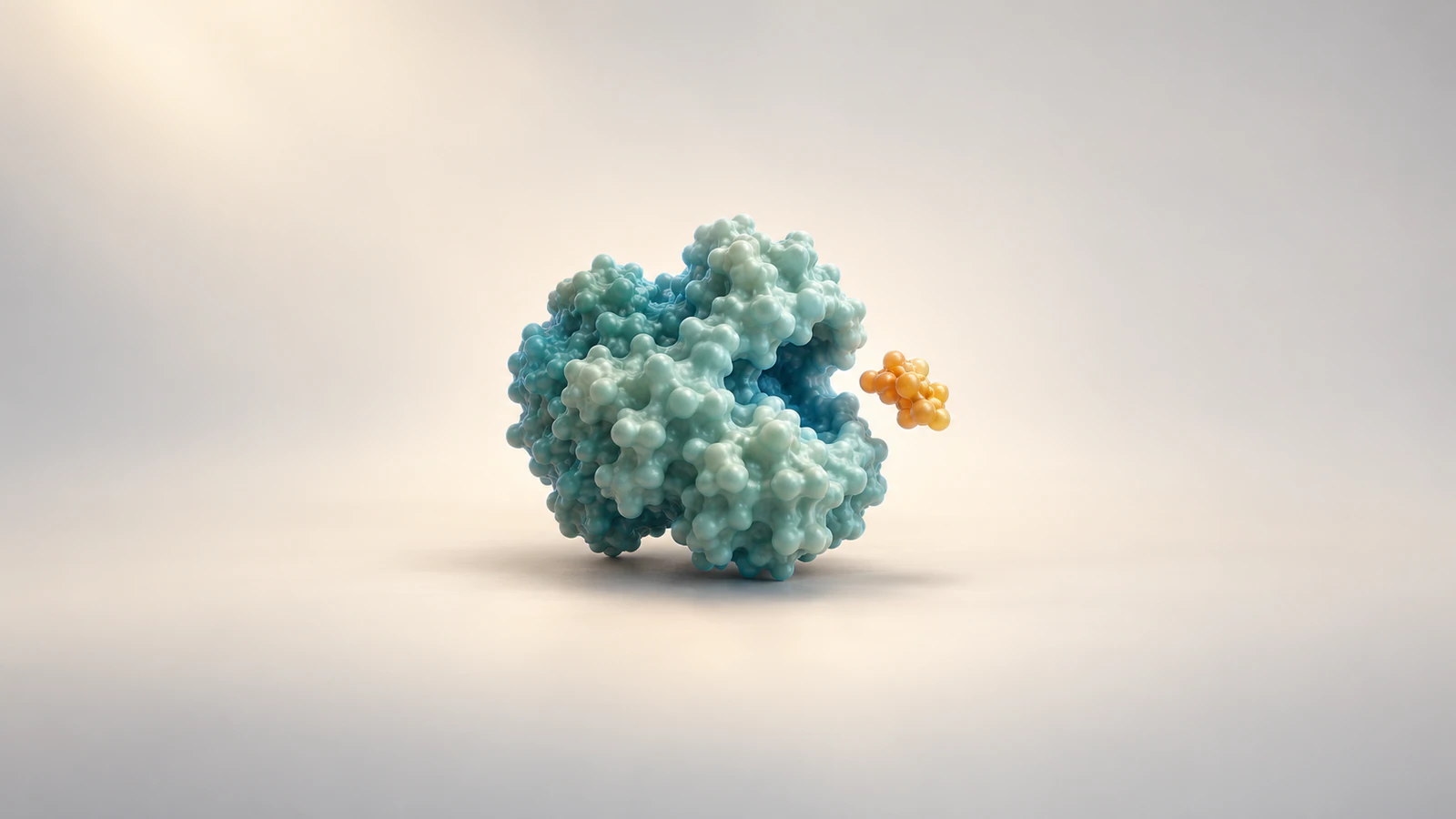
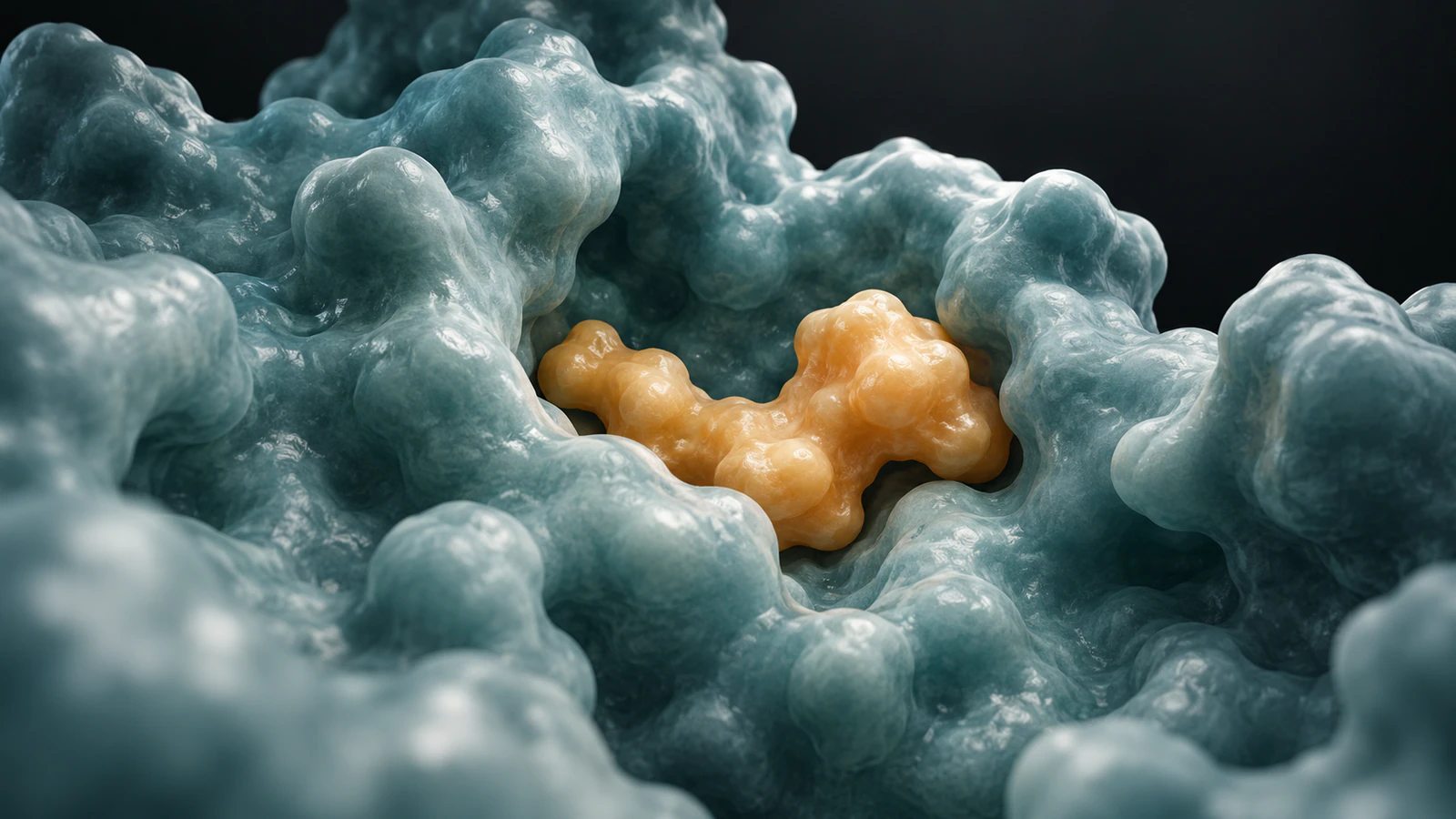
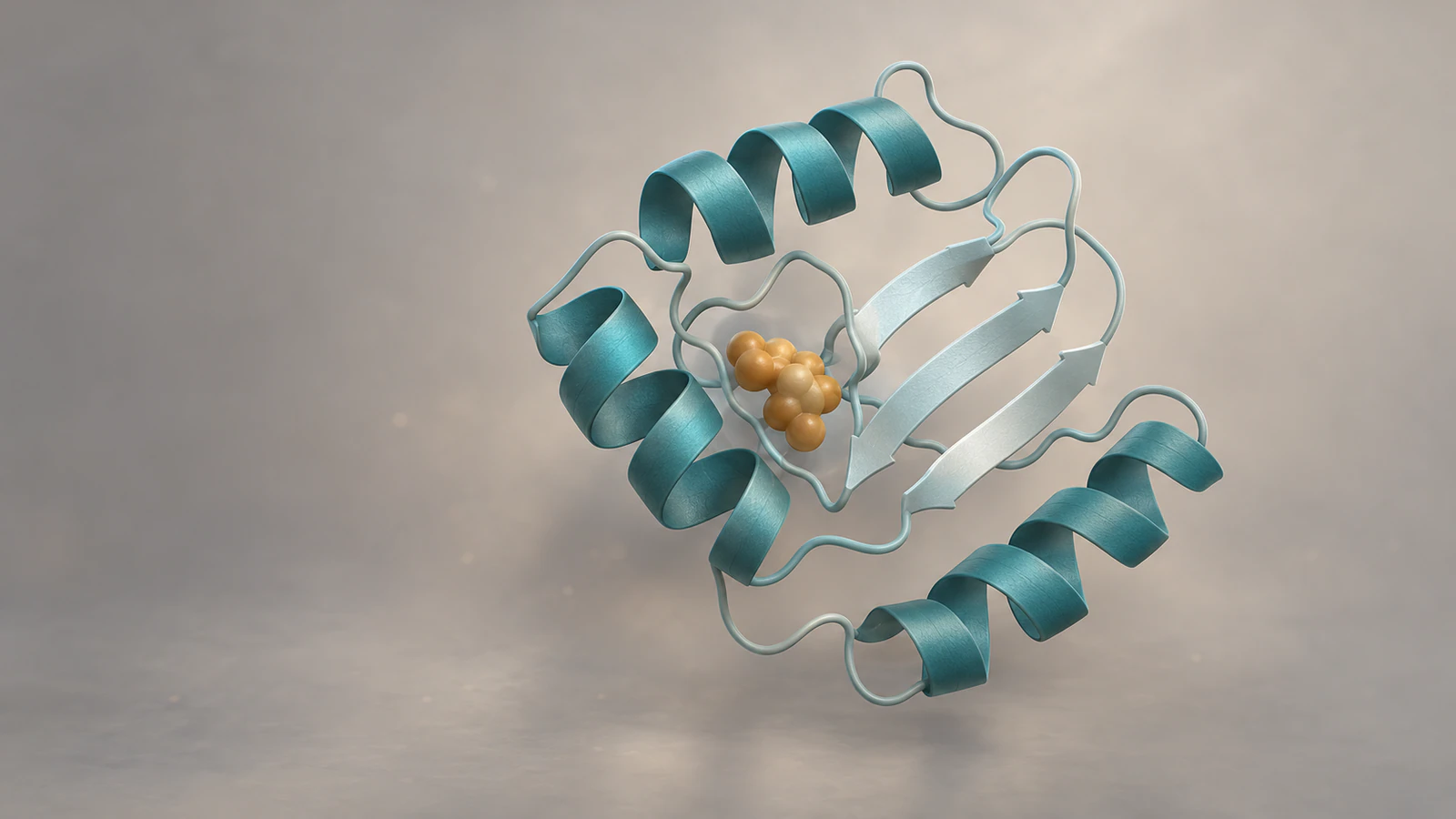
We executed the coordinate-selection and translation checks below. We did not run a new docking search or render the SAMSON example. The four editorial images are conceptual illustrations, not screenshots, experimental density or coordinate-derived depictions of 1IEP.
Name the evidence behind each movement
A pose is a particular position, orientation and conformation of a molecule. A collection of ranked poses is a set of alternatives. Playing rank 1, rank 2 and rank 3 in sequence does not turn that ranking into a chronological binding pathway.
The original AutoDock Vina paper describes a scoring and optimization method for docking. That is a different task from calculating a physically timed trajectory. An animation editor can interpolate positions smoothly without adding evidence about the route a ligand takes through solvent.
Decide which kind of evidence you have before opening the timeline. If you need to distinguish a protein morph from simulation frames, use the separate morph versus simulation guide. Keep that distinction in the spoken explanation as well as the caption.
| Input | What the film can show | What it cannot establish alone |
|---|---|---|
| Experimental complex coordinates | The deposited bound arrangement | How the ligand arrived or how fast it bound |
| Docking output | A predicted pose or a comparison of candidates | Measured affinity, efficacy or a binding trajectory |
| Simulation trajectory | Motion produced under its stated model and conditions | Universal behavior outside those conditions |
| Keyframed illustration | A chosen teaching sequence | A measured molecular pathway |
Keep a small source record
Make a project folder with the untouched receptor file, untouched ligand or complex file, a working copy and the eventual exported movie. Give the selected pose an identifier that survives file conversion. Record the source URL, retrieval date, program version, chain, residue identifier and any preparation choices.
For a docking prediction, also retain the engine, scoring function, search settings and output mode number. Keep any reported score next to its units and method. If you compare runs, confirm that the underlying setup permits that comparison before making the prettier pose look like the better result.
The Vina FAQ warns that predictive performance depends on the target and that scoring functions are approximate. A favorable score therefore needs evaluation against relevant evidence. It is not a substitute for a binding assay, and a smooth movie cannot repair a poorly prepared model.
Choose the scene claim in one sentence: for example, “This view locates the selected predicted pose within the receptor pocket.” That sentence is a useful filter when deciding whether a dramatic approach, a molecular glow or an added contact line actually helps.
Use 1IEP as a traceable example
RCSB PDB entry 1IEP contains the mouse c-Abl kinase domain in complex with imatinib, also called STI-571. It is an X-ray structure reported at 2.10 Å resolution. It is not a complete human cellular signaling system, and its crystal structure is not a film of binding.
In the downloaded PDB-format coordinate file, we found two STI groups: chain A residue 201 and chain B residue 202. Each contained 37 non-hydrogen atom records. For the audit we selected only STI A201 and kept its atom names paired with coordinates. This prevents accidentally moving both copies while describing one ligand.
Use the entry’s ligand and assembly information to decide what belongs in your real figure. Our single-ligand selection is an explicit analysis choice, not a claim that every deposited copy must appear in the shot. Check the relevant protein chain, nearby components and structure-quality information before framing the pocket.
For a static overview before animating, the protein-ligand visualization guide explains representation choices. Keep the animation’s final view consistent with the figure your audience already understands.
Separate docking preparation from movie preparation
A prepared docking input and a presentation model serve different purposes. Keep the original result and its preparation notes even if you hide solvent or simplify a surface for the movie. Hiding an object in a view should not silently change the scientific record.
The official Vina basic-docking tutorial uses imatinib and 1IEP. It recommends SDF for small-molecule preparation and checking protonation. It also documents Meeko conversion of PDBQT results to SDF to preserve bond orders and formal charges. Follow that documented route when those are your actual input and output formats.
After conversion, inspect the selected molecule’s identity and orientation against the source result. A visually plausible ring system is insufficient if the wrong pose was exported. Avoid interpreting every model in a multi-model file as the next moment in time.
When showing more than one candidate, use separate views with stable pose identifiers or a deliberate comparison sequence. Say that these are alternative predictions. Do not interpolate between them and narrate the transition as an observed rearrangement.
Build the documented SAMSON animation
Start with a saved document containing separately selectable receptor and ligand nodes already arranged in the intended final pose. Record your installed SAMSON version. The steps here follow the current Dock animation documentation, checked on 24 October 2026; they were not locally executed for this article.
Select the receptor first, then the ligand. For a receptor spread across several nodes, group those nodes in a folder and select that folder first. Open the Animator’s Animation panel and double-click Dock. Adjust its two keyframes to set the interval; inspect the animation to change amplitude or easing.
The tool treats the starting document positions as the docked endpoint and computes displaced starting positions. The expected result is a stationary receptor with the other selected node approaching its saved position. Review both ends before choosing lighting or export settings.
If the wrong object moves, check selection order. If an older tutorial tells you to use the removed Animation menu, use the Animator panel instead. If the endpoint is wrong, return to the saved document and correct the initial arrangement before adding Dock again.
A convenient effect is still a presentation effect. Review the approach from another angle for intersections. If you cannot show a clear illustrative approach without implying a verified route, cut directly to the bound view and explain the endpoint.
Check the endpoint with coordinates
Our independent arithmetic check uses the 37 STI A201 atom records without running an animation application. For each atom, keep its original x, y and z values. Add 20 × (1 − t) Å to x and leave y and z unchanged, where t runs from zero to one. This deliberately simple fixture tests endpoint recovery.
The selected ligand’s arithmetic coordinate centroid was approximately (15.614, 53.380, 15.455) Å in the deposited coordinate system. This is an unweighted mean of the selected atom positions, not a center of mass or a docking-box definition. Keeping the atom names makes the comparison reproducible even if another program reorders records.
At the final checkpoint, every coordinate matched the stored input exactly in this calculation. That demonstrates restoration of the endpoint only. The arbitrary x translation was not tested for receptor collisions and is not a recommended physical approach direction.
For your exported scene, compare equivalent atoms after accounting for any whole-scene transform. A moved camera should not change model coordinates. If an importer changes units or rotates only one object, resolve that mismatch before judging the pose.
| Fraction of illustrative interval | Added x offset | Meaning |
|---|---|---|
| 0 | 20 Å | Artificial separated start |
| 0.25 | 15 Å | Arithmetic checkpoint |
| 0.50 | 10 Å | Arithmetic checkpoint |
| 0.75 | 5 Å | Arithmetic checkpoint |
| 1 | 0 Å | Original endpoint restored |
Plan four shots with separate jobs
Use the following twelve-second plan as an editing choice. These durations are screen time, not measured association rates. Hold the receptor and ligand colors constant so viewers can follow identity when the representation changes.
A contact close-up should explain only contacts you have actually checked. Do not add a bond joining ligand and protein merely because they touch in the picture. The ChimeraX ligand-contact guide shows why distance-based contacts and hydrogen-bond candidates need explicit settings.
Put the evidence distinction into the narration before the approach begins. A caveat at the end cannot undo a confident opening claim that the movie reveals the binding route. If the purpose is comparing poses, replace the approach shot with a matched-view comparison.
| Screen time | Shot | Review question |
|---|---|---|
| 0–3 seconds | Whole complex; identify the source and selected pose | Can the viewer locate the pocket? |
| 3–6 seconds | Clearly illustrative ligand approach, or a cut to the pose | Is the motion identified as choreography? |
| 6–9 seconds | Hold the saved endpoint; reveal the pocket | Does the pose still match the source? |
| 9–12 seconds | Show a checked local feature and the evidence caption | Does the conclusion stay within the evidence? |
Write a caption that survives sharing
A caption should remain useful after the clip leaves your slide deck. Include the molecular system, source structure or docking run, selected pose and meaning of the motion. If the clip has no sound, place the essential distinction in accompanying text that travels with the file.
For this structural example, a reusable draft is: “Illustrative approach to the imatinib pose in mouse c-Abl kinase, based on PDB 1IEP, STI chain A residue 201. The final pose is taken from deposited coordinates. Approach direction and screen timing are chosen for explanation and do not represent a measured binding pathway.”
For a prediction, replace “taken from deposited coordinates” with the actual docking engine, version, run and pose identifier. Add a score only with its scoring method and units. Do not reuse our structural caption for a newly docked pose without changing its provenance.
Before sharing, reopen the exported file, check the first and last frames and read the caption beside it. Confirm that the ligand remains visible at the size your audience will watch. Keep the source record with the editable scene so a collaborator can verify a later revision.
Adapt the scene in Animiotics
The Animiotics molecular animation workflow is useful when the pose needs to sit within a broader teaching film. A first-party example is the caffeine and adenosine receptor film. Its page identifies the receptor and caffeine structure sources and explicitly describes binding motion as choreographed. That distinction is the useful model for this task.
A proposed brief is: “Explain one selected ligand pose in its receptor. Identify the structure source and ligand. Begin with the whole complex, use an explicitly illustrative approach only if it remains clear, then hold the supplied final pose. Keep molecular identity and scale consistent. Do not depict the approach as a measured trajectory. Finish with the evidence caption.”
The current documentation describes creating an editable scene from a description and refining objects, appearance and timing. Supply your source references and review what the resulting scene actually used. This brief has not been generated or validated here, and a finished render still needs the endpoint and scientific checks above.
Frequently asked questions
Is a docking animation a molecular dynamics simulation?
No. Keyframes arrange motion for presentation. A molecular dynamics trajectory comes from a simulation with defined assumptions, parameters and time steps. State which one you are showing.
Can I animate docking poses in score order?
You can compare them sequentially, but label them as alternatives. Score order is not a time axis and does not establish a sequence of binding events.
Does a good docking score prove strong binding?
No. It is an output of an approximate scoring method. Evaluate the result in its target and experimental context rather than converting the score into a biological guarantee.
Why does my ligand finish outside the pocket?
Check that you selected the intended pose, preserved the shared coordinate system and started the animation from the correct endpoint. Also check unit conversions and transforms applied to only one object.
Can I call a PDB-based movie experimentally observed motion?
A deposited bound structure supports a structural arrangement. An approach you add afterward remains illustrative unless you have separate evidence for that motion. Describe each part according to its source.
Make your ligand-pose scene in Animiotics
Use the four-shot plan to create a short explanation of your selected pose, then review the final structure and caption together. Start with one receptor, one ligand and one claim your evidence supports.
Signing up and the manual editor are free. The current introductory Starter offer is $2.99 for seven days with a first animation; generation and rendering require the relevant paid access. Check the current terms when you begin.