Build a morph you can inspect
To animate two protein structures in ChimeraX, keep comparable chains, align them, then use the morph command to generate intermediate coordinate sets. Inspect the starting, middle and final sets before recording. The result is an interpolated comparison: its smooth movement does not establish a biological pathway or a molecular timescale.
This ChimeraX morph tutorial uses chain A from the real adenylate kinase entries 4AKE and 1AKE. You will create a protein-only transition, check its 61 coordinate sets and save a recoverable session. A coordinate set is one collection of atomic positions within the trajectory model.
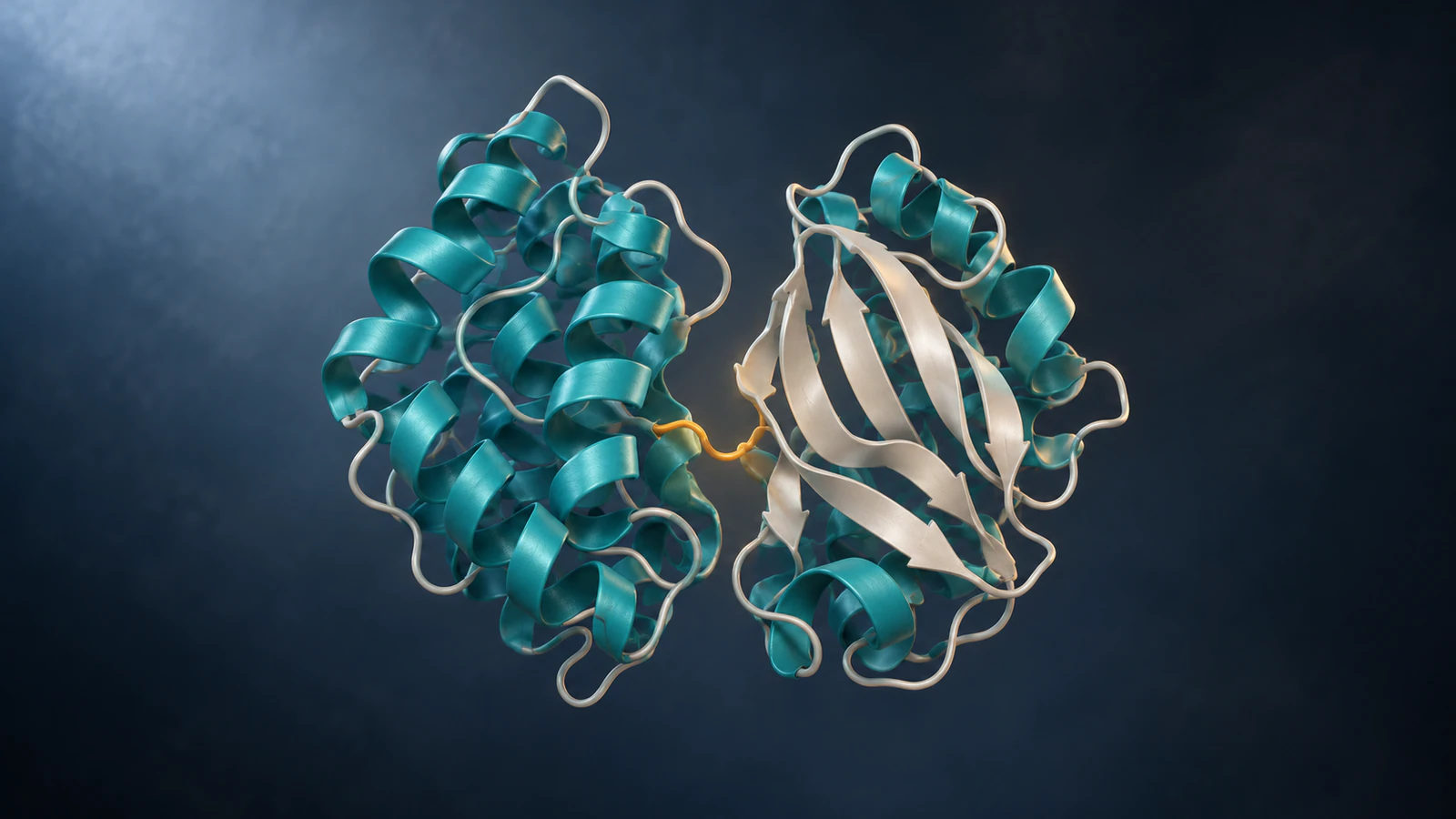
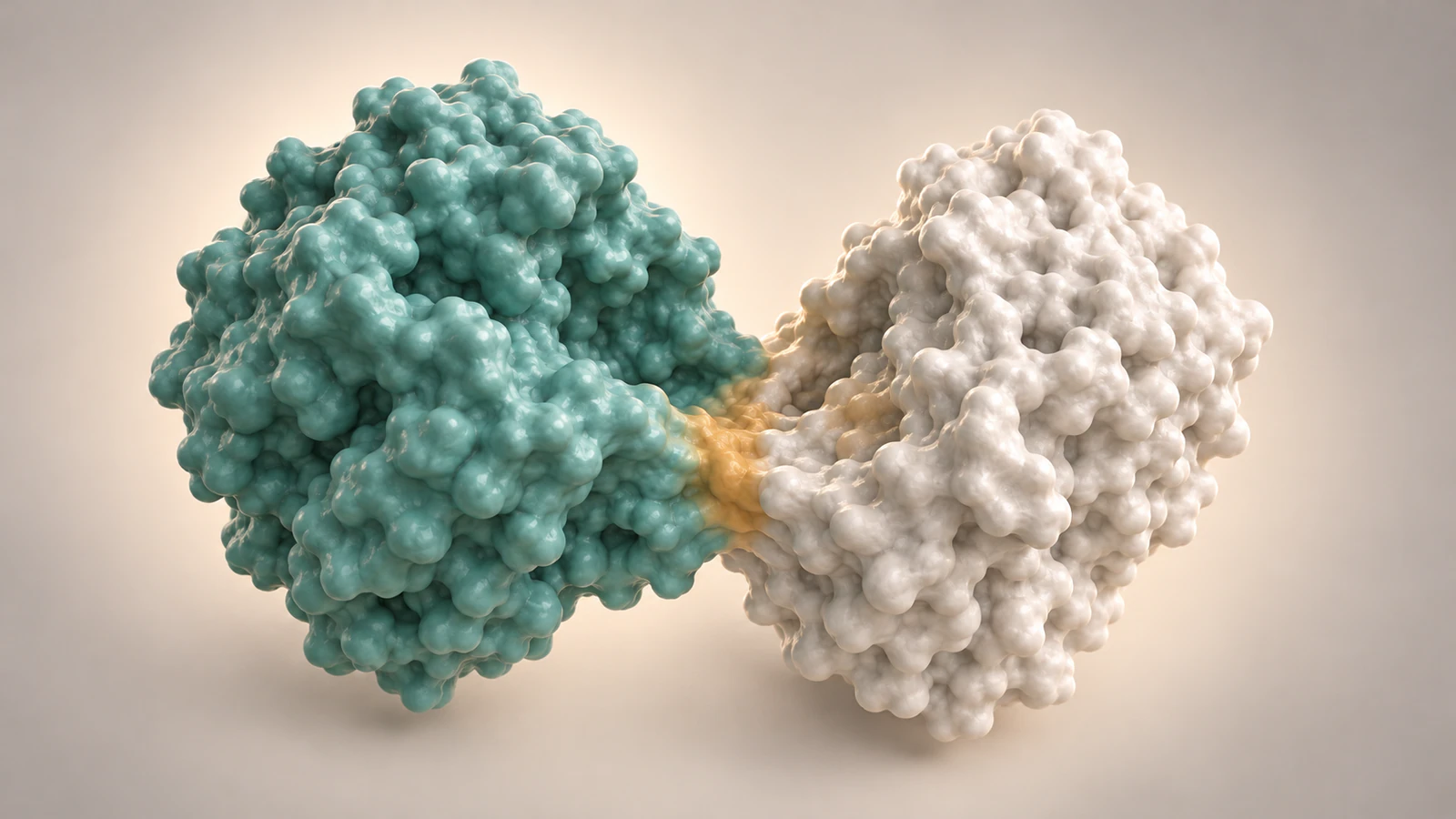
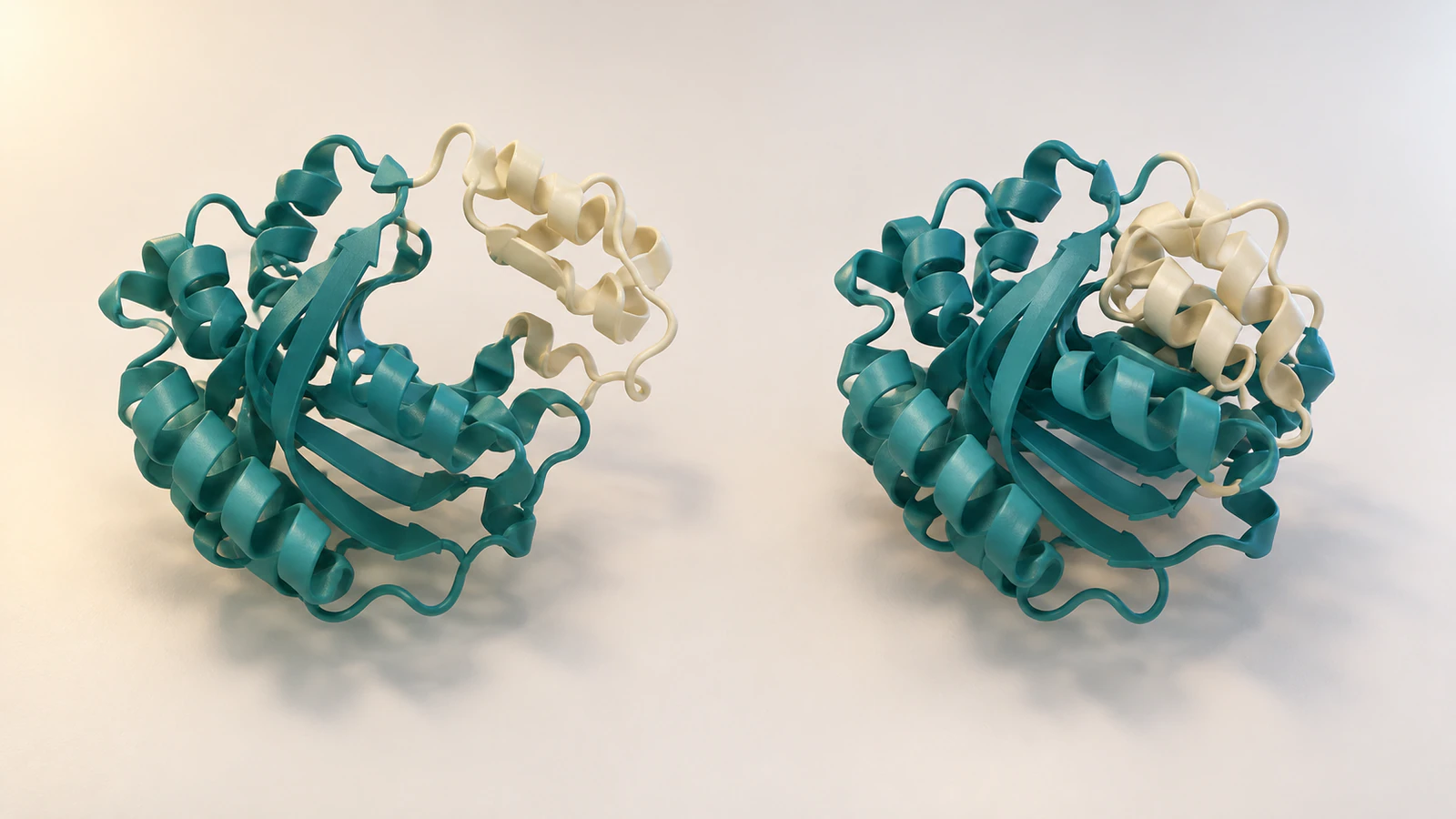
We executed the loading, cleanup, alignment, morph calculation, frame selection and session save in ChimeraX 1.9 on Windows. Interactive display and movie recording below are documented steps, not locally rendered results. The four accompanying illustrations are conceptual CGI, not images of these coordinates or calculated frames.
Record the two endpoints
Start with a fresh ChimeraX session so the first two opened structures receive model numbers #1 and #2. Save unrelated work before starting. Keep a small text file beside the project for identifiers, selected chains, omitted components, software version and the command sequence.
RCSB entry 4AKE describes unligated adenylate kinase from Escherichia coli. Entry 1AKE contains the same enzyme with the inhibitor Ap5A. Both entries contain protein chains A and B with 214 residues per chain. This example compares chain A only; it does not make an assembly claim.
Ap5A is not simply ATP. Nor does the inhibitor-bound model become an experimentally observed transition frame because its entry title discusses a catalytic transition state. Keep the source descriptions attached to the endpoints and describe the generated route separately.
The current online instructions were checked on 15 October 2026. Our installed test version was 1.9. Where your installation differs, consult its Help and confirm the actual model numbers rather than copying numbers from an unrelated open session.
Make a protein-only working copy
In the command line, run these commands in order: “open 4ake”, “open 1ake”, “delete #1,2 & ~protein”, “delete #1/B” and “delete #2/B”. The ampersand means intersection and the tilde means exclusion: the third command removes non-protein atoms from the two specified models.
The deletion affects the loaded working models. It does not alter the deposited database entries. In our run, the resulting #1 and #2 each contained chain A, 214 residues and 1,656 atoms. Record those counts as checks for this example, not universal requirements for every protein.
Removing Ap5A, waters and other non-protein components makes the teaching scope explicit. We are comparing protein conformations. We are not animating inhibitor association, solvent movement or a catalytic reaction, and deleting the ligand from the view does not change the experimental origin of 1AKE.
For your own project, decide what must remain before deleting anything. If a partner defines the question, a protein-only comparison may be inappropriate. Open a separate working copy or save the original session so that the omitted context remains available for review.
Align before generating movement
Run “matchmaker #2/A to #1/A”. This fits the second model to the first using the selected chains. Read the Log instead of judging alignment only by the apparent overlap of the cartoons.
Our run reported a root-mean-square deviation, or RMSD, of 1.083 Å for 112 retained atom pairs after pruning. Across all 214 paired alpha carbons, the RMSD under that fit was 8.240 Å. The small first value does not mean that the complete structures coincide.
These values identify the particular default fit used here. They do not validate a hinge, a pathway or an energy landscape. If you need a different comparison basis, establish it before making the morph and record the changed selection.
The separate ChimeraX Matchmaker guide explains the fitted subset and an alternative unpruned fit. Keep this tutorial’s default alignment unchanged when reproducing its frame audit.
Create the coordinate trajectory
Run “morph #1,2 frames 60 wrap false method corkscrew rate linear cartesian false play false slider false”. In our clean session, the resulting trajectory was model #3. The explicit options make the recipe easier to record and reproduce.
The order #1,2 sets the comparison direction. With one stage and frames 60, the documented frame-count rule gives 1 + 60 = 61 coordinate sets: two endpoints and 59 intermediates. The local result contained 61 sets, one chain, 214 residues and 1,656 atoms.
The method and interpolation settings are construction choices. Linear rate distributes the transition across the chosen frames; it is not a measured kinetic rate. Leaving wrap false avoids adding a return stage. Playback is paused so inspection can precede presentation.
The official morph documentation explains atom pairing and the interpolation options. Our first test also exposed a version difference: the newer modelId option was rejected by 1.9. The tested sequence therefore uses the automatically assigned model number.
Audit three frames before playback
Run “coordset #3 1”, then “coordset #3 31”, then “coordset #3 61”. Each command selects a single set without starting a playback range. Our audit confirmed the requested active set each time and different coordinate hashes for the three selections.
That confirms distinct stored coordinates, not physical plausibility. In an interactive session, inspect the complete chain and the cleft at each selected set. Look for disrupted continuity, implausible crossings, missing regions or a comparison feature that disappears behind the foreground structure.
Use the same camera for this review. Rotating the camera while changing the conformation makes it harder to distinguish internal movement from a change of viewpoint. If an intermediate is misleading, keep the endpoints and use a cut while investigating the pairing or interpolation settings.
| Set | Role in this example | What to record |
|---|---|---|
| 1 | Starting coordinates in the morph | 4AKE-derived protein selection |
| 31 | Generated intermediate | Interpolated, not experimentally observed |
| 61 | Ending coordinates in the morph | 1AKE-derived protein selection |
Display and record the reviewed range
For interactive inspection, the documented sequence is “hide #3 atoms”, “show #3 cartoons”, “color #3 teal”, “view #3” and “coordset slider #3”. These presentation steps were not rendered in our headless test. The command line and Model Panel should agree on which trajectory you are displaying.
Use “coordset #3 1,61” to play the range. The coordset reference distinguishes single-set selection from comma-separated playback. Confirm that you are watching #3 rather than an unchanged endpoint model.
Before using the slider’s movie-recording button, return the slider to its first position. The current morph documentation says that recording begins at the slider’s current position. Starting midway can therefore produce a truncated comparison even when all coordinate sets are present.
Choose a save location you can find and inspect the resulting file from beginning to end. Record its frame count and playback rate separately from the coordinate-set count. No biological duration follows from choosing a presentation frame rate.
Keep the caption narrower than the movie
A useful caption identifies the sources, selection and construction method in plain language. For this example: “Illustrative protein-coordinate morph from 4AKE chain A to 1AKE chain A after Matchmaker alignment. Non-protein components were omitted. Intermediate coordinates were generated in ChimeraX; playback timing is editorial.”
Add the tested version and relevant options to the methods record. If the final video includes extra holds, skipped sets or a reversed sequence, record those edits too. The movie and the stored coordinate trajectory are related outputs, but they are not interchangeable records.
Molecular dynamics calculates motion under a specified physical model, as described in the GROMACS reference. This morph example did not run such a calculation. Neither an attractive interpolation nor its internal geometry supplies measured kinetics.
Use the protein morph versus simulation guide for the broader evidence decision. Here, the specific contribution is an executable coordinate workflow and a checkable handoff.
Diagnose the actual failure
Troubleshoot the first failed operation. A calculation error, a hidden model and a cropped movie are different problems. Preserve the Log and working session before changing several settings at once.
For unfamiliar structures, compare chain identities and sequences before trying to make the transition smoother. A visually pleasing result cannot repair incorrect correspondence between residues. If your source comparison is not defensible, use separate endpoint views until it is.
| Symptom | Check | Next action |
|---|---|---|
| Different chain counts error | Biopolymer chains in both models | Choose comparable chains or split extra chains into separate models |
| Ligand absent from morph | Whether equivalent ligand atoms exist in both inputs | Explain the omission; do not depict disappearance as a reaction |
| Expected a keyword error | Installed version and option spelling | For this 1.9 example, omit modelId and inspect the assigned ID |
| Slider moves but view looks unchanged | Displayed model and selected range | Display the morph model, then compare sets 1 and 61 |
| Recording starts midway | Slider position before recording | Return to the first set before recording again |
Save a reproducible handoff
Run “save morph-audit.cxs” to save a ChimeraX session in the current working directory, or provide a quoted absolute filename for a folder you control. Our local session save completed successfully. Retain the source identifiers and commands alongside it so reopening the file is not the only way to understand the work.
Before sharing, ask a second reader to identify which visible states have deposited sources, which were generated and whether the clock means anything biological. This review is more useful than asking whether the transition looks realistic.
For this example, an acceptable handoff contains the chain-A selection, the omitted inhibitor and solvent, the alignment record, 61 coordinate sets, the three inspected set numbers and the final caption. If you later change the fit or remove additional residues, regenerate the trajectory and update that record.
- Keep the endpoint files or retrieval identifiers with the session.
- Save the exact successful commands and software version.
- Review the delivered movie separately from the working session.
FAQ
Does frames 60 create 60 coordinate sets?
Not for this one-stage example. The morph rule gives 61 total sets: the starting set plus 60 steps, including the final endpoint. Our local audit confirmed that count.
Why does the example remove the inhibitor?
Its scope is a protein-only conformation comparison. Removing the displayed inhibitor does not make 1AKE an experimentally unligated structure, and the morph should not imply ligand binding or release.
Can I use modelId to name the output?
Current online documentation includes that option, but the tested ChimeraX 1.9 installation rejected it. This procedure uses the default new model number and checks it before frame selection.
Does a smooth morph prove the protein takes this route?
No. It supplies generated coordinates between selected endpoints. A pathway or timescale needs additional appropriate evidence; visual smoothness is not that evidence.
Was the movie export tested here?
No. The coordinate calculation, three frame selections and session save were executed locally. Interactive display and recording are documented procedures that still require inspection of your own exported file.
Try a protein explanation in Animiotics
Use Animiotics for a separate conceptual explanation of an enzyme’s open and compact shapes. Describe the two states, keep colors consistent and ask for a fixed camera while the comparison is shown. Review each state and any added movement against your scientific brief; the prompt is a proposed starting point, not a tested reconstruction of 4AKE or 1AKE.
The current product supports follow-up prompts and editing of positions, colors, materials, lighting, camera framing and timing. Signing up and the manual editor are free; AI generation and exports require a paid plan. Keep your coordinate analysis and its provenance record with the explanation.