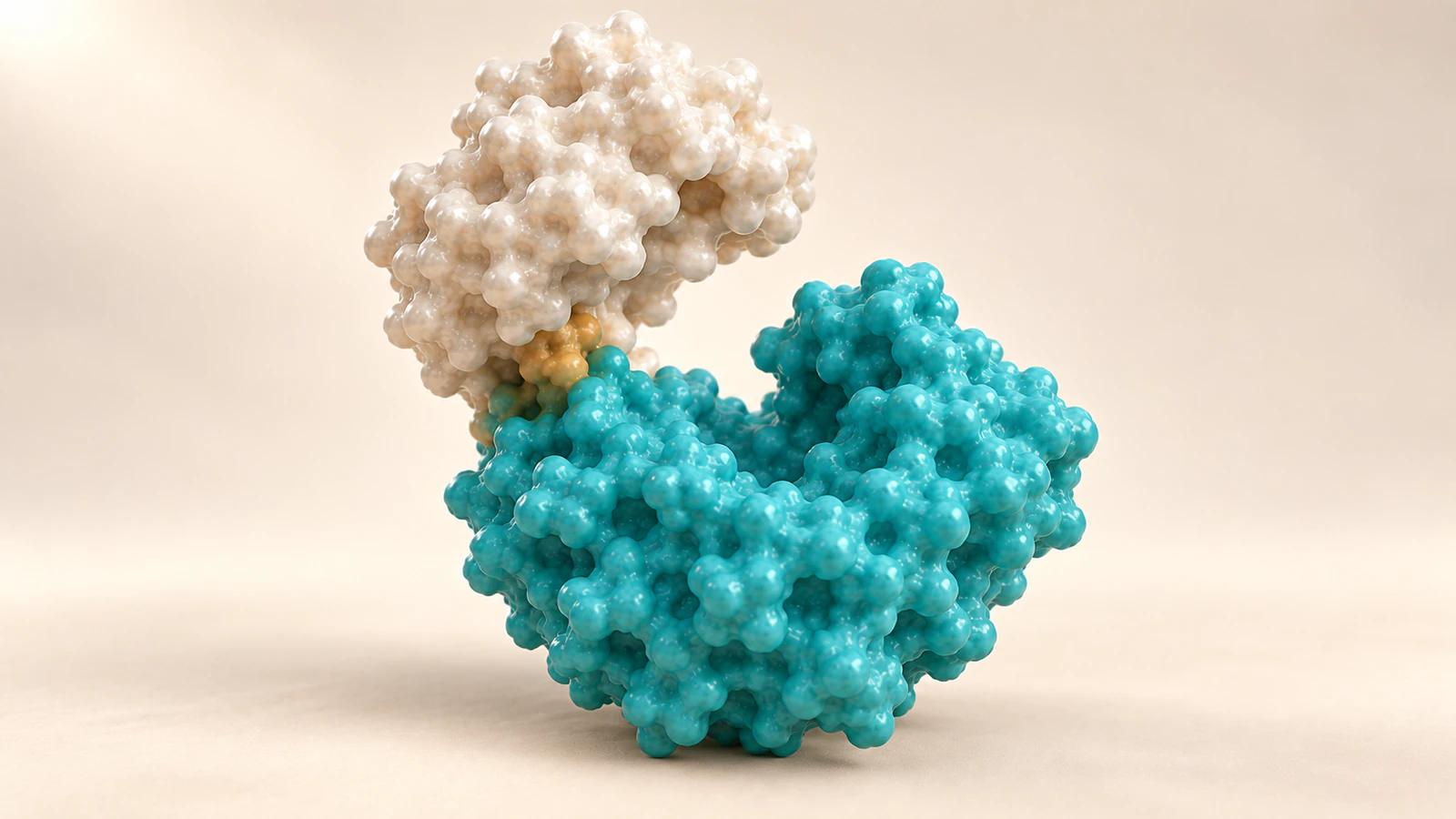
Choose the transition from the evidence
A protein morph and a molecular dynamics simulation can both produce moving structures, but they answer different questions. Use a cut when you want to compare supported endpoint shapes. Use an explicitly illustrative morph when intermediate frames help explain that comparison. Use simulation playback when the motion itself comes from a documented calculation relevant to the claim.
This protein morph vs simulation decision belongs in the brief for an Animiotics scene, before deciding how smooth or dramatic the movement should look. A conformational change is a change in molecular shape. Showing two conformations does not, by itself, reveal how the molecule travels between them or how long that journey takes.
The workflow below gives you a frame-origin record, a six-shot comparison and a pause test for scientific review. Its worked example is hypothetical. The accompanying CGI images are conceptual illustrations of presentation choices, not experimental structures, calculated intermediates or simulation results.
Start with two models, not a movie
Give each endpoint its own source record. Include the entry or file identifier, version, biological context and the particular chain or assembly being shown. Check whether the two files represent comparable constructs and conditions before treating their differences as a single protein changing state.
An experimental structure is already an interpreted model. RCSB explains that structure determination combines experimental observations with knowledge about molecular geometry. The limited inference for this workflow is that joining two such models with extra frames does not create new experimental observations.
Write the supported statement narrowly: “These models differ in the relative arrangement of two domains.” A domain is a structural region within a protein. “This domain swings shut along this path after binding” adds a route, an order of events and a causal explanation that need their own support.
Also check what a collection of models represents. RCSB describes typical nuclear magnetic resonance, or NMR, ensembles as structures consistent with experimental restraints. Do not assign a biological clock merely by playing their file order as successive frames.
What a morph actually supplies
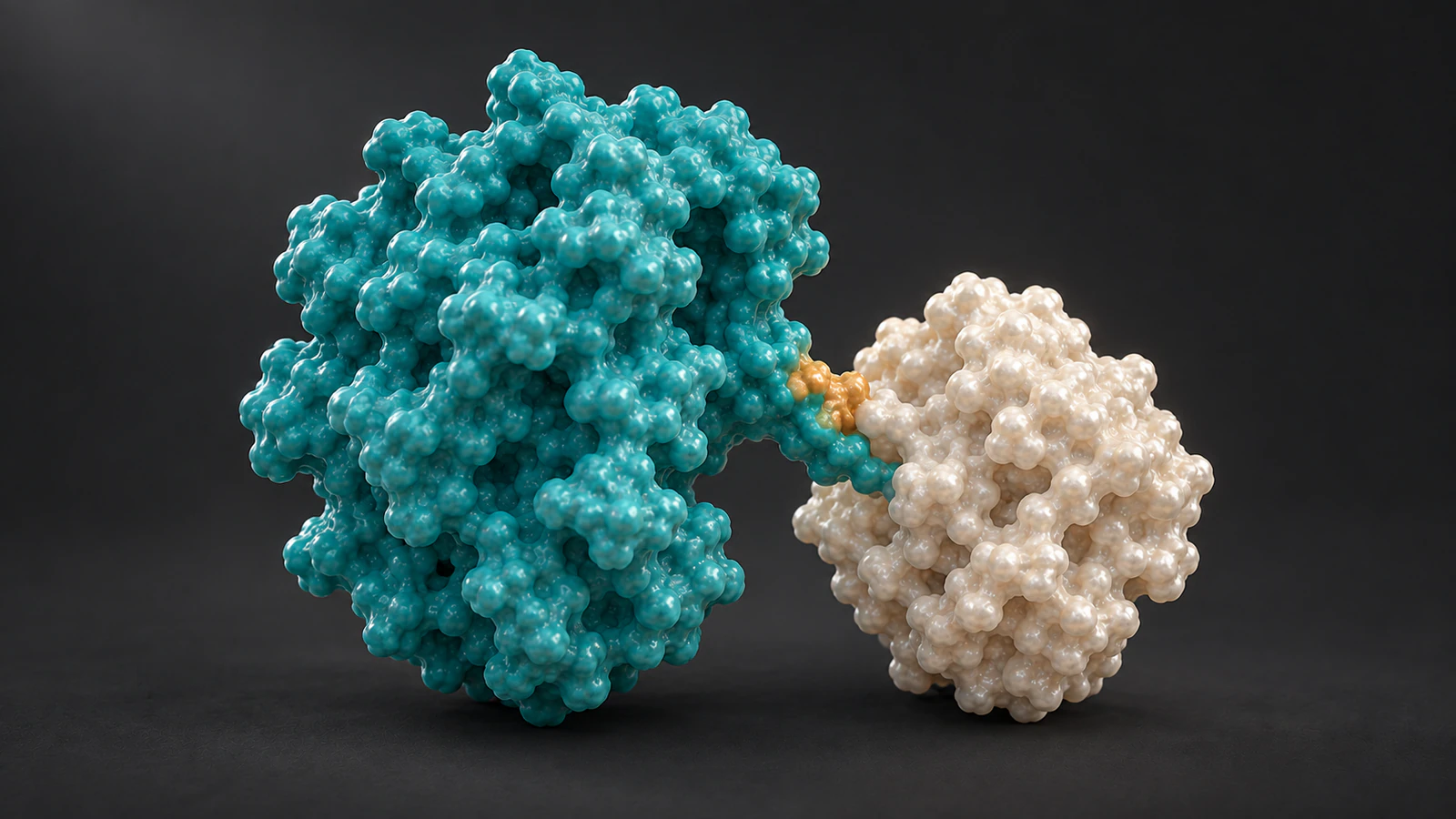
A morph constructs intermediate shapes between selected endpoints. Interpolation means calculating values between specified values; in a molecular animation those values may include atomic positions. The interpolation method determines what the in-between frames look like.
The legacy UCSF Chimera morph documentation provides a concrete example: pairs of input structures define trajectory segments and only common atoms enter that morph. This is evidence about an interpolation workflow, not a command tutorial for current ChimeraX or a claim about an Animiotics feature.
For your production record, name the actual method used rather than writing only “protein animation.” If the intermediate frame is generated from two endpoint models, describe it as interpolated. A convincing surface, a clean silhouette or a gentle acceleration curve does not independently validate its molecular route.
A morph can still be useful. It can help an audience track corresponding regions while comparing shapes. Accept it for that explanatory purpose only when the narration and caption preserve the distinction between the supported endpoint comparison and the proposed visual transition.
What simulation playback adds
Molecular dynamics, abbreviated MD, calculates motion under a specified physical model. The GROMACS molecular dynamics reference describes computing forces and numerically updating positions through equations of motion. Initial coordinates, topology and a force field form part of the setup; the force field specifies the modeled interactions.
That provenance is different from simply interpolating between two desired shapes. It is also different from experimental footage. Ask the simulation owner which run, conditions and analysis support the scene before selecting an attractive stretch of frames.
For a handoff, request the trajectory identifier, relevant frame range, saved-frame interval and a short explanation of why the excerpt answers the question. Keep those notes with the source files. If the excerpt never shows the proposed transition, do not bridge the gap silently with artist-made motion.
A useful review separates “these coordinates came from this calculation” from “this calculation supports this biological conclusion.” The first is a provenance check. The second needs the appropriate scientific analysis and context, which a polished movie cannot supply on its own.
Use a cut when comparison is enough
A direct cut from one aligned state to another is often the cleanest choice when the reader only needs to see a difference. The cut leaves the intervening route unspecified. Hold each view long enough for the audience to locate the same feature, then state what changed in the comparison.
A dissolve can also connect views, but explain it as an editorial transition. During the overlap, two translucent shapes may look like an additional molecular state. If that ambiguity distracts from the point, use a simple cut and a stable camera instead.
Choose by the question in the first column, not by which version looks most elaborate. The table is a production decision aid, not a ranking of scientific methods. More motion is useful only when it contributes information the viewer actually needs.
| Reader needs to see | Useful treatment | What to disclose |
|---|---|---|
| How two endpoint shapes differ | Aligned views with a cut | Sources and comparison basis |
| Which regions correspond during a comparison | Reviewed illustrative morph | Origin of intermediates; editorial timing |
| What a documented calculation contains | Relevant simulation excerpt | Run, selected interval and playback mapping |
| A pathway that available evidence does not establish | Separate supported states | The unresolved route; avoid invented kinetics |
Keep a four-part frame-origin record
Before building the sequence, write four short entries: endpoints, intermediates, clock and camera. Together they describe the parts of the movie most likely to acquire unsupported meaning during editing. Keep the record short enough that the next person opening the project will read it.
For endpoints, identify the source models and the claim their comparison supports. For intermediates, record whether there are none, whether they are interpolated or whether they come from a specified simulation. Include any deliberately omitted components that affect interpretation.
For the clock, distinguish presentation duration from biological or simulated time. For the camera, state what stays fixed during the comparison and whether the models were aligned using a particular region. A camera orbit and an internal shape change should not have to compete for the same moment of attention.
Use this record as a handoff contract rather than a decorative methods paragraph. If an editor replaces the cut with a smooth transition, the intermediates entry must change. If they retime a simulation excerpt, the clock entry must change too.
Work through an open-and-closed comparison
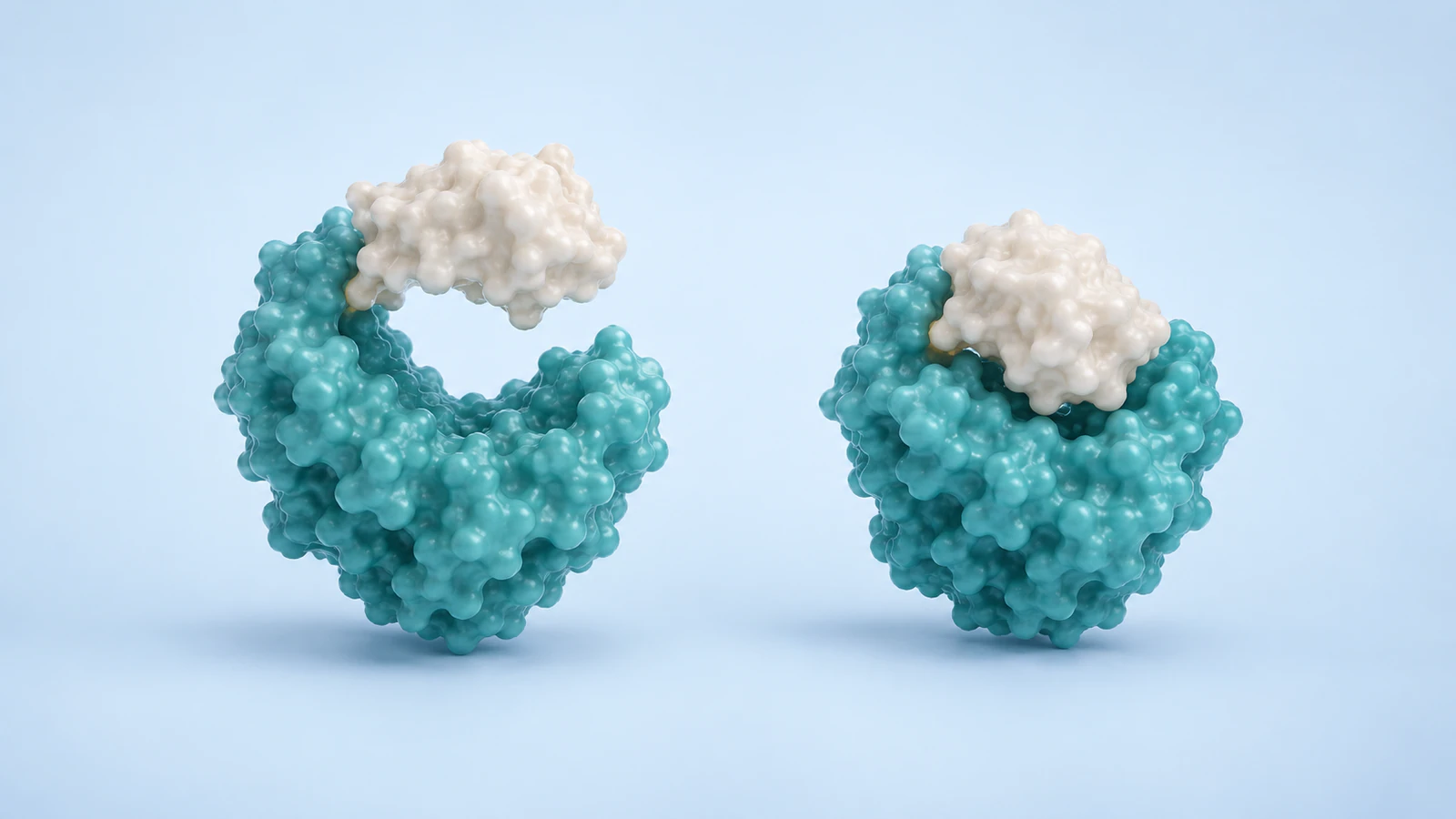
Imagine a teaching brief containing two reviewed models of a hypothetical protein with a larger core and a smaller domain. One model has a wider cleft, the other a narrower cleft. The intended message is only that their relative domain arrangement differs. No named protein, structure identifier or measured angle is implied by this exercise.
The first draft rotates the whole object while the smaller domain closes. That creates two interpretation problems: the changing camera makes the gap difficult to compare, and the continuous closure suggests an established route. The brief has evidence for endpoint differences, so those additions exceed its job.
Revise the sequence to hold the larger core in a stable view, show the wider cleft, cut to the narrower cleft and hold again. Preserve domain colors across the cut. Let the spoken explanation say that these are two compared states, without inventing a binding event to motivate the edit.
If a reviewer later requests an illustrative morph, evaluate that as a separate version. Keep the endpoint-only version available for comparison. Ask what the extra frames teach and which disclosure will accompany them, rather than assuming that smoother movement is automatically more informative.
Build a six-shot review sequence
This storyboard turns the example into a short reviewable sequence. The order is an editorial proposal, not a biological cycle. Decide the hold lengths by whether the feature is readable in the intended presentation, not by attaching an invented molecular timescale.
Use the same visual language through all six shots. Introduce a new close view only after the audience has learned which region it shows. Return to a whole-object view before finishing so the local comparison remains connected to the broader shape.
| Shot | Visible action | Review question |
|---|---|---|
| 1. Establish | Hold the first complete state | Can the audience locate both domains? |
| 2. Orient | Identify the cleft in a steady view | Is the comparison feature visible? |
| 3. Compare | Cut to the second aligned state | Does the cut preserve identity? |
| 4. Inspect | Hold the second state | Is the difference clear without added motion? |
| 5. Explain | Show a closer endpoint comparison | Does the wording stay within the evidence? |
| 6. Resolve | Return to the complete second state | Can viewers say what remains unknown? |
Check identity, framing and the clock
Keep the same domain identifiable when the silhouette changes. Do not recolor the moving region at the same moment as the transition unless the color change has a separate, explicit purpose. The molecular color continuity guide provides a practical way to preserve those roles across shots.
Choose a view that exposes the feature you want compared. A dramatic low angle can hide a cleft behind the foreground domain. Review the endpoints at the final display size and use the surface-versus-ribbon guide when exterior shape and backbone arrangement demand different representations.
Keep any displayed time tied to its origin. An illustrative comparison can state that its timing is editorial. A simulation movie should preserve a documented relationship between source time and playback, including any omitted intervals. A pleasing pause or speed ramp should never be mistaken for a measured residence time.
Avoid an automatic back-and-forth loop when the reverse transition has no role in the explanation. End on a held state or use a visibly editorial restart. Repetition for presentation should not quietly become a claim that a molecular event repeats in that exact sequence.
Run the pause-frame test
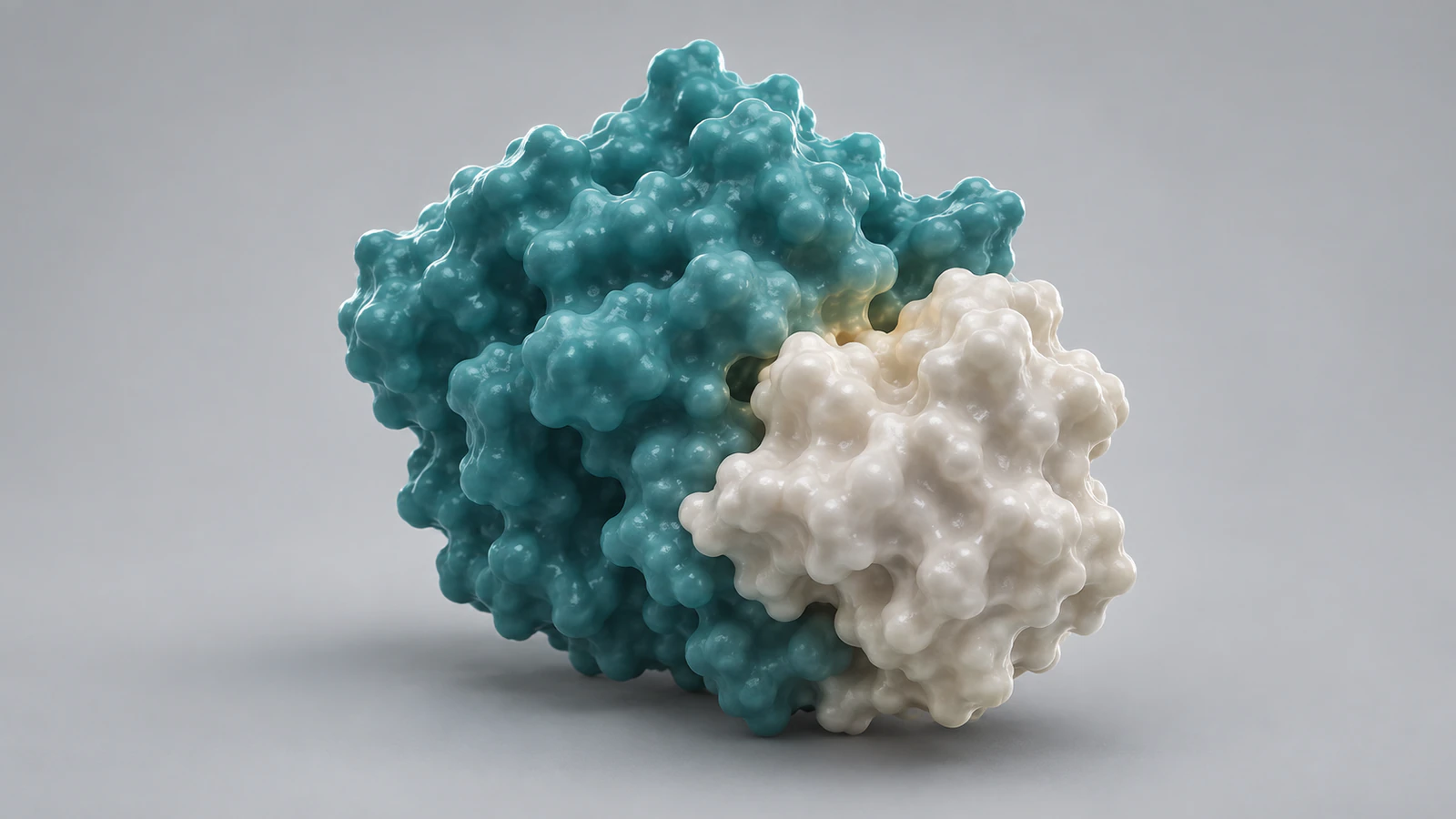
Pause at the opening, one intermediate moment and the final frame. For each, ask the editor to identify the origin of the visible geometry and the meaning of the displayed time. If the answer changes between frames, the viewer needs an appropriate explanation at that transition.
Check a silent version next. Does it look like the protein binds a partner, follows a measured route or spends longer in one state when none of those claims is intended? Revise the motion or staging before trying to repair the meaning with a remote footnote.
Finish with the actual caption, narration and final reading size. The acceptance condition is specific: another reviewer can separate the endpoint evidence, any calculated or illustrative intermediates and the presentation choices. Save that decision beside the scene so a future shorter edit can preserve it.
FAQ
Is a protein morph a molecular dynamics simulation?
No. A morph can interpolate between selected structures, while MD calculates motion using a defined physical model. Describe the actual source of the frames instead of relying on how realistic the movie looks.
Can two structures establish a transition pathway?
Two endpoint models alone do not establish the intervening route or its timing. Additional relevant evidence may support a pathway; identify that evidence before presenting a continuous sequence as a mechanistic result.
Is it wrong to use an illustrative morph?
No. It can help explain a comparison if its purpose, intermediates and editorial timing are clear. Review it for misleading geometry and unsupported biological implications.
Should an NMR ensemble be played as a time series?
Do not infer chronology from model order alone. Establish what the ensemble represents and what evidence, if any, supports a temporal interpretation.
Are these images frames from a real protein trajectory?
No. They are independent conceptual CGI illustrations. Their shapes, colored domains and spacing are not coordinate-derived models or evidence of a molecular pathway.
Try a two-state explanation in Animiotics
Use Animiotics to create a short protein explanation with one clear comparison. Start with the endpoint-only storyboard, keep the frame-origin record beside your project and review the meaning of any added motion before it becomes part of the scientific story.