Start with the growing end
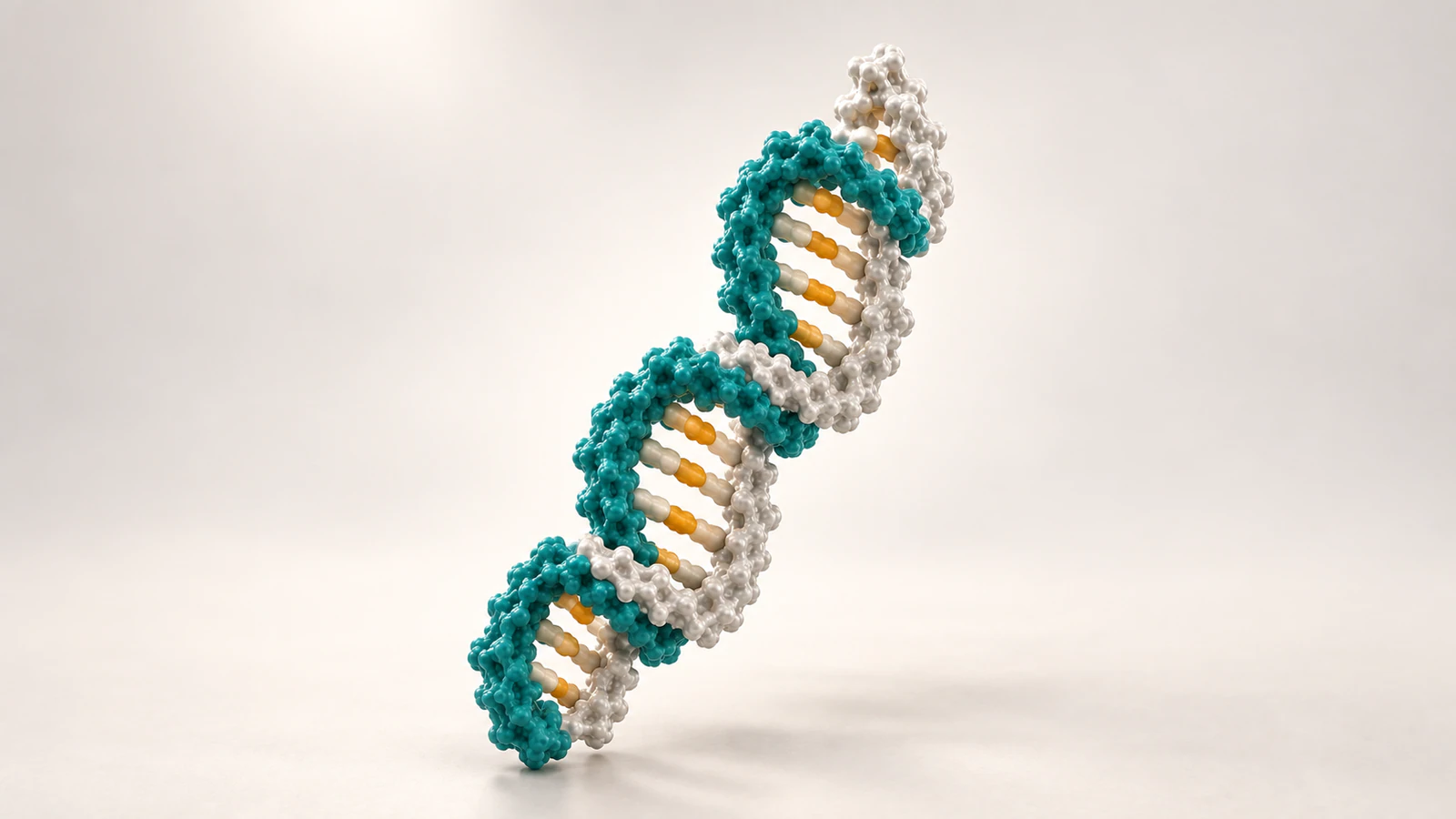
A useful DNA animation lets the viewer identify the template, the strand being extended and the end where extension happens. Establish those relationships before adding an orbiting camera, a detailed enzyme or a stream of incoming molecules. A convincing double helix alone does not explain direction.
When creating scientific animations with AI in Animiotics, put those relationships into the scene description and review them in the result. AI generation is a way to create a scene, not evidence that its chemistry or continuity is correct. This guide gives you a small strand record and a six-shot example for checking a primer-extension sequence.
The example is deliberately narrow: one template and one primed product. It does not attempt an entire replication fork, chromosome or cellular process. That scope makes it possible to inspect what changes without hiding the important end behind a more elaborate scene.
What strand direction means
DNA contains chains of nucleotides, the repeating units carrying its bases. Each chain has a sugar-phosphate backbone; complementary bases connect the paired strands in a duplex, meaning a double-stranded segment. The NHGRI DNA definition provides a concise account of these parts.
The terms 5′ and 3′, pronounced five-prime and three-prime, refer to positions on the nucleotide sugar. In a conventional DNA duplex, the two strands run antiparallel: their chemical directions oppose each other. OpenStax Biology 2e describes that relationship and the backbone connections.
Screen direction is a separate matter. Rotating your camera can move a particular end from the left side of the picture to the right without changing the molecule. Never assign chemical identity from whichever endpoint happens to be closest to the edge of the latest frame.
Choose one extension event
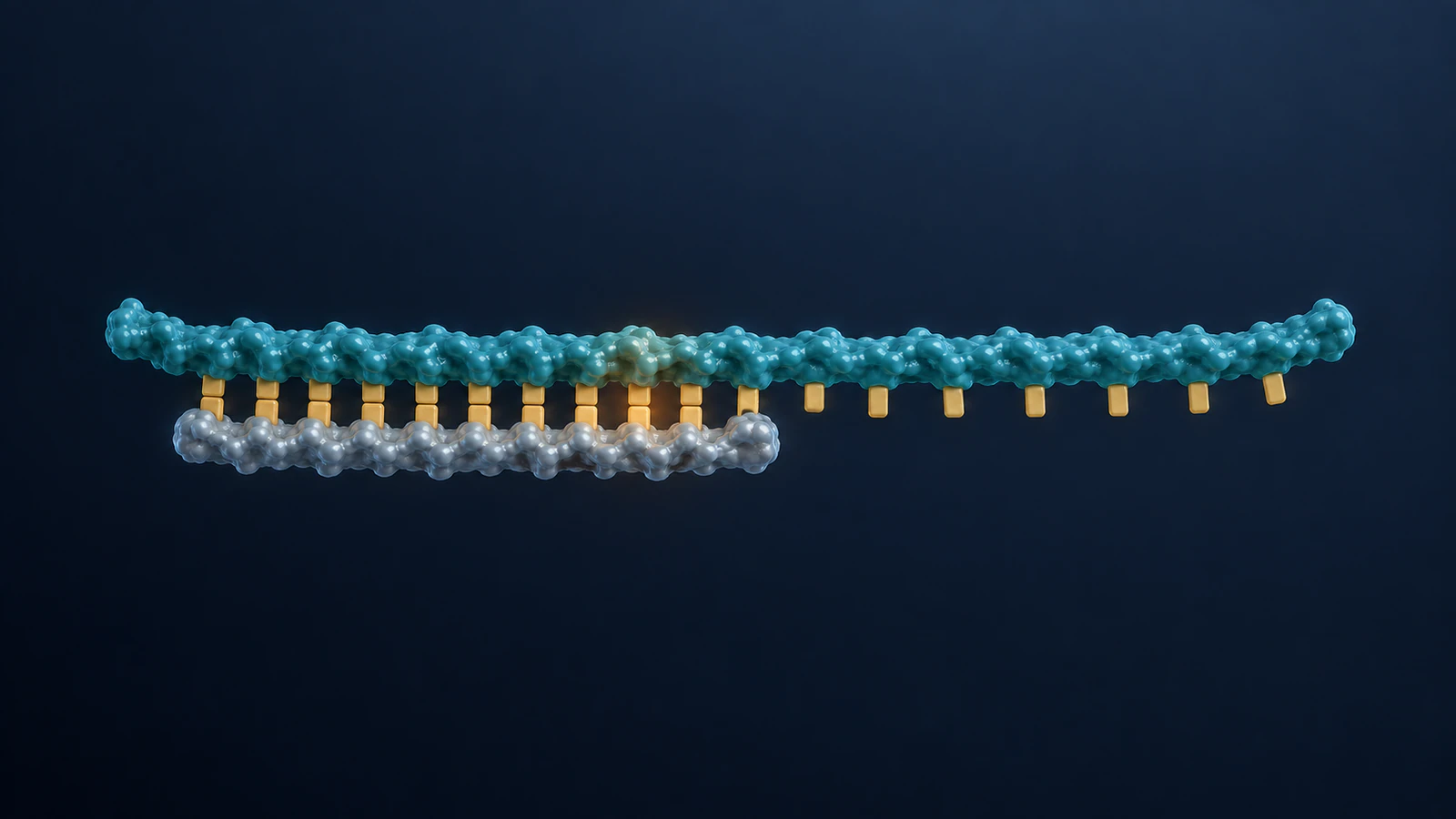
For a template-dependent DNA polymerase, a primer supplies an existing end to extend. New DNA is synthesized in the 5′ to 3′ direction by addition at the growing 3′ end. The readable Genomes chapter on DNA manipulation explains this primed synthesis; it is the biological constraint for the example below.
Show a long template with a shorter paired strand and keep the boundary between paired and unpaired regions visible. Initially, omit the enzyme if its silhouette prevents you from locating that boundary. You can add context after the simple view communicates the event.
This is a visualization exercise, not a claim about a particular organism, polymerase or reaction rate. A scene about lagging-strand synthesis, repair or an editing system needs its own biological account. Do not turn a single extension event into a generic explanation of every process involving DNA.
Write a strand-end record
Before generating the scene, make a compact record of the objects that must remain identifiable. Use names that describe their roles rather than their current positions: template, primer-product and extension boundary. The primer-product name reminds the reviewer that the short strand is extended rather than replaced by an unrelated object.
For this hypothetical setup, place the template above the primer in the opening view. The table fixes the intended orientation for that view only. If a later camera move reverses their screen positions, preserve the object identities and update the shot notes.
Keep the record next to the storyboard during review. A disagreement between the record and the image is a concrete revision request: identify the object and end that changed. “Make it more scientific” is too vague to guide a useful correction.
| Object | Opening-view assignment | Invariant to check |
|---|---|---|
| Template | Teal; 3′ at left, 5′ at right | One continuous strand throughout |
| Primer-product | Silver; 5′ at left, growing 3′ at right | Same strand extends from its designated end |
| Extension boundary | End of the paired region near center | Remains visible when the camera changes |
Separate identity from emphasis
Give the template and product stable visual identities across the sequence. A temporary highlight can draw attention to the extension boundary, but should not recolor a whole strand so that it looks like the other object. If you use amber for attention, avoid also using it to encode a specific base without explaining that separate meaning.
Use framing and narration alongside color. A reviewer should be able to locate the shorter strand from its extent and relationship to the template, even when the palette is difficult to distinguish. The molecular color continuity guide develops this identity check across multiple shots.
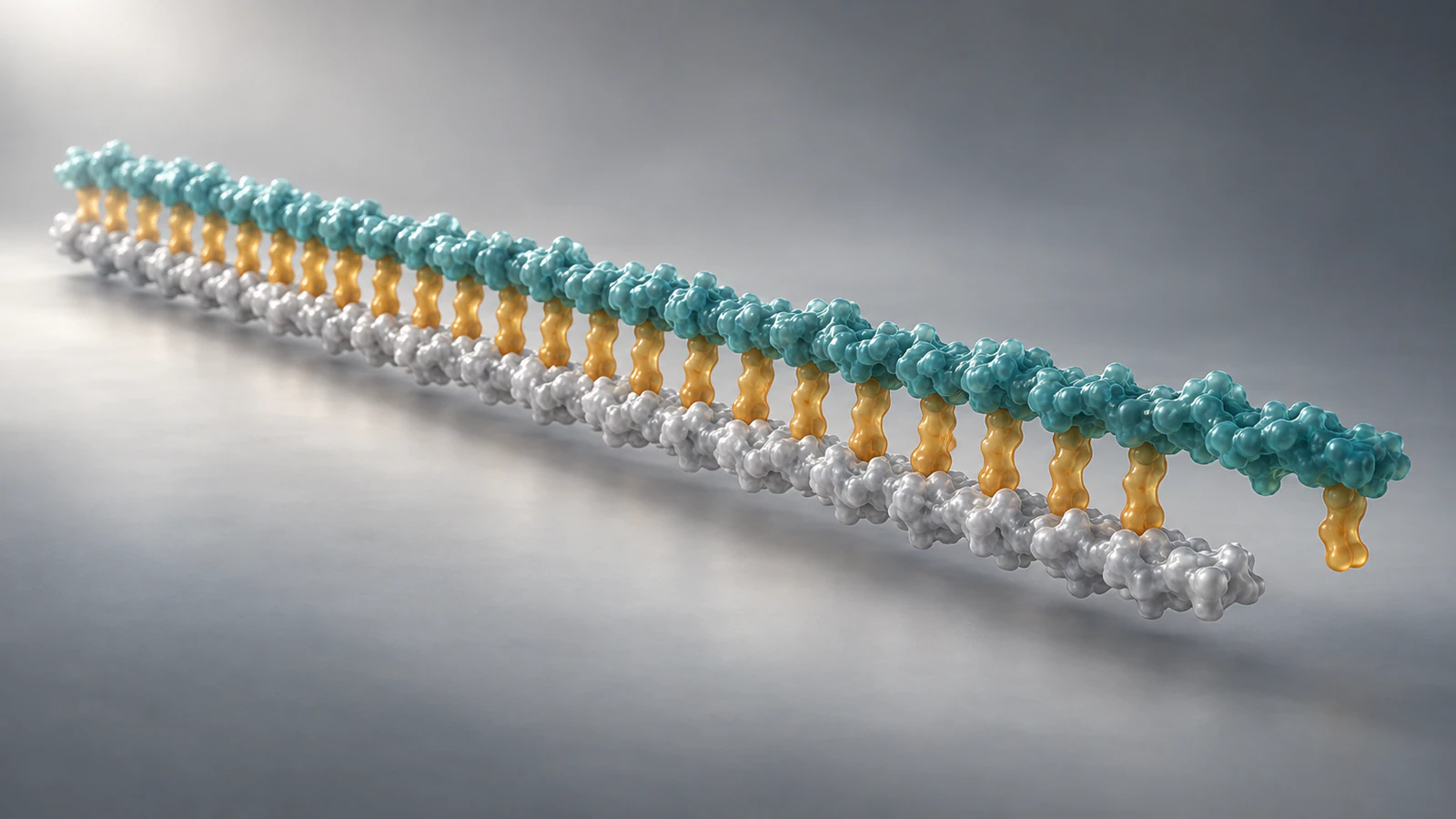
Do not ask one unlabeled beauty frame to teach chemical polarity on its own. In the final animation, clear narration or carefully placed end annotations can explain the strand record. The conceptual images here show spatial relationships; their colors do not establish atom-level chemistry.
Describe the scene for AI
Write the scene description around relationships you can verify. For example: “Show one long template and one shorter complementary strand. Keep their identities consistent. Focus on the designated growing end and leave the unpaired template continuation visible. Use a fixed camera for the extension event.” Pair that description with your strand-end record.
Add the scientific context separately: what is being represented, what evidence you are using and which details are intentionally omitted. For a conceptual overview, state that exact sequence, atom positions and reaction timing are unspecified. If the intended output must follow a specific structure, check the actual structure and the supported production workflow rather than assuming a prompt supplies coordinates.
Generate a simple first scene in Animiotics and inspect the relationships before requesting visual polish. Treat the example wording as a starting point for your own animation, not a tested command or a guarantee of the generated result. Correct a wrong end or extra strand before adding more objects.
Use this six-shot storyboard
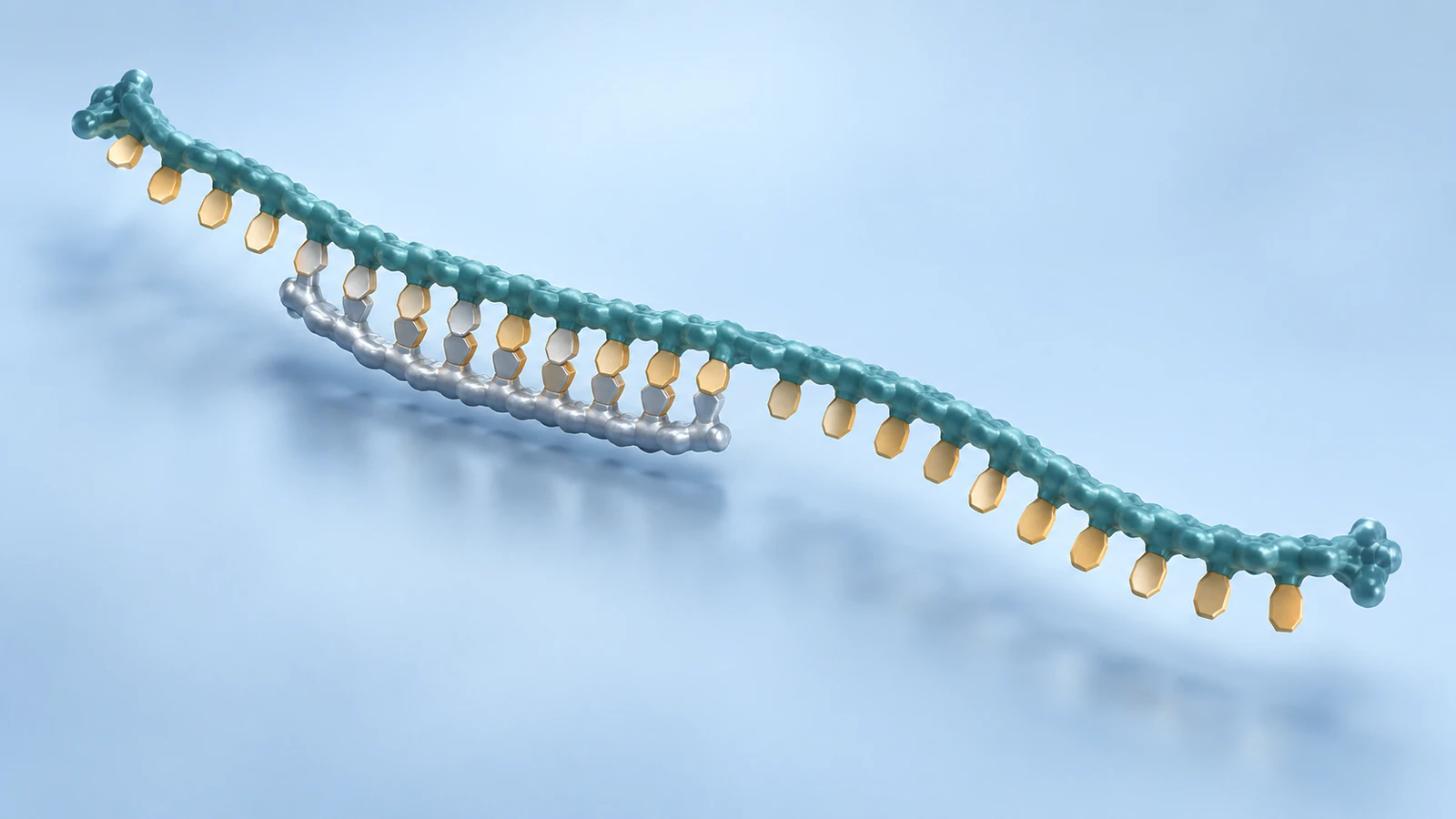
The following sequence is an authored teaching plan, not a measured trajectory. It separates orientation, inspection and extension so each shot has one question to answer. Keep the first version short enough that you can compare its opening and closing frames without relying on memory.
- Establish: show the template and short primer together, with both strand identities stated in the accompanying explanation.
- Locate: move closer to the primer end while retaining enough unpaired template to explain the boundary.
- Hold: stop the camera and identify the designated growing end before anything changes.
- Extend: show the product becoming longer from that end; keep the opposite product end and the template identity consistent.
- Reorient: only after the event is clear, use a modest camera change and confirm the same endpoint can still be traced.
- Review: return to a readable wider view, where the extended product and remaining template continuation can be compared.
Keep the cut honest
A cut can accidentally imply that the primer jumped to the opposite strand or that synthesis changed direction. Compare the last frame before the cut with the first frame after it. Trace the template, then the product, then the extension boundary; do not judge continuity solely from the overall silhouette.
If the new angle is difficult to reconcile, keep more overlap between the two compositions. Leave the same distinctive end or short template continuation visible as a landmark. An establishing hold often explains the new viewpoint more clearly than a faster camera move.
Avoid mirroring a frame to repair its composition. Reflection can change helix handedness; RCSB PDB-101 shows that DNA has distinct helical forms, not interchangeable decorative spirals. Reframe a correct model instead of treating its handedness as an aesthetic choice.
Add the polymerase last
Once the strand-only version reads clearly, decide whether an enzyme helps answer the question. RCSB’s DNA polymerase overview illustrates different polymerases enclosing the primer-template end in an active-site region. That is useful context, but it does not justify inventing an exact enzyme surface for your scene.
For a conceptual enzyme view, keep the growing end inspectable and explain what the surface represents. For a named polymerase, choose and verify an appropriate source model and biological context. Do not borrow the shape of a convenient protein and present it as a structural match.
Check scale and occlusion together: a dramatic enzyme close-up may hide the very connection the viewer needs. Use the molecular scale guide when deciding which size relationships and time changes your explanation must disclose.
Review before sharing
Inspect the animation at its intended viewing size, not only in a large preview. Pause at the opening, the extension event and every camera cut. If a strand disappears behind another object, check that its reappearance preserves identity rather than silently introducing a different path.
Compare the narration with the frames. If the narration names the growing end while the image emphasizes the opposite one, change the staging or explanation. If the sequence is illustrative, keep that qualification near the example rather than implying that smooth motion came from measured molecular dynamics.
For AI-generated material, look specifically for color changes at crossings, fused backbones, unexplained extra strands and extension occurring at both ends. A strong final image cannot compensate for a misleading intermediate frame. Keep the approved strand record with the final scene so a later edit can be checked against the same assumptions.
FAQ
Does 5′ to 3′ mean left to right on screen?
No. It describes chemical direction along a strand. Your camera can change the screen position of an end, so define the strand orientation in the opening view and preserve its identity through later shots.
Can a generated DNA image prove that polarity is correct?
No. An unlabeled conceptual image does not establish the chemical identities of its ends. Review the model or intended strand record and make the direction explicit in the accompanying explanation.
Must every DNA animation show a polymerase?
No. A strand-only scene can introduce the relevant relationship more clearly. Add an enzyme when its role is part of the question and its representation can be supported.
Can I use a straightened DNA schematic?
Yes, if it is clearly presented as a simplified topology view rather than a physical conformation or atom-level reconstruction. Keep its strands separate and avoid suggesting that the straightened geometry was experimentally measured.
Should an AI animation be reviewed frame by frame?
Inspect the scientifically important frames and transitions, including the growing end and every camera cut. Smooth playback is not a substitute for checking molecular identity and the event your narration claims to show.
Try a DNA scene in Animiotics
Use Animiotics to create an AI scientific animation around one primer-extension event. Start with the strand record, ask for a simple view and check which end changes before developing the scene further. Bring the same review method to your next DNA mechanism or molecular explainer.
You can join Animiotics for free; the current homepage states that AI generation and exports require a paid plan. Choose the workflow that fits your project and keep scientific review part of the process.