Every angle is there.
Move around the scene to understand its depth, composition and structure.
Scientific 3D animation software for research, teaching and biotech.
From the first prompt to the final frame, you’re in control.Scientific 3D animation software, in your browser.
No card required. AI generation and exports require a paid plan.
“Animate an antibody blocking a cell-surface receptor.”
For the science you need to explain.
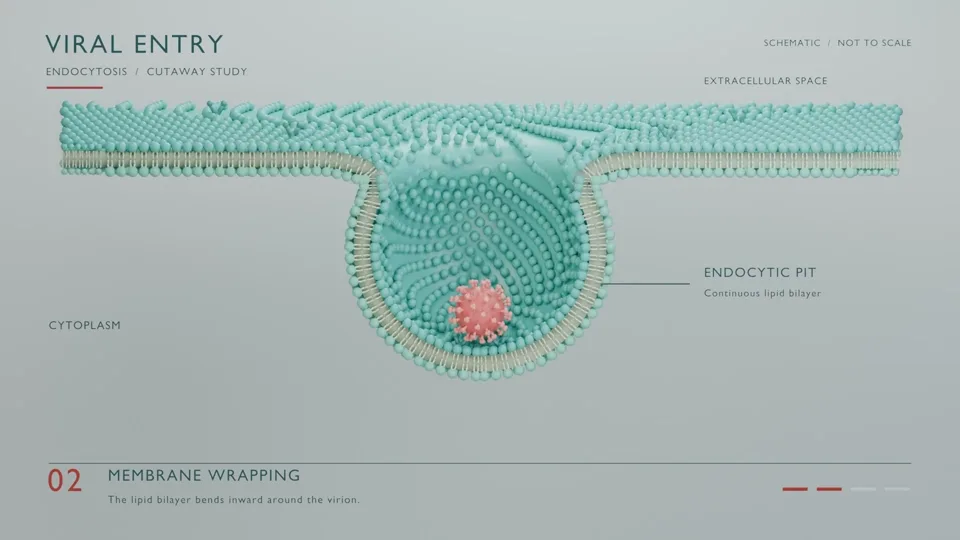
“Show a cell membrane wrapping around a virus to form a vesicle.”
“Show a cell membrane wrapping around a virus to form a vesicle.”
Conceptual endocytosis example. Structures and timing are not to scale.
Conceptual endocytosis example. Structures and timing are not to scale.
Shape the scene. In your own words.
 Editor preview
A new angle. A small adjustment.
Just say what you have in mind.
Edits start in your workspace.
Every object stays part of your editable 3D scene.
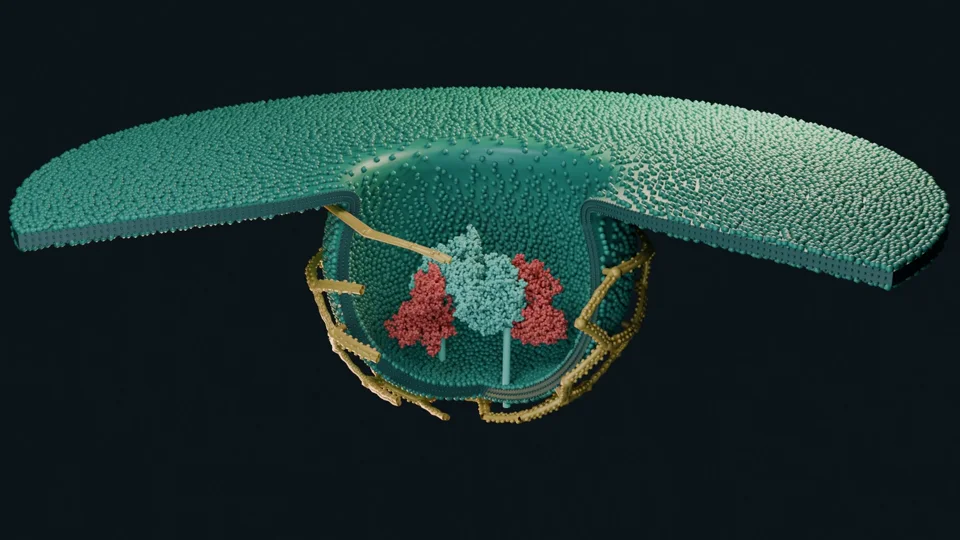
Render an animation or choose a single frame.
The animation is just one view of your work. Step inside the scene, explore another angle and change the details. Try it here.Explore every angle. Edit every detail.
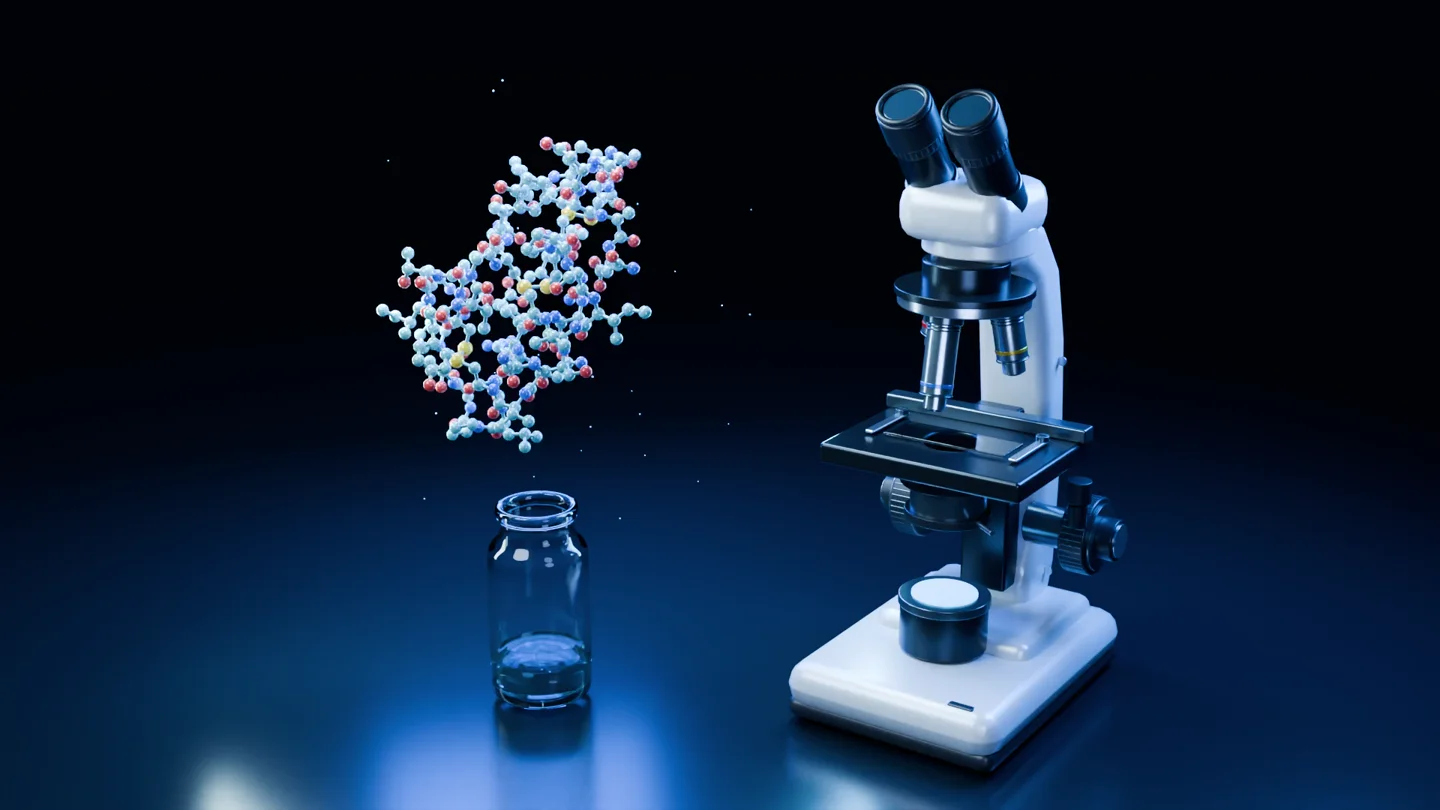
Move around the scene to understand its depth, composition and structure.
Change objects, materials, lighting and timing as your story takes shape.
Come back for a new shot, a different audience or the next version.
From the lecture hall to the lab meeting.
Animiotics creates a complete 3D scene with models, materials, lighting, cameras and animation. You can explore that scene from different angles, edit it and render videos or still images. The scene remains part of your project so you can return to it and make changes.
You can start with a written description of the science you want to show. Add reference images to guide the appearance, then ask for changes in the same conversation. When you want more control, the editor lets you work directly with objects, materials, lighting and animation.
Allow around 20 minutes for an initial scene, with more time for complex models or detailed mechanisms. Creation time varies and the studio shows progress as it works. Your final high-quality video or still is rendered separately; rendering time depends on the scene and output.
Keep directing with follow-up prompts or use the editor to change model positions, colors, materials, lighting, camera framing and animation timing. You can inspect individual objects and refine your composition before rendering again.
Yes. You can attach reference images to guide the scene’s appearance and work with PDB/CIF structures in the editor. Experimental coordinates and visual references serve different purposes: review your mechanism, scale and scientific interpretation before using a finished visual.
Export an MP4 animation for presentations, websites and teaching. Render a PNG still for a figure, slide or poster. You can also export scene assets to continue working in 3D. Visit the plans page for the current options and allowances.
Turn the idea in your head into something your audience can understand, remember and share.
Start with a description of your animation.