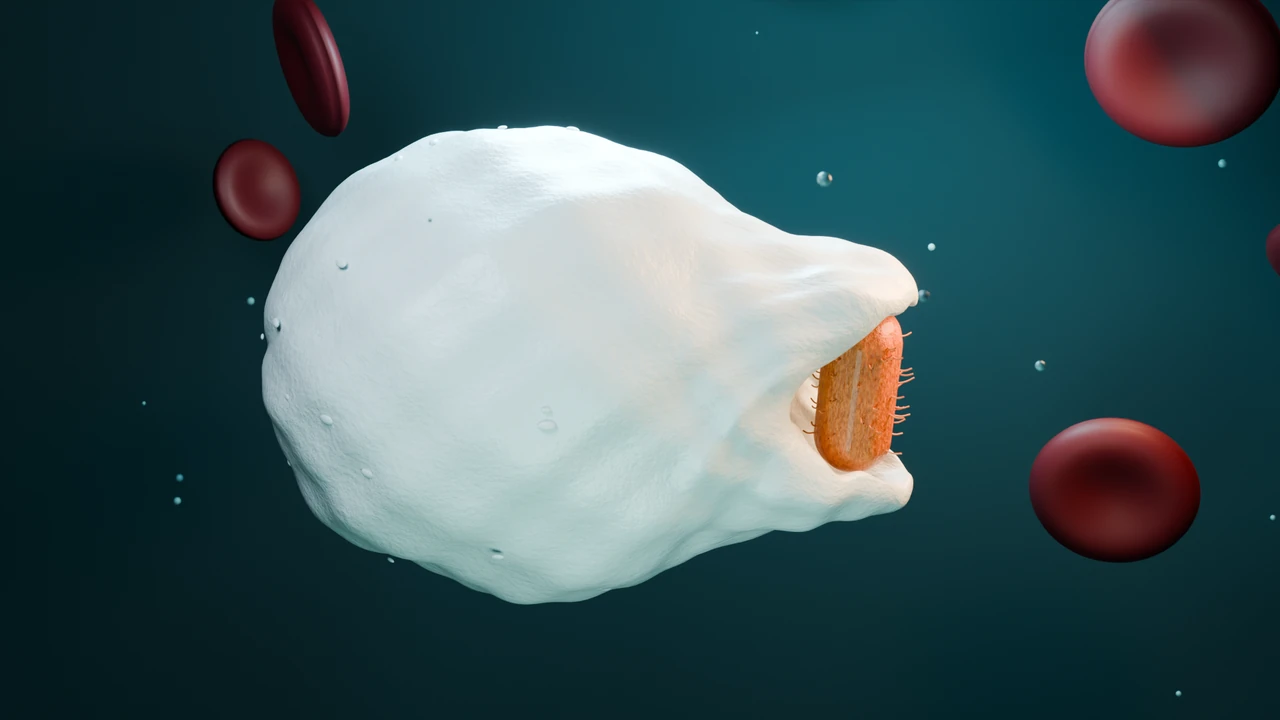
Watch a white blood cell in action.
Show a white blood cell engulfing a bacterium, then reveal the sealed vesicle inside.
Scientific 3D animation software for research, teaching and biotech.
From the first prompt to the final frame, you’re in control.Scientific 3D animation software, in your browser.
Free sign-up · Try your first animation for $2.99
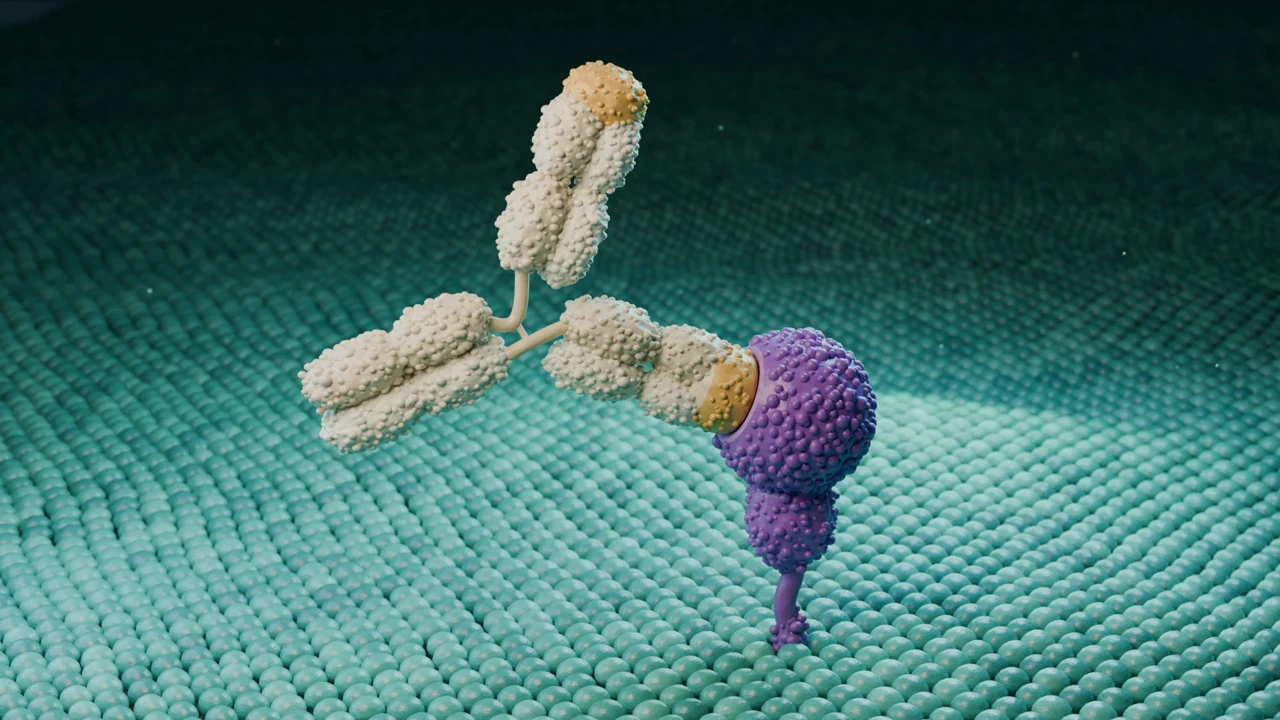
“Animate an antibody blocking a cell-surface receptor.”
For the science you need to explain.
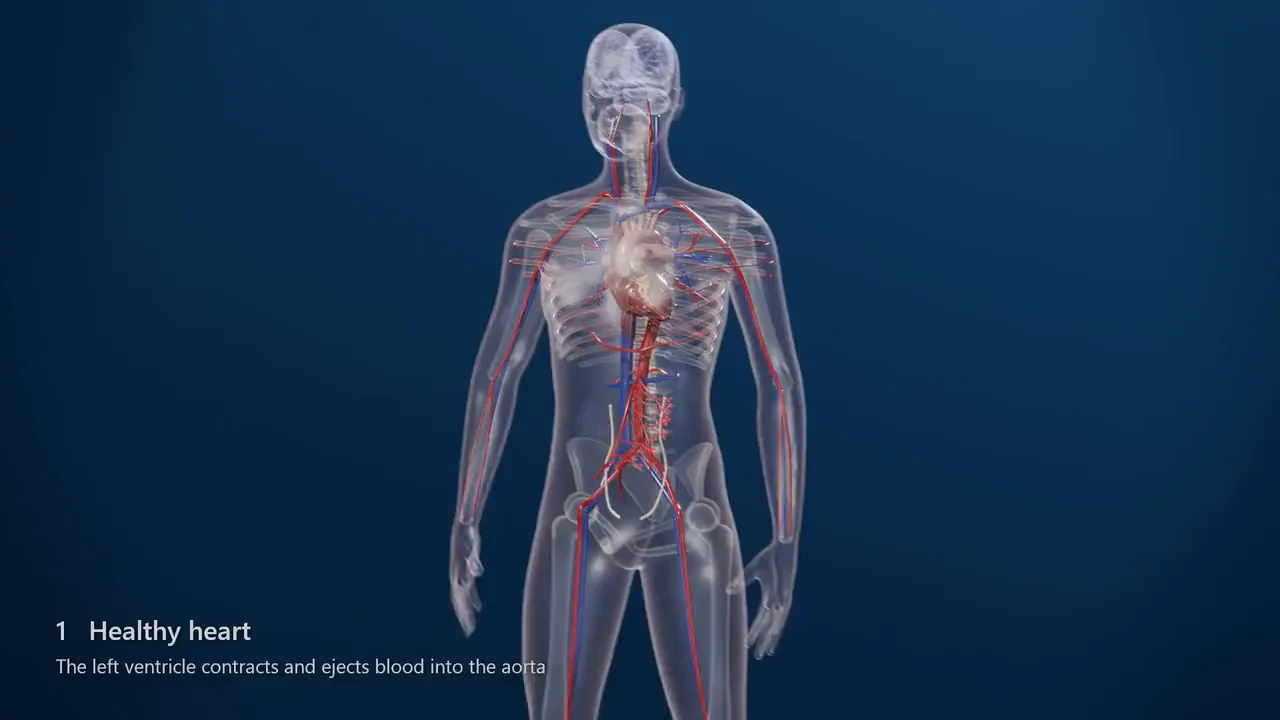
A realistic 3D animation of heart failure pathophysiology, from the whole body down to molecules. Start with a healthy beating heart, then show a weakened left ventricle pumping less blood, so less reaches the organs. The kidneys sense low perfusion and sympathetic activation follows. Norepinephrine narrows the arterioles through alpha-1 receptors and drives the heart harder through beta-1 receptors. End on the body with a faster, harder-working heart.
Write what you want to show, in your own words. Add reference images if you have them.
Animiotics builds an editable 3D scene, usually in about an hour. You can close the tab.
Adjust the camera, colors and timing, then export a video or a still.
Explore every angle. Edit every detail.
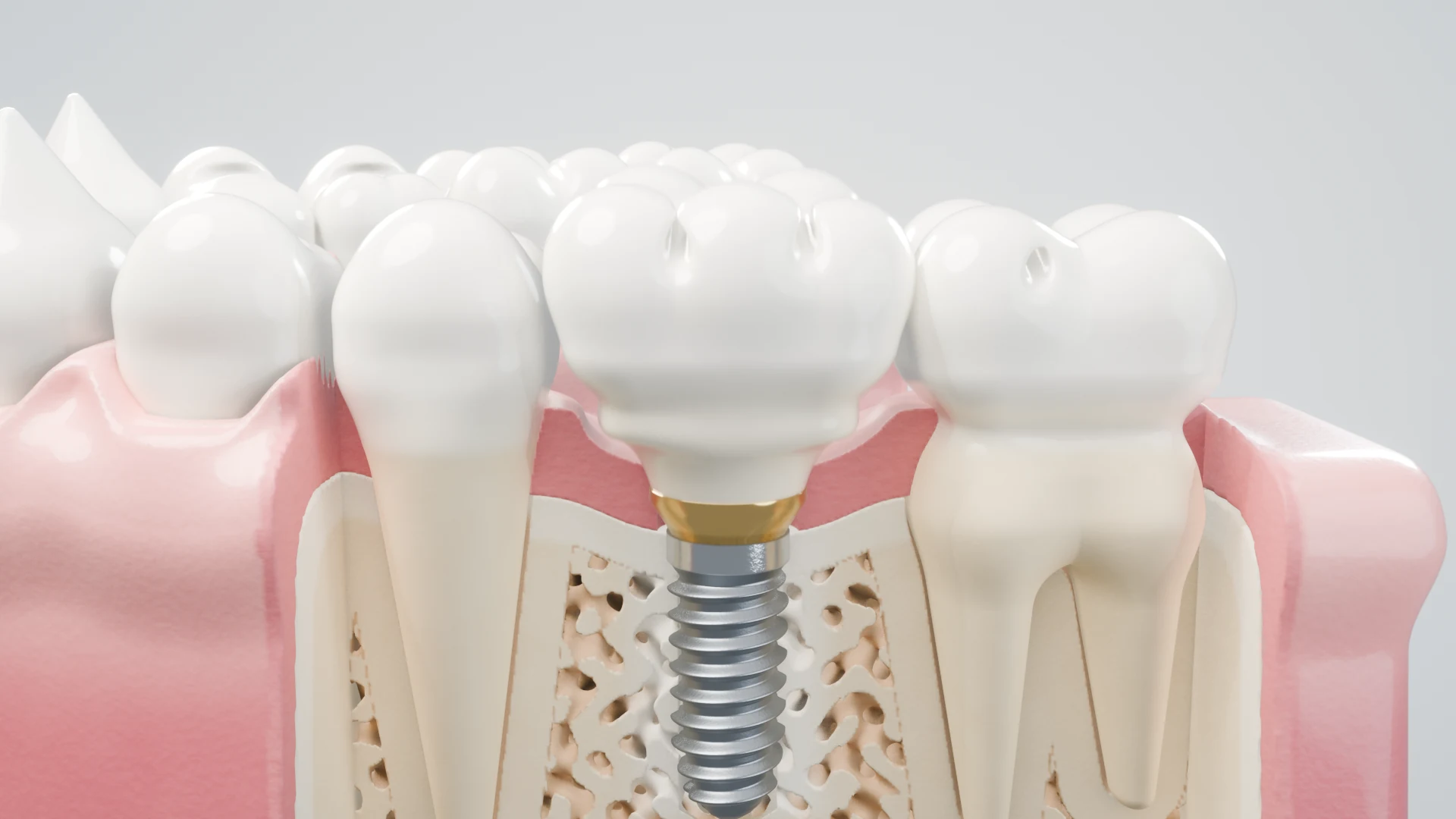
Move around the scene to understand its depth, composition and structure.
Change objects, materials, lighting and timing as your story takes shape.
Come back for a new shot, a different audience or the next version.
Every review on our Trustpilot page is five stars. Read them on Trustpilot
Amazing User Interface with an amazing Tutorial to go with it. Perfect for an undergraduate student to create high level animations for presentations! I really loved the experience and can't wait for the future of this program! Amazing application and would recommend to everyone I know.
The software is still in beta at the moment so there were a few bugs but when I told them to the founder he replied within an hour with the ready fix. We exchanged a few emails and he personally helped me with my project. I have absolutely nothing bad to say. It was a very good experience.
I think it was great for mapping out pathways and visualising the molecules and compounds for biochemical pathways. It was very easy to use, and I recommend this greatly.
This app allows you to make beautiful animations using chemical structures.
The functionalities of the product are extremely well made and easy to use, recommended!
Exciting animation website!
Animiotics creates a complete 3D scene with models, materials, lighting, cameras and animation. You can explore that scene from different angles, edit it and render videos or still images. The scene remains part of your project so you can return to it and make changes.
You can start with a written description of the science you want to show. Add reference images to guide the appearance, then ask for changes in the same conversation. When you want more control, the editor lets you work directly with objects, materials, lighting and animation.
A new scene usually takes about an hour, and can take longer for complex models or detailed mechanisms. You can close the tab while it works, and the studio shows progress as it goes. Your final high-quality video or still is rendered separately; rendering time depends on the scene and output.
Signing up and the manual editor are free. AI generation and exports need a paid plan. New customers can try Starter for $2.99: 7 days and your first animation. Then Starter is $19 a month for 6 generations, and your first month is $19 in total. Cancel within 7 days and you only pay $2.99. Academic, industry and annual prices are on the plans page.
Keep directing with follow-up prompts or use the editor to change model positions, colors, materials, lighting, camera framing and animation timing. You can inspect individual objects and refine your composition before rendering again.
Yes. You can attach reference images to guide the scene’s appearance and work with PDB/CIF structures in the editor. Experimental coordinates and visual references serve different purposes: review your mechanism, scale and scientific interpretation before using a finished visual.
Export an MP4 animation for presentations, websites and teaching. Render a PNG still for a figure, slide or poster. You can also export scene assets to continue working in 3D. Visit the plans page for the current options and allowances.
Turn the idea in your head into something your audience can understand, remember and share.
Free sign-up · Try your first animation for $2.99