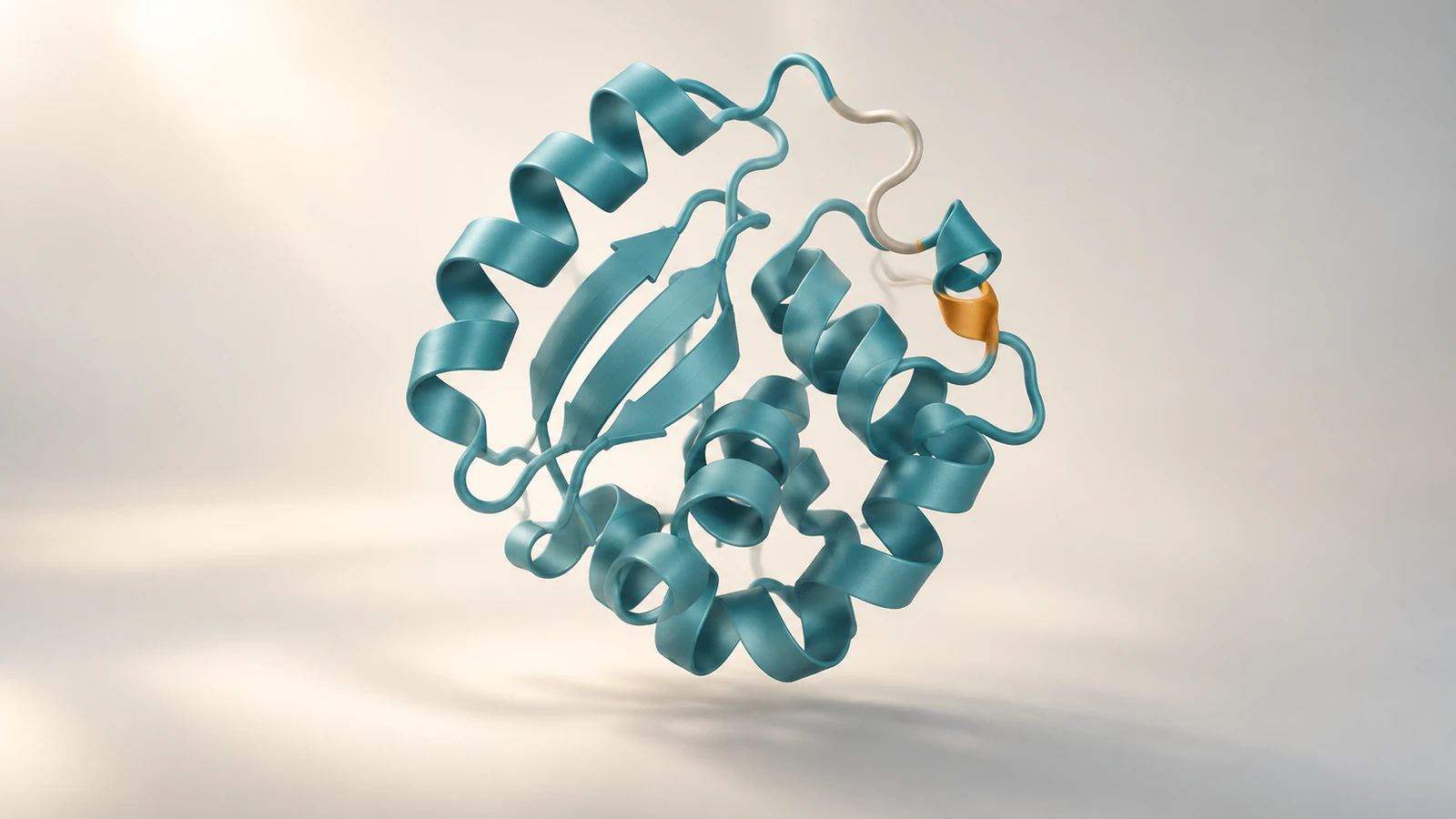
Keep two clocks in your movie
For molecular dynamics movies, report the simulation timestamps represented by the selected coordinates separately from the video frame rate. The first tells a reader when each configuration occurs in the simulated system. The second tells a player how quickly to show the images. Skipping snapshots, adding holds or interpolating between positions changes that relationship, so keep a frame-to-time record before rendering.
A useful caption gives the simulated interval, snapshot selection and viewing rate, then identifies any timing changes. This guide builds that record with an illustrative 10-nanosecond example. Its arithmetic is checked; the software steps are documented procedures, not a locally rendered trajectory experiment.
Use this workflow when preparing a supplementary movie, lab-meeting clip or teaching sequence from simulation coordinates. It does not establish that a simulation reproduces experimental kinetics. A visually smooth transition alone cannot answer that question.
Gather the files and their provenance
Keep the original trajectory, its matching topology or structure file and the simulation settings together. The topology identifies the atoms; the trajectory supplies their changing coordinates. Record filenames, software versions, any preprocessing and the relationship between the file you received and the original calculation.
The commands below assume a working Python environment with MDAnalysis and a compatible GROMACS GRO/XTC pair. The names system.gro and trajectory.xtc are placeholders for your own matching files. Confirm the atom count and ordering before continuing; renaming unrelated files does not make them compatible.
References were checked on October 10, 2026. The MDAnalysis API pages identify version 2.10.0, its stable user guide displays 2.9.0 and the GROMACS documentation identifies 2026.4. Record your installed versions because file-reader behavior and interfaces can differ. If your task is simply recording a rotating structure, start with the ChimeraX movie tutorial.
Distinguish a time step from a saved snapshot
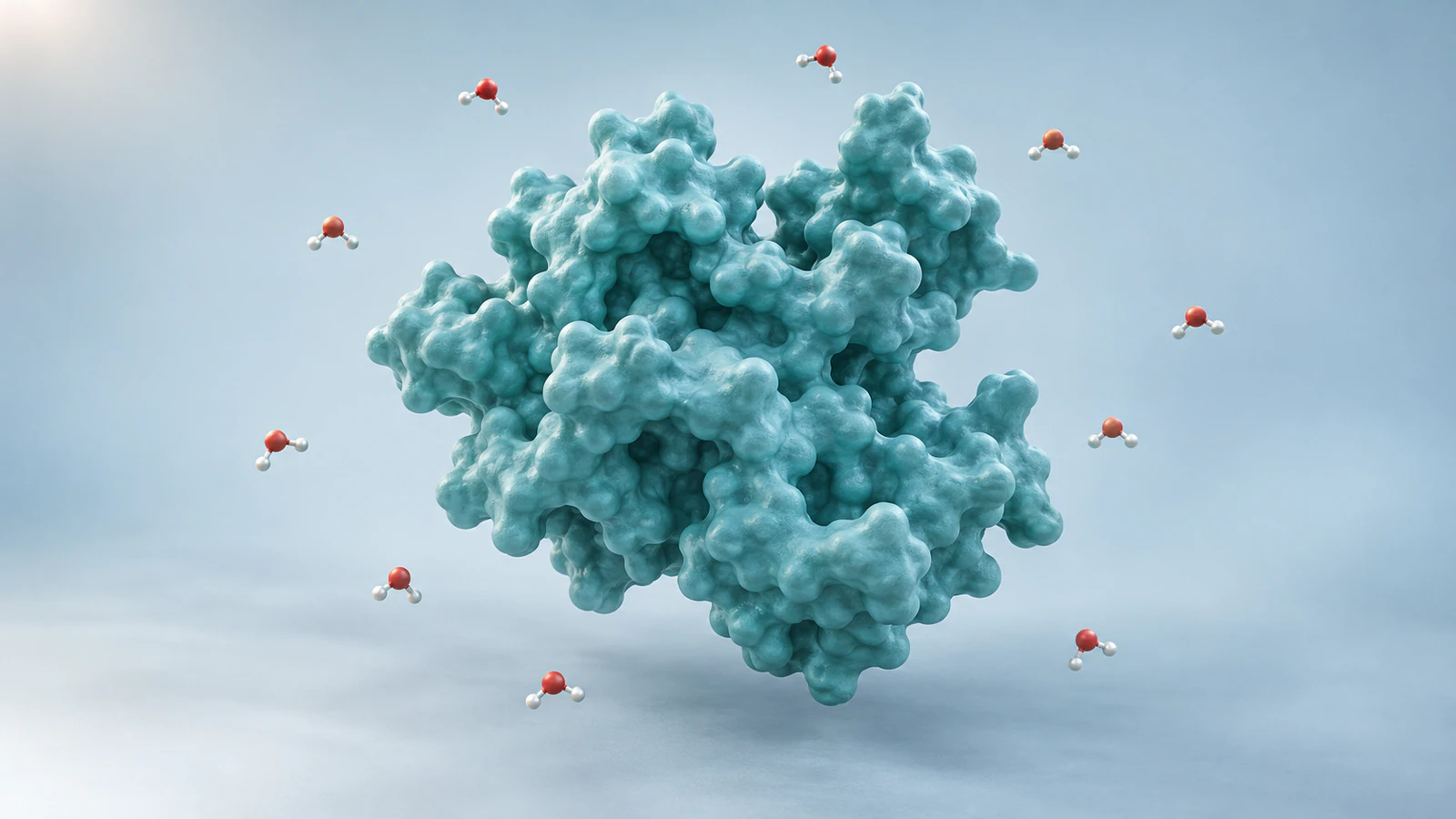
The integration time step is the interval used to advance the simulation calculation. The saved-coordinate interval can be much larger. In GROMACS, dt specifies the integration step in picoseconds (ps, trillionths of a second), while nstxout-compressed specifies the number of steps between compressed coordinate outputs. Check the actual run settings using the GROMACS parameter reference.
For an illustrative run with dt = 0.002 ps and nstxout-compressed = 5000, the scheduled coordinate spacing is 10 ps. The 0.002 ps value is therefore not the time between stored pictures. This multiplication is a planning check, not a replacement for inspecting the file after concatenation, trimming or resampling.
Write both values in the project record. If the received trajectory has already been reduced to every tenth saved snapshot, its spacing may be different again. Ask which file each reported number describes before putting a time label on a movie.
Inspect the timestamps before choosing frames
In a terminal with GROMACS available, run gmx check -f trajectory.xtc. The gmx check documentation describes checking trajectory contents. Save its output with your run record and investigate reported inconsistencies before visualization.
For a more explicit frame list, use the following Python statements in order. MDAnalysis Universe accepts a topology and trajectory; the trajectory guide documents indexing and slicing. These statements inspect inputs without writing a modified trajectory.
The expected output is your installed version, a frame count and timestamp pairs for the first, second and final stored frames. Values will depend on your files. Do not replace them with the worked example below simply to obtain a neat duration.
MDAnalysis reports timestep time in picoseconds and uses zero-based frame indices. Its Timestep reference warns that dt defaults to 1 ps when time information is absent. Plausible-looking timestamps can therefore be inferred from a default. Verify their origin against the simulation record; a printed number is not sufficient provenance.
| Order | Python statement |
|---|---|
| 1 | import MDAnalysis as mda |
| 2 | u = mda.Universe("system.gro", "trajectory.xtc") |
| 3 | print(mda.__version__, len(u.trajectory)) |
| 4 | print([(i, float(u.trajectory[i].time)) for i in [0, 1, len(u.trajectory)-1]]) |
Work through a 10-nanosecond example
Assume a file contains 1,001 snapshots at 0, 10, 20 and successive 10 ps timestamps through 10,000 ps. Those are illustrative inputs, not measurements from a named protein. The first-to-last span is 10,000 ps, or 10 nanoseconds (ns, billionths of a second). There are 1,000 intervals between the 1,001 snapshots.
Select every fifth stored snapshot, beginning at zero. The retained source indices are 0, 5, 10 through 1,000: 201 snapshots with 50 ps between successive samples. If each becomes exactly one video image at 30 frames per second, the clip lasts 201/30 = 6.7 seconds.
The last image starts at 200/30 seconds and stays visible for one frame interval. This explains why the last timestamp on a video timeline and the full file duration need not be equal. Count images for encoded duration, but subtract first and last simulation timestamps for the represented scientific interval.
| Quantity | Illustrative value | What it describes |
|---|---|---|
| Original stored snapshots | 1,001 | Coordinates including both endpoints |
| Selection stride | 5 | Keep every fifth stored snapshot |
| Selected spacing | 50 ps | Simulation time between retained snapshots |
| Selected images | 201 | One image per retained snapshot |
| Encoded duration | 6.7 s at 30 fps | Time spent watching the clip |
| Simulation span | 10 ns | Last timestamp minus first timestamp |
Save a frame-to-time record
Create a small table that travels with the movie. Each row should identify the output image, the source frame and the source time with its unit. This makes later edits reviewable: a collaborator can trace a surprising moment back to the coordinates that produced it.
After the inspection statements, run selected = [(int(ts.frame), float(ts.time)) for ts in u.trajectory[::5]]. Then run print(selected[:3], selected[-1], len(selected)). This follows the documented trajectory slicing convention. For the illustrative input, expect 201 entries ending at source index 1000 and time 10000 ps; your real input may differ.
To preserve the list, run import csv, then the single-line statement below. The Python CSV documentation describes the writer and newline handling. Choose a new output filename for each revision so an older movie retains its own audit record.
with open("frame-times-v1.csv", "w", newline="") as f: csv.writer(f).writerows([("output_index", "source_index", "time_ps")] + [(j, i, t) for j, (i, t) in enumerate(selected)])
This table describes the planned mapping before added holds or transitions. If an editor inserts extra images, extend the record to reflect them. Keep the original mapping too; otherwise a later reviewer cannot distinguish a deliberate pause from missing data.
Separate playback controls from scientific time
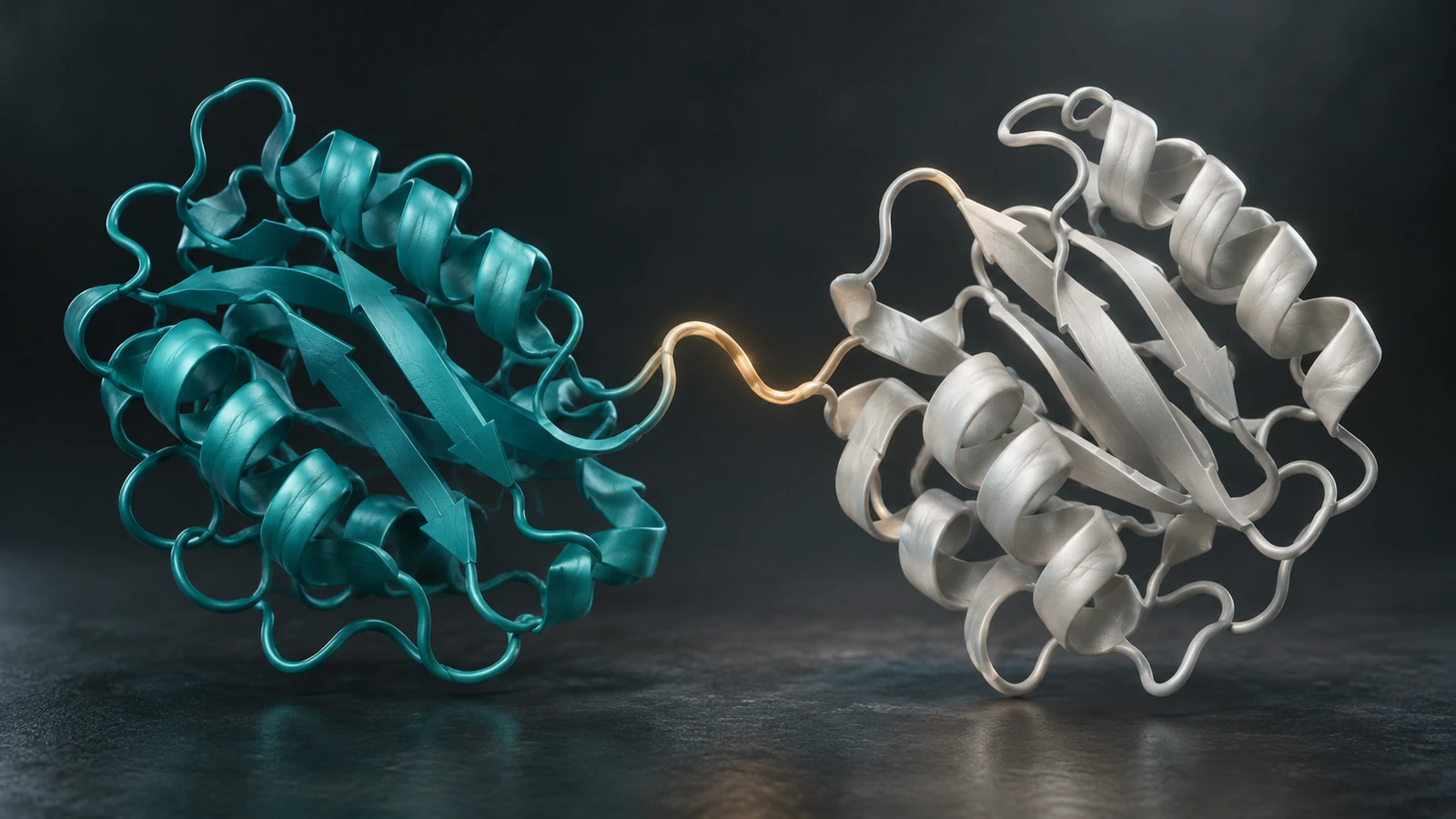
ChimeraX uses the word frames for both coordinate sets and graphics updates. Its coordset reference explicitly distinguishes them. For a loaded trajectory identified as model #1, coordset #1 1,101,5 plays the specified coordinate-set range at a step of five. Replace the model and range with values verified in your session.
The pauseFrames option holds each coordinate set across multiple image updates. That changes presentation pacing without creating additional simulated configurations. Do not transfer zero-based MDAnalysis indices directly into a different viewer without checking the first and last displayed structures.
The ChimeraX movie reference defines the encoder framerate independently of interactive rendering speed. A slow preview on your computer is not evidence that the exported file will play slowly. Inspect the completed movie and its actual image count instead of timing the recording process.
Disclose holds, interpolation and changed speed
For the worked example, the nominal interior mapping is 30 images per viewing second multiplied by 50 ps per selected interval: 1,500 ps, or 1.5 ns, per viewing second. This ratio applies only where selection and playback remain uniform. It does not describe a frozen opening shot or an extra end hold.
If you pause to explain a contact, keep the simulation timestamp fixed during that pause. If you accelerate a long uneventful segment, identify the changed mapping. A single global speed statement would conceal the edit.
Interpolated positions between saved snapshots are constructed intermediate views. They should not be described as additional saved simulation samples. Keep an unmodified evidence version available when a smoother teaching version is useful, and document how intermediate images were made.
A rotating camera creates another possible ambiguity: a feature can move across the screen while the coordinates stay fixed. Use a stationary comparison shot when discussing internal motion. The protein surface and ribbon guide helps choose a representation that exposes the feature being discussed.
Audit the final exported file
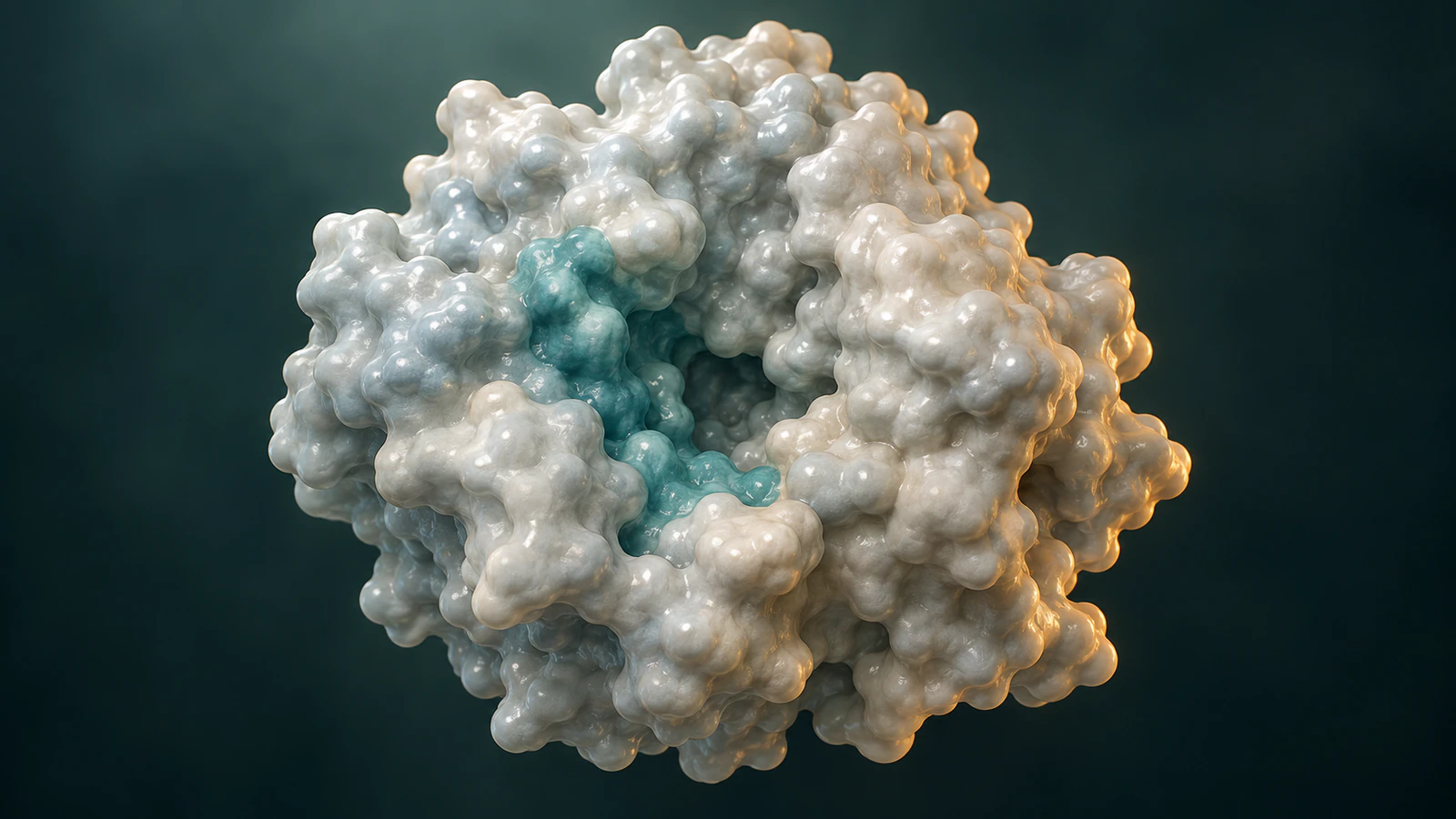
Review the exported movie rather than only the project timeline. Compare its first, middle and final visible configurations with the frame record. Look for an omitted final snapshot, a repeated segment or an unexplained restart after a join.
Use this handoff checklist with a colleague who did not make the movie. Ask them to locate one named output frame in the source data and explain the meaning of both time units. If they need your memory to complete that task, add the missing detail to the record.
A usable example caption is: Illustrative timing plan for snapshots spanning 0 to 10 ns, sampled every 50 ps and displayed one snapshot per image at 30 fps; no interpolation or added holds. Replace every value and condition with the verified details of the actual export. Do not describe these conceptual article illustrations as simulation results.
- Record source files, software versions and preprocessing.
- Confirm timestamp provenance, units and the selected endpoints.
- Count output images and check frame rate and full duration.
- Identify holds, reversed sections, omitted intervals and interpolation.
- Keep the frame table and final caption beside the exported file.
Troubleshoot a timing mismatch
Begin with the first point where the movie and the frame record disagree. Re-rendering everything before finding that point makes the diagnosis harder. Compare a short segment with simple playback, then restore presentation edits one at a time.
Missing timestamp provenance is a reporting limitation, not an invitation to infer speed from how natural the motion looks. A clearly disclosed unknown is more useful than an unsupported nanosecond label.
| Problem | Check first |
|---|---|
| Movie is shorter than planned | Selected image count, encoding rate and missing endpoint. |
| Time jumps at a file boundary | Concatenation order, resets, overlaps and source timestamps. |
| First frame has the wrong time | Index convention and nonzero starting timestamp. |
| Video slows during an explanation | Added holds or variable speed; update the mapping. |
| Every timestamp looks neatly spaced | Whether the reader inferred a default rather than reading time. |
| Motion is smooth but frames are sparse | Interpolation settings and which images are constructed. |
FAQ
Does 30 fps mean 30 simulation steps per second?
No. It describes video images shown per viewing second. Each image can represent a selected simulation snapshot, a hold or a constructed intermediate view; the mapping must be documented.
Why do 1,001 snapshots contain only 1,000 time intervals?
An interval lies between adjacent snapshots. With both endpoints included, subtract the first timestamp from the last rather than multiplying the snapshot count by its spacing.
Can I label time using only the frame number?
Only when the starting timestamp, spacing, index convention and any selection changes are verified. Use actual timestamps when spacing is irregular or files have been joined.
Does a slower movie prove slower molecular motion?
No. Playback speed is an authoring choice. Claims about kinetics require appropriate simulation analysis and biological context, not the apparent pace of an edited video.
Can Animiotics replace this trajectory audit?
Use the source trajectory tools for this audit. Animiotics can help create a separate conceptual scientific scene, but this guide does not establish trajectory-time preservation or simulation analysis in the product.
Try a conceptual protein view in Animiotics
For a teaching companion, try a protein-view scene in Animiotics: keep the protein shape unchanged, move the camera slowly to expose a cleft, then hold the final view. State that the timing is chosen for explanation. This is a proposed scene plan, not a tested prompt or a claim of molecular dynamics.
The current product supports describing a scene, editing its camera and timing and returning to the project. Signing up and the manual editor are free; AI generation and exports require a paid plan. Review the resulting structure and interpretation before using the scene alongside research evidence.