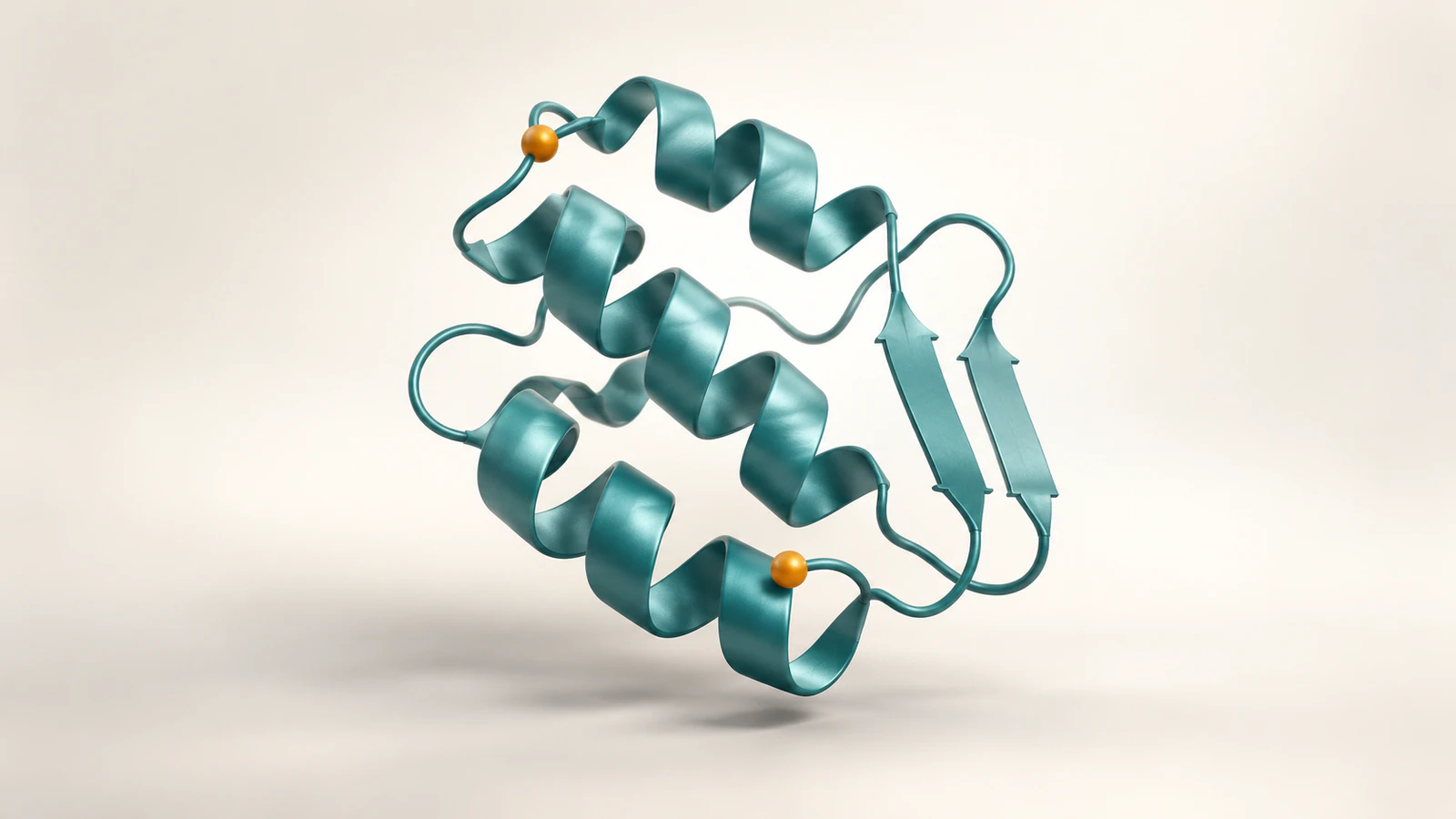
Measure named atoms, then label the figure
To measure a distance in ChimeraX, specify two atoms with their model, chain, residue number and atom name. For example, distance #1/A:3@SG #1/A:40@SG measures the sulfur atoms of two cysteine residues in model 1, chain A. Read the Log, verify the endpoints and save the distance information before preparing the figure.
The phrase “distance between residues” is incomplete: different atoms within those residues give different answers. In the crambin example below, sulfur-to-sulfur and alpha-carbon-to-alpha-carbon measurements are 2.004 Å and 5.687 Å. Both come from the same structure. This guide shows how to reproduce them and explain which question each number answers.
Prepare a traceable structure
Use UCSF ChimeraX and a local copy of the RCSB PDB 1CRN entry in PDBx/mmCIF format. The entry contains crambin, a small protein with one chain and 46 modeled residues. Its structure-summary page reports X-ray diffraction at 1.50 Å resolution. That reported resolution is not an uncertainty interval for each distance you measure.
We executed the atom listings, measurements, display commands and file saves in ChimeraX 1.9 on Windows. The current official documentation was checked on October 20, 2026; the release news lists ChimeraX 1.12 as a production release. The results below are a test of the installed 1.9 version, not a claim that we ran every later release.
Start a fresh session so the input becomes model #1. Open the downloaded file with open "C:/your-folder/1CRN.cif", replacing the example path with your real location. Then run info #1. Our file opened as 327 atoms, 46 residues and chain A. If your model identifier differs, change every subsequent command accordingly; do not close unrelated work just to reuse #1.
Read the complete atom address
ChimeraX uses a hierarchy: # identifies the model, / the chain, : the residue and @ the atom. Thus #1/A:3@SG names one sulfur atom in cysteine residue 3. CA names the alpha carbon in that residue. In this protein context, @CA is an atom name, not a request to select calcium.
Check each endpoint separately with info atoms #1/A:3@SG and info atoms #1/A:40@SG. Each command should identify one atom. Repeat with @CA when preparing the second comparison. The atom-specification reference explains why omitting a hierarchy level broadens a selection; leaving out the chain can include matching residues from several chains.
A residue number belongs to the loaded structure. Do not silently substitute the position of a residue in an unrelated sequence or assume two structures use the same numbering. Record the actual identifiers after loading. For a structure with unresolved coordinates, first check our guide to showing missing residues honestly.
Run the two-pair example
Enter the following two commands separately: distance #1/A:3@SG #1/A:40@SG decimalPlaces 3, then distance #1/A:3@CA #1/A:40@CA decimalPlaces 3. The distance command reports the result in the Log and normally creates a labeled distance monitor between the atoms.
Our retained 1CRN file produced 2.004 Å for Cys3 SG to Cys40 SG and 5.687 Å for Cys3 CA to Cys40 CA. We also extracted the four coordinates and independently calculated their Euclidean separations. The rounded results agreed with ChimeraX. These are coordinate-derived measurements, not values read from an illustration or a ruler placed over a screenshot.
For a compact view, run hide #1 atoms, show #1 cartoons, show #1/A:3,40 atoms and style #1/A:3,40 stick, each as a separate command. Finish with view. The cartoon supplies the fold context while the two residues remain visible as atoms and bonds. These display commands were executed; a publication PNG was not rendered in this test.
Do not use the conceptual images in this article to reproduce the numbers. They illustrate endpoint choice and representation, and do not depict the deposited 1CRN coordinates. Reproducibility comes from the named file, atom addresses and saved measurement record.
Choose the distance your question needs
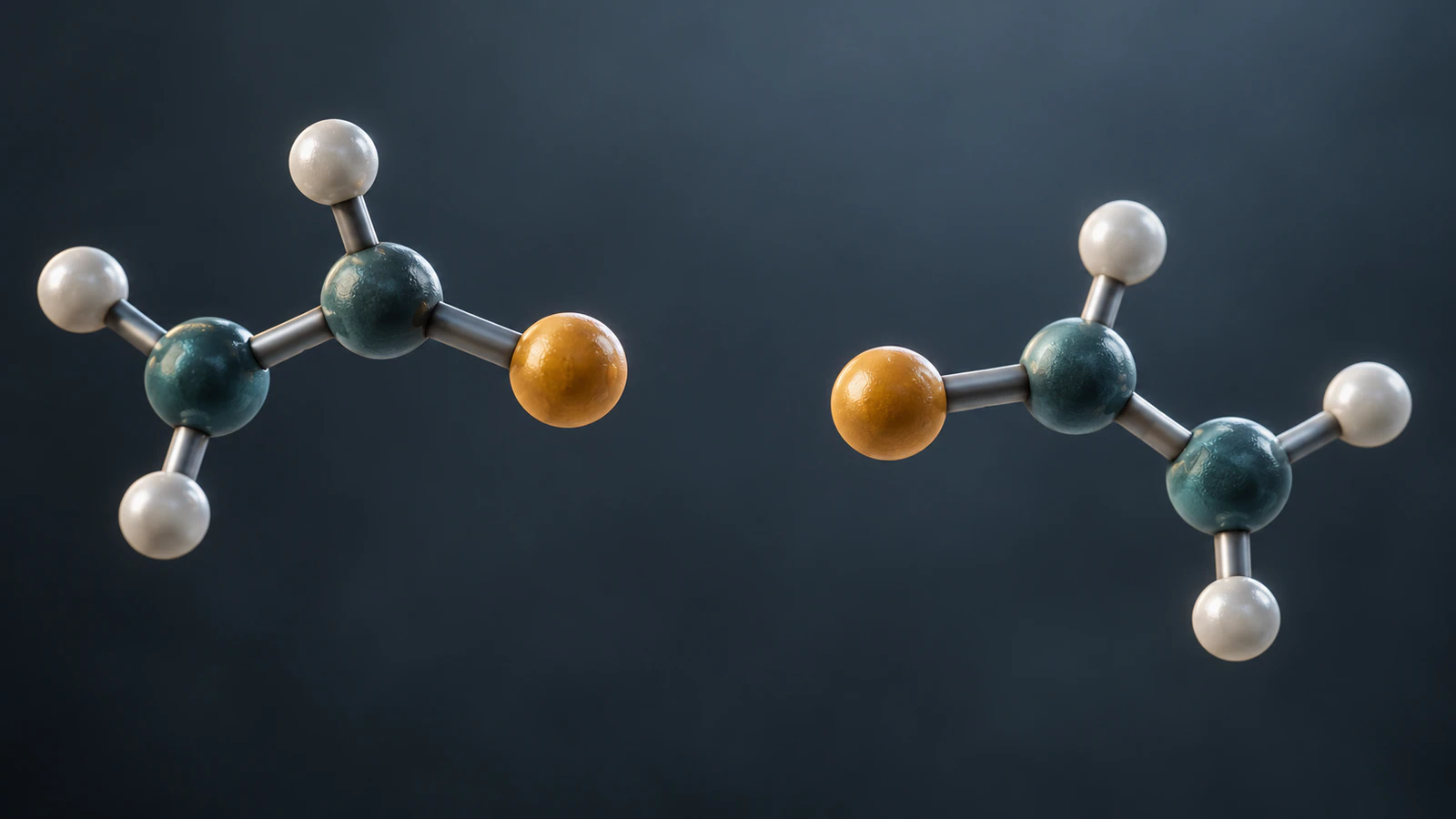
The two measurements disagree because they have different endpoints, not because one command failed. The SG pair describes the separation between two sulfur positions. The CA pair describes the separation between two backbone reference atoms. Neither is the shortest gap between all parts of the two residues.
Define the intended quantity before looking for an attractive number. If you need a nearest-contact search around a ligand, use a method that evaluates that neighborhood rather than picking a convenient atom pair. Our ChimeraX ligand-contact tutorial covers that separate task and its scope.
| Question | Endpoint choice | What to report |
|---|---|---|
| How far apart are these sulfur positions? | Cys3 SG and Cys40 SG | 2.004 Å in the tested 1CRN coordinates |
| How far apart are these backbone reference atoms? | Cys3 CA and Cys40 CA | 5.687 Å in the same coordinate file |
| What is the closest approach of two residues? | A defined set of atom pairs | The search definition and selected pair, not an unspecified residue distance |
Style the monitor without changing its meaning
A distance monitor is a pseudobond: a graphical connection used to show a measurement. Drawing it does not add a chemical bond to the structure. Its radius, color and dash pattern are presentation choices. They should make the line legible without suggesting an interaction that you have not established.
The decimalPlaces option changes the displayed precision for all distance monitors and is saved as a preference. Showing more digits does not make the coordinate model more accurate. We retained three decimal places here to make the software calculation easy to compare; choose the precision for a research claim according to its evidence.
ChimeraX assumes distance coordinates are in angstroms, written Å. A label with that symbol cannot repair a file imported in the wrong units. Also inspect label overlap at the final figure size: a line that crosses another residue may appear to terminate there even when the atom specification is correct.
Save the number with its endpoints
Run distance save "C:/your-folder/distances.txt" using an accessible output path. This writes the current distance information to a text file. Our saved record contains both named atom pairs and their values, ordered from the shorter measurement to the longer one. Keep that file alongside the unchanged coordinate input.
Also save the working session with save "C:/your-folder/distance-session.cxs". We verified that ChimeraX wrote the session file; we did not perform a session-reopen or image-export test. A screenshot alone is a weak handoff because it may hide a chain identifier, selected atom or coordinate-source change.
Use this caption record as a starting point: “PDB 1CRN, chain A; Cys3 SG to Cys40 SG, 2.004 Å; measured from the retained mmCIF coordinates in ChimeraX 1.9. The line is a distance monitor.” Add the actual file version, preparation steps and biological interpretation required by your work.
- Retain the input file and retrieval date.
- Save both complete atom addresses and the software version.
- Record the model or coordinate frame and any transformations.
- Keep the command sequence and distance text with the figure.
Troubleshoot an unexpected selection
We deliberately tried distance #1/A:3 #1/A:40 after the successful measurements. ChimeraX rejected the command because it received 12 atoms rather than a two-atom measurement. The residue selectors were valid; they simply described larger objects than this calculation required.
When an endpoint fails, inspect it with info atoms before changing the scientific question. Do not solve a selection error by deleting atoms until the command happens to run. The info command reference provides ways to inspect the loaded identifiers directly.
| Symptom | Likely cause | Check |
|---|---|---|
| Too many atoms | Whole residues, several chains or several models selected | Include model, chain, residue and atom name for each endpoint |
| No matching atom | Different model ID, numbering or absent coordinate | List the actual atoms; check the input file |
| A different result from this example | Different atoms, structure version or coordinate state | Compare full addresses and retained source coordinates |
| Line visible but endpoint unclear | Atoms hidden or another object overlaps the line | Show the selected residues and inspect a second view |
| Extra numbers appear in the saved file | Other monitors remain in the session | Review all current monitors before exporting the record |
Separate geometry from biological evidence
A short distance alone does not establish a hydrogen bond, binding affinity or a functional interaction. Those conclusions require an appropriate chemical definition and supporting evidence. The command answers a geometric question about chosen coordinates; interpretation remains a separate scientific step.
Changing the viewing angle of one rigid model changes its appearance on the screen while preserving distances within it. Moving one model relative to another can change an intermodel measurement. If you compare structures after alignment, record which atoms were used for that alignment rather than treating an arbitrary placement as a biological observation.
Distance monitors can update when their endpoints move, but the Log does not automatically become a complete time series. A single saved value is not a distribution over a trajectory. If the figure represents several frames, specify the frame or use an analysis designed to collect the intended series.
Likewise, an apparent gap between rendered surfaces depends on representation. It is not the same quantity as the separation of atom centers. Keep that distinction visible in captions, especially when a smooth surface accompanies an atom-level numerical label.
Teach endpoint choice with a short scene
A useful classroom scene asks learners to predict the result before revealing two endpoint choices. Keep one structure fixed, highlight the first pair, then switch the highlights without moving the structure. The lesson is that a measurement needs a definition; it is not evidence that the protein changed shape.
For a separate conceptual animation in Animiotics, use this proposed brief: “Show one fixed protein-like teaching model. Highlight two points, then highlight a different pair on the same unchanged object. Rotate the view slowly so depth becomes clear. Keep the object rigid and the point identities consistent. Do not invent numerical distances or label the model as a specific experimental structure.”
This brief has not been generated or tested here. Review the resulting scene for fixed geometry and stable point identities. If you need to show the actual crambin measurements, use a figure prepared from the verified coordinates and identify it separately from the conceptual scene. A convincing render cannot substitute for that provenance.
FAQ
Can I measure between two residues directly?
A residue contains several atoms, so first define the intended quantity. For the worked two-point example, specify one named atom from each residue. A closest-contact or centroid calculation is a different measurement and needs its own stated definition.
Why do I get 5.687 Å instead of 2.004 Å?
In this 1CRN example, 5.687 Å is the Cys3 CA to Cys40 CA separation. The 2.004 Å result uses SG atoms. Compare the complete endpoint addresses before changing any display settings or coordinate data.
Does a dashed distance line mean a hydrogen bond?
No. A distance monitor is a graphical measurement connection. A hydrogen-bond assignment needs an appropriate chemical and geometric analysis. Do not use the monitor alone as evidence of a particular interaction.
Will rotating the protein change the measured distance?
Rotating a rigid model as a whole preserves its internal distances. Apparent spacing in the two-dimensional view can change. Moving one model relative to another or changing atomic coordinates can change the relevant measurement.
Did this tutorial test figure export and current ChimeraX releases?
It tested the listed commands and text/session saves in ChimeraX 1.9. Current official documentation was checked, but version 1.12, session reopening and publication-image rendering were not executed. The article images are conceptual illustrations.
Try an endpoint-choice animation
Use Animiotics to explain why two measurements of the same object can answer different questions. Start with the fixed-model scene above, then review the point selection, camera movement and scientific interpretation before using it in a lesson.
The current product supports written scene prompts and editing of camera, colors and timing. Sign-up is free; generation and exports require a paid plan. Check the current trial terms on the homepage before starting. Keep the numerical evidence in the verified ChimeraX record.