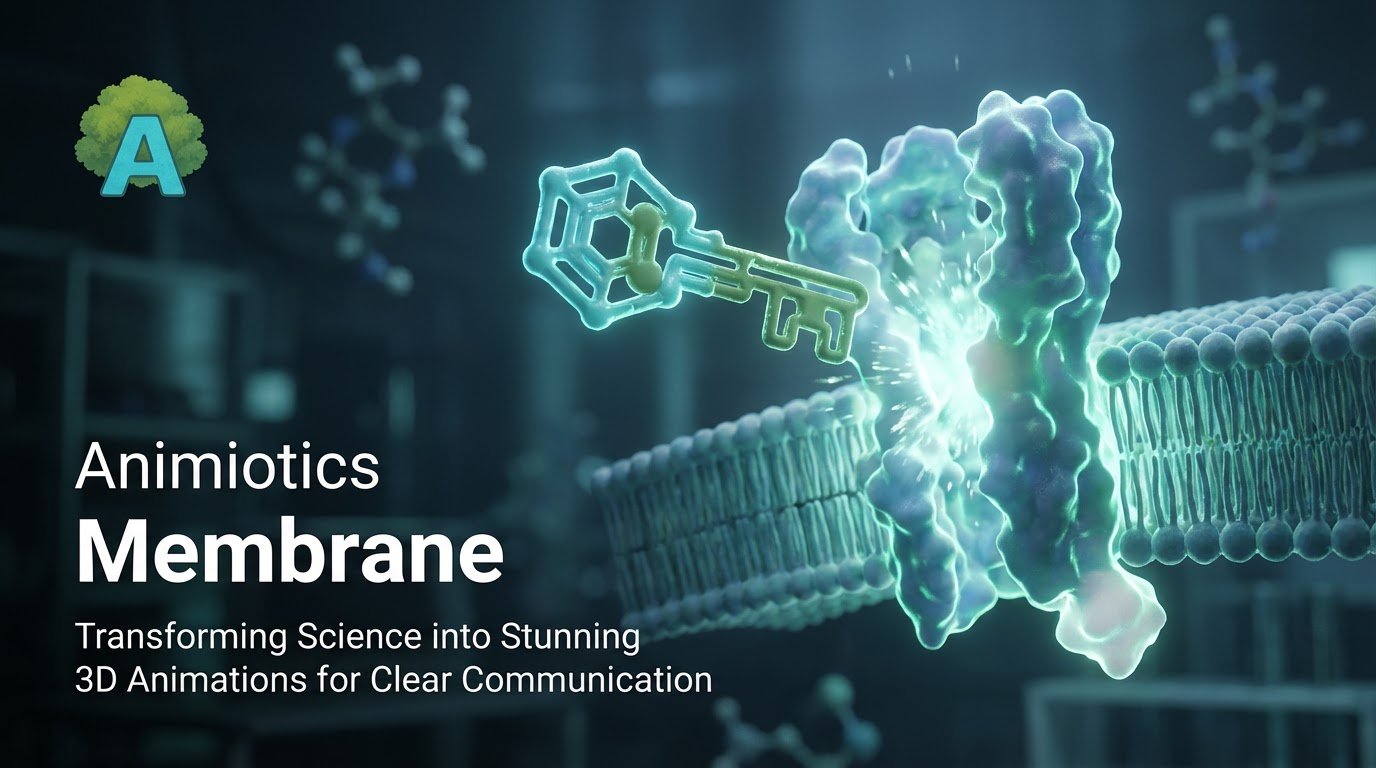
How to Create a Mechanism of Action (MOA) Animation Without a $20,000 Budget (2026 Guide)
If you are a biotech startup or a research lab, a mechanism of action (MOA) animation is often the visual centerpiece for investor, grant, and partner conversations.
Traditionally, teams had two expensive options: outsource to a studio or spend weeks learning a general-purpose 3D toolchain.
In 2026, you can produce a polished MOA video in-house with a browser workflow designed for scientific storytelling.
- The Hollywood route: agencies can deliver strong visuals but often cost $5,000 to $20,000 per minute.
- The DIY route: tools like Blender/Maya are powerful but come with a steep learning curve for most research teams.
What Is an MOA Animation?
A mechanism of action animation shows how a drug, molecule, or platform interacts with biology over time.
Most effective MOA videos follow a simple 3-act arc: disease state, intervention/binding event, and downstream biological result.
The 3-Act Structure of a Strong MOA Video
Before opening software, define the narrative flow. Strong biotech animations are clear stories, not just moving molecules.
Act 1: The Unmet Need (Disease State)
Start with the problem context before showing your candidate therapy. Establishing disease biology improves viewer comprehension.
Use composition and color to make the baseline state feel biologically crowded and unstable.
- Visual goal: darker, desaturated palette for the disease state.
- Animiotics tip: build biological context quickly with membrane and background protein assets.
Act 2: The Hero Enters (Drug Binding)
This is the focal moment: your therapeutic enters frame and binds the intended target.
Contrast and visual hierarchy matter. The therapeutic should be immediately distinguishable from background context.
- Visual goal: strong color contrast and selective glow/emissive treatment.
- Key action: show a specific docking/binding event using real structure data when possible.
Act 3: The Result (Conformational Change)
After binding, show the biological consequence clearly: receptor transition, pathway activation/inhibition, or restored function.
Small changes in camera, timing, and lighting help communicate that the mechanism has completed successfully.
- Visual goal: progression toward a clearer, healthier-looking scene state.
Step-by-Step: Building Your MOA in Animiotics
Use this practical workflow to move from blank canvas to pitch-ready video with minimal setup overhead.
Step 1: Set the Stage
Add a curved membrane or cellular context object from the library instead of manually modeling base biology.
Step 2: Import Your Science
Import target structures via PDB ID or structure file and style them for clarity.
This avoids low-value cleanup work and keeps focus on scientific communication.
Step 3: Animate Without Complex Keyframes
Use state-based transitions to move from pre-binding to bound-state motion with minimal manual curve editing.
- State A: therapeutic positioned before interaction.
- State B: therapeutic docked in the binding pocket.
- Optional: add subtle motion noise for a more organic result.
Cost Comparison: Agency vs In-House
For most startups and labs, cost and iteration speed are the deciding factors.
| Factor | Medical Animation Agency | Animiotics (DIY) |
|---|---|---|
| Cost per minute | $5,000-$20,000+ | <$50 / month |
| Turnaround time | 6-12 weeks | 1-2 days |
| Scientific control | Low (slow feedback loops) | High (instant edits) |
| Revisions | Often expensive | Unlimited within your workflow |
Frequently Asked Questions (FAQ)
Can I use these videos for investor pitches?
AAbsolutely. High-fidelity mechanism visuals usually communicate readiness better than static slides.
Do I need a powerful computer?
ANo. The workflow is browser-first, so you can build from a standard laptop.
What file formats can I export?
AMP4 for presentations, WebM for web loops, and PNG stills for print/deck use.
Ready to Visualize Your Mechanism?
Stop waiting on agency timelines and start producing mechanism visuals in-house.
(No credit card required.)