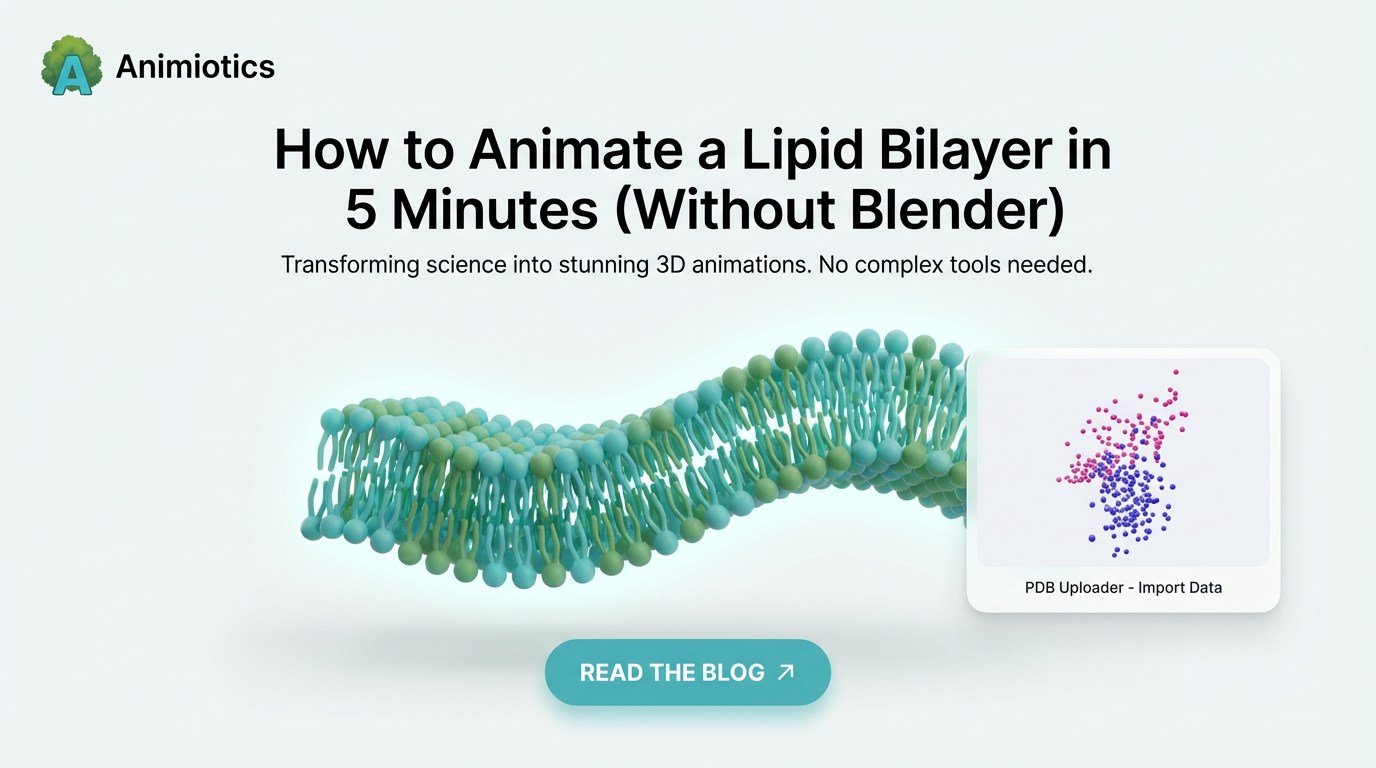
How to Animate a Lipid Bilayer in 5 Minutes (Without Blender)
Every cell biologist knows the struggle. You need a simple animation of a lipid bilayer to show protein binding, membrane curvature, or receptor interaction in the fluid mosaic model.
So you open Blender and see the default gray cube. Hours later, you are deep in tutorials about Geometry Nodes, particle systems, and procedural textures instead of doing science.
There is a better way.
In this guide, we show how to create publication-ready membrane animations in minutes using Animiotics, the browser-based tool built specifically for researchers.
The Problem with Generalist Tools (Blender/Maya)
Blender is powerful, but it is not designed for biology-first communication. Building a realistic membrane usually requires a full technical setup before you can explain a mechanism.
For a professional medical animator, that overhead is acceptable. For a researcher with a grant deadline, it is a bottleneck.
- 1. Model a single phospholipid head-tail unit manually.
- 2. Build a particle or Geometry Nodes system to distribute lipids.
- 3. Randomize transforms to avoid repetitive tiling artifacts.
- 4. Simulate collisions to prevent interpenetration and clipping.
The 5-Minute Workflow: From Blank Screen to Video
Animiotics removes the technical overhead so you can focus on mechanism communication. This is the exact workflow to build a membrane scene quickly.
Step 1: The One-Click Membrane
In the asset library, search for Cell Membrane and drag it into the scene.
- Drag and drop: insert a membrane base instantly.
- Auto-tiling: resize the surface and lipid packing updates automatically with correct orientation.
- Curvature: use bend controls for vesicles and invaginations, useful for endocytosis storytelling.
Step 2: Insert Your Target Protein
You do not need to model proteins manually.
- PDB import: type a Protein Data Bank identifier, such as 1CRN, or upload your structure.
- Snap to surface: proteins auto-align to membrane context so you avoid manual 3D positioning.
Step 3: Style for Clarity (Visual Hierarchy)
Real cells are crowded. Communicative scenes should direct attention to the mechanism.
- Focus mode: desaturate and soften membrane background while keeping target molecules clear.
- Cutaway views: section the membrane to show intracellular and extracellular context in one frame.
Step 4: Animate the Mechanism
Forget complex graph editors. Use state-based keyframing to show mechanism sequence clearly.
- State A: place ligand outside the cell.
- State B: place ligand bound to the receptor.
- Result: Animiotics interpolates smooth binding motion automatically.
Step 5: Export for Your Audience
Use the same scene for both static and animated deliverables.
- For grants: export high-resolution stills for specific aims and proposal decks.
- For talks: export looped MP4 for PowerPoint and conference presentations.
Comparison: Creating a Membrane Scene
This is the practical difference between general-purpose 3D production and biology-focused communication tooling.
| Feature | Blender (Manual) | Animiotics (Automated) |
|---|---|---|
| Setup Time | 2-4 Hours | 30 Seconds |
| Membrane Generation | Requires Geometry Nodes | Drag and Drop |
| PDB Integration | Requires Plugins (e.g., MolNodes) | Native / Instant |
| Physics/Collisions | Manual Simulation | Auto-Calculated |
| Learning Curve | High (Steep) | Low (Intuitive) |
Frequently Asked Questions (FAQ)
Can I customize lipid types?
AYes. You can adjust spacing, color, and visual composition to represent different membrane states and domains.
Can I show membrane curvature like vesicles?
AYes. Bend and spherical controls let you turn flat membranes into curved structures quickly.
Is this suitable for fluid mosaic demonstrations?
AYes. Ambient membrane motion can illustrate lateral diffusion for teaching and outreach.
Stop Modeling, Start Communicating
Your job is to discover mechanisms, not debug 3D meshes.
If you need to show lipid bilayer behavior, receptor binding, or cellular transport, use the workflow that respects your time.
(No download required. Runs in Chrome/Edge.)