
Why a Graphical Abstract Maker Matters
A strong graphical abstract maker helps researchers compress a complex paper into one fast visual explanation. That matters because editors, reviewers and readers often decide how much attention to give a study within seconds. If the visual summary is cluttered, vague or visually inconsistent the science may be overlooked even when the work itself is strong.
The best tools do more than place icons on a canvas. They help you structure a story, show causality, control hierarchy and export clean files for journals, slides and social media. A good graphical abstract creator should make the science easier to understand without oversimplifying the mechanism, data flow or clinical relevance.
This is especially important in fields like structural biology, drug discovery and molecular medicine where the audience may need to connect targets, pathways, ligands, phenotypes and outcomes at a glance. If your work also benefits from richer visual storytelling, Animiotics has already covered adjacent workflows in How to Create a 3D Graphical Abstract for Nature and Cell and AI Scientific Figure Generator: How to Create Publication-Ready Figures Faster.
What Makes the Best Graphical Abstract Software
Choosing the best graphical abstract software starts with the real job the figure must do. Some abstracts need a simple process flow. Others need publication-grade molecular scenes, assay context or branded visual polish for a high-impact journal submission. The wrong tool usually fails in one of three ways: weak scientific accuracy, weak layout control or weak export quality.
A useful graphical abstract tool should support layered composition, editable text, vector export, transparent backgrounds and a library of scientific assets. It should also let you align elements precisely, maintain consistent typography and produce versions for journals, posters and LinkedIn without rebuilding the figure from scratch.
For advanced use cases the tool should handle 3D imagery, custom illustrations and integration with figure workflows. Researchers working on structures and interactions often need the abstract to feel visually aligned with the rest of the manuscript. That is why related figure-building skills from posts like Protein-Ligand Interaction Visualization and PDB to Animation can directly improve your abstract quality.
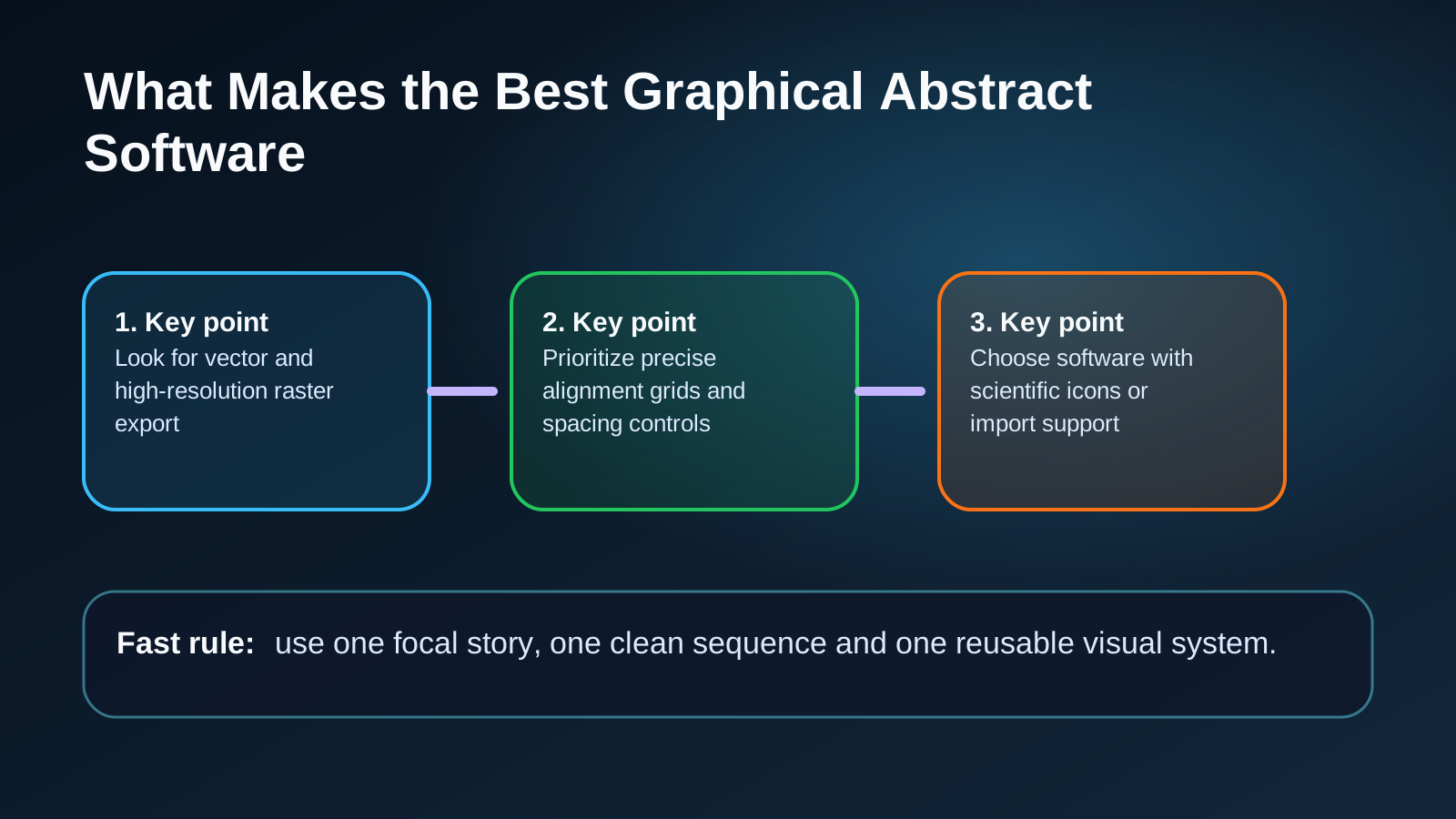
- Look for vector and high-resolution raster export
- Prioritize precise alignment grids and spacing controls
- Choose software with scientific icons or import support
- Make sure text remains editable until final export
- Check whether templates can be customized rather than locked
| Feature | Why It Matters | What Good Looks Like |
|---|---|---|
| Layout control | Prevents clutter and confusion | Grids guides grouping and easy alignment |
| Scientific asset support | Improves speed and accuracy | Icons molecule views pathway shapes and import options |
| Export quality | Avoids blurry journal figures | SVG PDF PNG TIFF with transparent background |
| Template flexibility | Speeds up production | Templates that can be deeply edited |
| AI assistance | Helps with early drafts | Draft generation with manual refinement tools |
When an AI Graphical Abstract Maker Helps Most
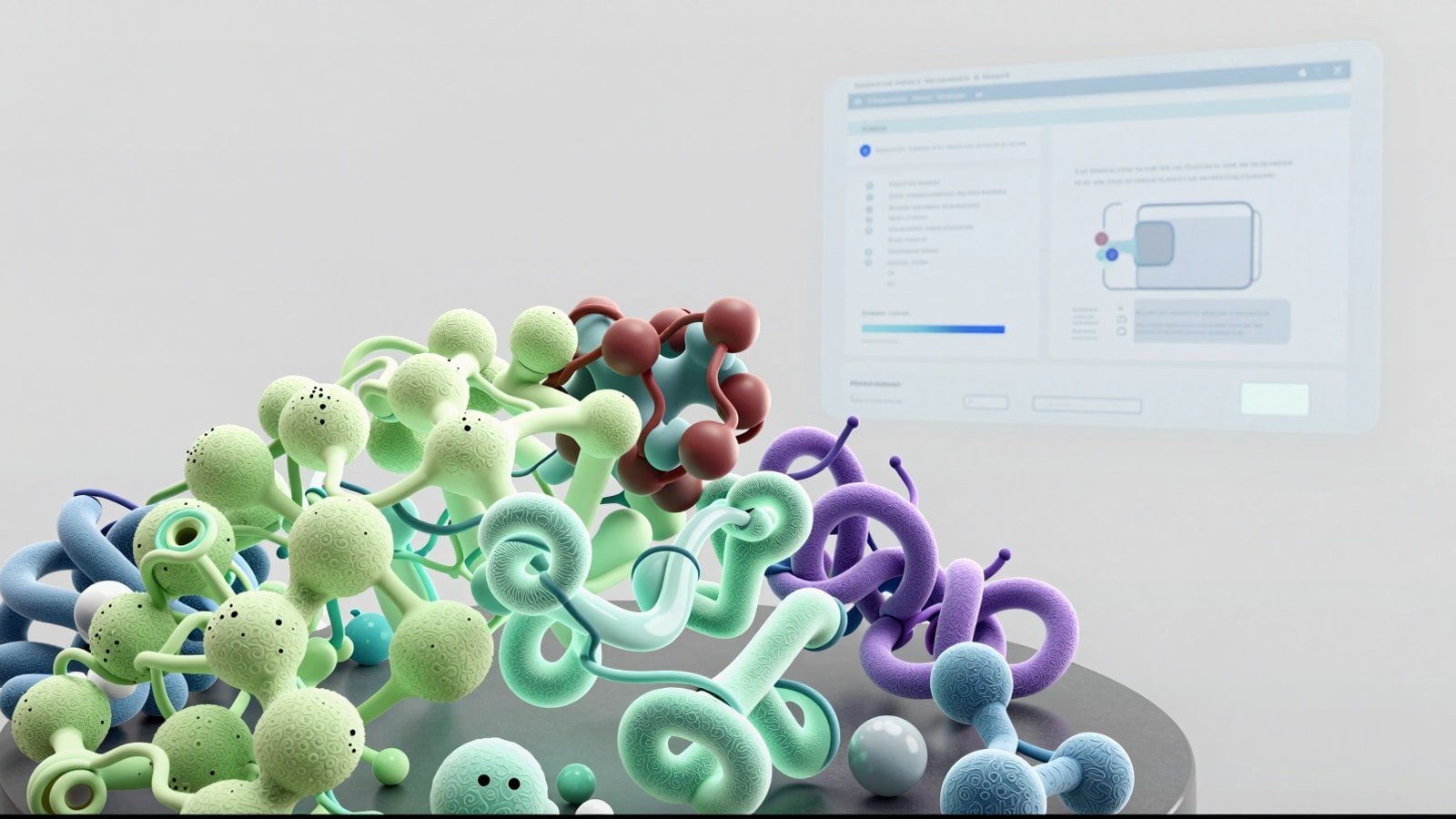
An AI graphical abstract maker is most useful at the beginning of the process. It can transform a rough concept into a draft layout, propose a sequence of panels and suggest visual metaphors for mechanisms or workflows. That speed is valuable when a team needs options quickly or when a researcher struggles to move from raw notes to an actual design.
AI is less reliable when precision matters at the final stage. It may confuse biological entities, overdecorate the scene or introduce visual claims that are not fully supported by the paper. In practice the strongest workflow is hybrid. Use AI for ideation, composition options and content scaffolding. Then refine manually so every arrow, label and emphasis choice reflects the science.
This is the same pattern seen across other scientific communication formats. AI can accelerate the first pass but expert review is what makes the output publication-ready. If your project extends beyond a static figure, the same handoff from fast draft to polished story also applies to The Rise of the Video Abstract where motion adds context but accuracy still leads.
- Use AI to generate first-draft layouts
- Keep humans responsible for scientific validation
- Treat AI outputs as editable starting points not final deliverables
- Remove decorative elements that do not carry meaning
A Practical Workflow for Building a Better Graphical Abstract
Start with a single sentence that captures the paper’s main claim. If you cannot express the contribution in one sentence your abstract will probably become too crowded. Next identify three to five visual units that must appear. These might be the biological system, intervention, mechanism, measurement and outcome. Everything else is supporting detail that can move into the caption or manuscript.
Once the story units are defined, sketch the reading path. Most graphical abstracts work best with a left-to-right or top-to-bottom flow. Use size, contrast and spacing to show priority. A common mistake is treating every element as equally important. That produces a poster instead of a summary.
Then choose the right visual level for each component. Not every panel needs 3D realism. A receptor may need a structural view while the downstream pathway may work better as a clean schematic. If the paper involves complex therapeutic biology, the visual storytelling logic from Antibody-Drug Conjugate Mechanism of Action Animation can help you simplify without flattening meaning.
Finally polish the figure for submission. Standardize fonts, color semantics and arrow styles. Check that labels are legible at journal preview size. Export multiple versions and ask a colleague outside your narrow specialty to explain the figure back to you. If they miss the point the issue is usually hierarchy rather than content.
- Define one central message before opening the software
- Limit the abstract to essential story units
- Choose one reading direction and keep it consistent
- Mix realism and simplification intentionally
- Review the figure at thumbnail size before submission
How to Use a Graphical Abstract Template Without Looking Generic
A graphical abstract template can save time but only if it gives you structure rather than style lock-in. Good templates provide spacing systems, panel logic and annotation patterns. Weak templates force your science into a generic infographic format that may not fit the study design or visual language of the journal.
The best approach is to use a template as a skeletal framework. Keep the grid, section spacing and caption zones. Replace stock art with science-specific visuals. Adjust the color system to match the subject matter. For example immunology, oncology and structural biology often benefit from different contrast and density choices.
Templates also help teams maintain consistency across a lab, company or publication series. If several authors are preparing abstracts from related studies a shared template can reduce review time and give the work a more professional identity. Still every figure should be judged on clarity first. Consistency is useful only when it supports comprehension.
- Use templates for structure not decoration
- Swap generic icons for domain-specific visuals
- Customize colors around function and contrast
- Remove template elements that do not serve the story
Common Mistakes That Weaken a Graphical Abstract
The most common failure is overloading the canvas. Researchers often try to include every assay, every control and every secondary observation. The result is visually dense but strategically weak. A graphical abstract exists to attract understanding and interest. It is not supposed to replace the Results section.
Another mistake is mixing visual styles without control. Flat icons, photorealistic molecules, inconsistent arrow shapes and five font sizes create friction. Readers may not be able to say why the figure feels hard to parse but they will feel that friction immediately. A strong graphical abstract creator should help you standardize those choices across the whole layout.
A third problem is vague cause-and-effect logic. If the intervention, mechanism and outcome are not visually linked the figure becomes a collage. Use directional flow, grouping and labels that make relationships explicit. Researchers preparing grant-facing figures may find similar clarity principles in 5 Tips for Designing Grant-Winning Figures for NIH and NSF.
- Too much text inside the figure
- Weak contrast between primary and secondary information
- Unclear reading order
- Inconsistent iconography or rendering style
- Exporting low-resolution files for submission
How Animiotics Approaches Graphical Abstract Creation
At Animiotics the goal is not just to produce an attractive image. The goal is to build a visual summary that supports scientific understanding, manuscript positioning and downstream reuse across talks, social posts and funding materials. That means choosing the right level of visual realism, simplifying mechanisms carefully and designing for both expert and non-expert scanning behavior.
This matters most when the abstract sits inside a broader communication system. A paper may also need figures, a cover image, a video abstract or a mechanism animation. When those assets share a coherent visual logic the research feels more credible and easier to remember. The abstract becomes the anchor rather than an isolated asset.
For teams comparing a generic graphical abstract tool with a more specialized scientific workflow, the difference is usually in interpretation. Scientific visuals need domain-aware decisions about scale, causality, labeling and what to omit. Software can help you place elements. Expert direction helps you tell the truth clearly.
FAQ
What is the difference between a graphical abstract maker and standard design software?
AA graphical abstract maker is optimized for summarizing scientific findings with structured layouts, scientific assets and export formats that support publication workflows. Standard design software can still work but usually requires more setup and more manual discipline.
What is the best graphical abstract software for most researchers?
AThe best option depends on whether you need fast templates, publication polish, 3D scientific visuals or AI-assisted drafting. For many teams the winning stack combines an editable design environment with domain-specific assets and expert review.
Can an AI graphical abstract maker create a journal-ready figure by itself?
AUsually not. AI is useful for concept generation and layout drafts. Final figures still need human correction for scientific accuracy, visual hierarchy and journal compliance.
Should I use a graphical abstract template?
AYes if the template gives you structure and speed without forcing generic visuals. Templates are most helpful when they are heavily customizable and paired with a clear story outline.
How many elements should a good graphical abstract include?
AIn most cases three to five core visual units are enough. If the figure needs more than that to make sense the story probably needs tighter prioritization before design begins.
CTA
If you need a graphical abstract maker workflow that goes beyond generic templates, Animiotics can help you turn dense science into a clear visual story built for publication, presentation and reuse. Whether you need a fast concept draft, a polished figure system or a full visual package around your paper the focus stays the same: clarity first and scientific credibility throughout.
Explore how we help research teams build better scientific visuals at Animiotics.