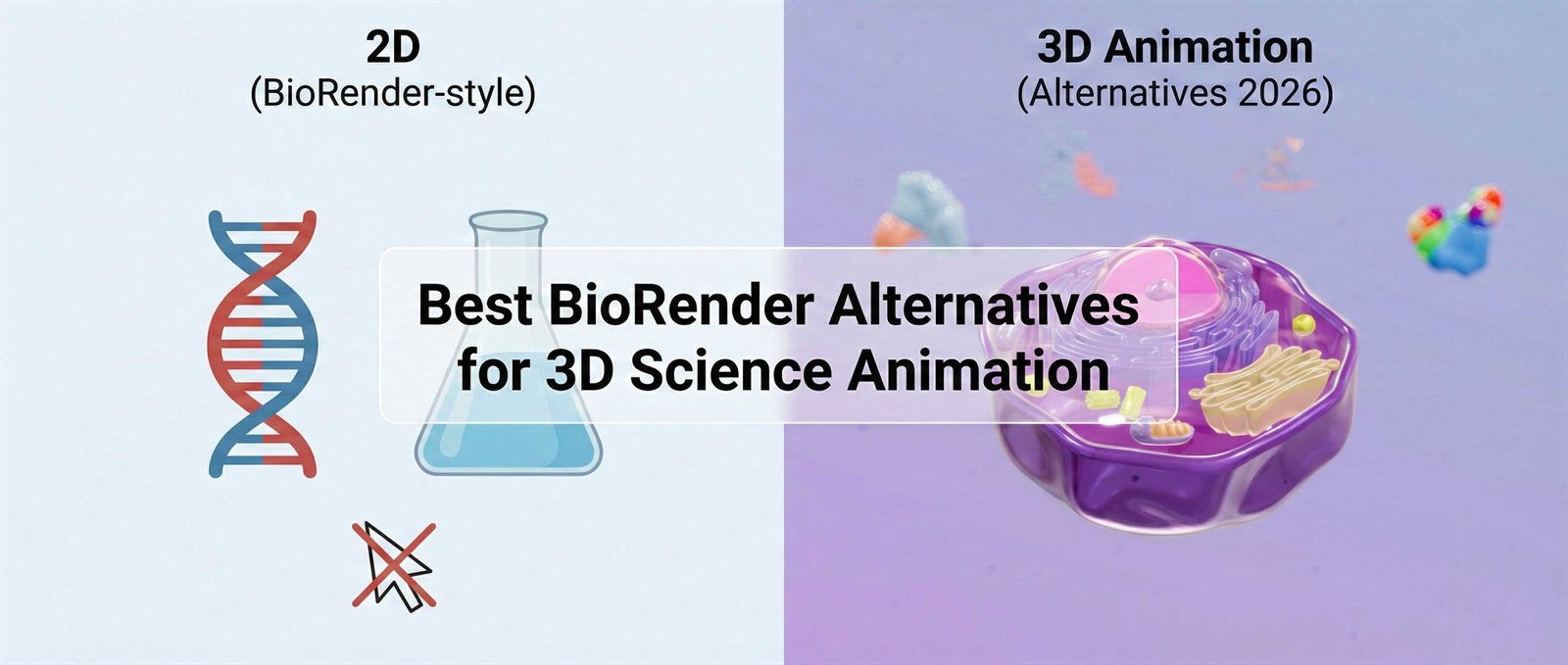
Best BioRender Alternatives for 3D Science Animation (2026 Review)
For years, BioRender has been the default choice for creating scientific figures. It revolutionized the field by giving researchers a drag-and-drop way to make 2D diagrams.
In 2026, the standard for scientific communication has shifted. Journals, grant committees, and investors increasingly expect cinematic 3D animation that shows mechanisms in motion.
That leaves many researchers asking: I know how to use BioRender, but it cannot do true 3D animation. What should I use instead?
In this guide, we compare the top five options using three practical criteria: learning curve, scientific accuracy, and cost.
The Comparison at a Glance
If you are in a rush, here is the quick breakdown of the landscape.
| Tool | Best For | Dimension | Learning Curve |
|---|---|---|---|
| BioRender | Static diagrams and print | 2D | Low |
| Blender | Pro modelers and artists | 3D | Very High |
| Maya | Hollywood VFX studios | 3D | Extreme |
| PowerPoint | Basic lectures | 2.5D / Basic 3D model motion | Low |
| Animiotics | Researchers needing speed | True 3D | Low |
1. BioRender
The standard for 2D and best for print.
BioRender is an excellent tool for what it is designed to do: creating flat 2D icons for papers, posters, and static figure workflows.
- Pros: massive library of 2D scientific icons, industry-standard static workflow, and easy team collaboration.
- Cons: no animation timeline, no true 3D rotation/camera workflow, and a common cookie-cutter look across outputs.
2. Blender
The heavyweight champion and best for professional modelers.
Blender is a free, open-source 3D creation suite capable of very high-end output, but it has a steep learning cliff for most researchers.
- Pros: free and open source, can simulate physics and particles, and has a rich plugin ecosystem.
- Cons: time investment is high, usually 3-6 months to become proficient, and hardware demands can be significant.
3. Autodesk Maya
The Hollywood standard and best for studio pipelines.
Maya is what major VFX studios use. It is incredibly powerful but usually even more complex than Blender for scientific teams.
Verdict: avoid unless you have a dedicated medical animator on your payroll.
4. PowerPoint (with 3D Models)
The already-installed option and best for lecture support.
PowerPoint can import .glb models and use Morph transitions for simple rotation motion.
It is convenient but limited: rendering quality, shadows, and cinematic camera behavior are not enough for high-stakes investor pitches or web hero videos.
5. Animiotics
The Goldilocks solution and best for researchers.
Animiotics was built to fill the gap between BioRender simplicity and Blender complexity. It is a browser-based middle ground that produces true 3D outputs quickly.
- Why it wins for scientists: native science assets, instant PDB import, and smart keyframes for non-animators.
- Pros: low learning curve, browser-based workflow, and fast time-to-video for real deadlines.
- Cons: less low-level geometric control than Blender, by design.
Conclusion: Which Tool Should You Choose?
The best tool depends entirely on your deadline and deliverable.
- Choose BioRender if you need a static figure for print.
- Choose Blender if you have time to train deeply in 3D production.
- Choose Animiotics if you need a professional 3D mechanism video this week.
Stop Fighting with Complex Software
Try the tool built specifically for scientific communication workflows.
No credit card required. Runs in browser.